

If you’re looking to grow on YouTube without ever pointing a camera at your face, there’s never been a better time. With the rise of YouTube Shorts automation, you can create, publish, and optimize faceless videos at scale—saving hours and breaking through creative roadblocks. Here’s how to do it, which tools are leading the charge, and the proven tactics real channels use to rack up views (no on-camera presence required).
Why Automate Faceless YouTube Shorts?
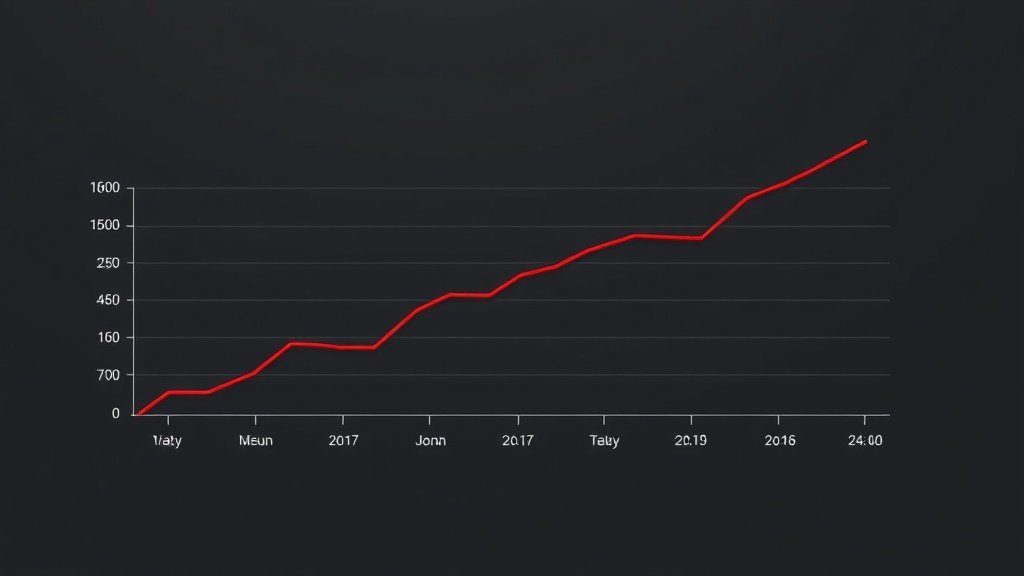
The stats back up what many creators now realize: consistency and speed matter more than face time on camera. According to research tracking activity from January 2021 through December 2022, new YouTube channels increasingly upload Shorts—and do so much more often than regular, longer videos. These aren’t just quick throwaways: thanks to YouTube’s TikTok-style Shorts feed, a single faceless Short can land on millions of screens overnight if the algorithm clicks.
Faceless, automated Shorts appeal for several reasons:
- Zero on-camera anxiety or privacy stress.
- Rapid content scaling—AI can brainstorm, script, and even voice multiple videos a day.
- Production speed: Some platforms promise ready-to-publish Shorts in under five minutes.
- Algorithm-friendly topics: Research shows Shorts recommendations favor entertainment, facts, and joyful or neutral tones—formats ideal for automation.
What Makes a Faceless Short Successful?
You don’t need a winning smile to hook viewers, but you do need to understand what the Shorts audience (and YouTube’s algorithm) is looking for. A 2023 study on Shorts recommendations found clear patterns: avoid heavy or politically sensitive topics, and focus on content that’s light, upbeat, or informative.
Proven faceless formats include:
- Fact videos: Quick stats, astonishing facts, or trivia—delivered with text overlays and voiceover.
- Listicles: “Top 5 ways to…”, “3 mistakes to avoid…” with engaging visuals and brisk narration.
- Affiliate product highlights: Clips showing product imagery and value props, paired with a clear call to action.
- Motivational quotes/edits: Inspirational lines over moving backgrounds, music, and subtitled narration.
- Motion-graphics explainers: Animated visuals with AI voice, breaking down a process or idea.

Step-By-Step: Automating Your Shorts Workflow
Here’s how to build a fully automated (and faceless) YouTube Shorts pipeline—with the real AI tools creators are using now:
1. Brainstorming: Feed the Machine
Start your workflow with quick ideation. Leading platforms let you input a broad topic (“Marvel superheroes trivia” or “Productivity hacks”). Some, like Trafficator and GitClips, use GPT-4o under the hood to instantly generate fresh, relevant ideas and scripts for faceless formats.
2. Script Writing: AI-Ready Narration
Use AI (GPT-4o, Gemini, or the built-in tools in Trafficator or GitClips) to create tight, engaging scripts—aim for brevity, punch, and clarity. The goal: catch eyes in the first three seconds, make every word count, and drive engagement (comments, likes, shares).
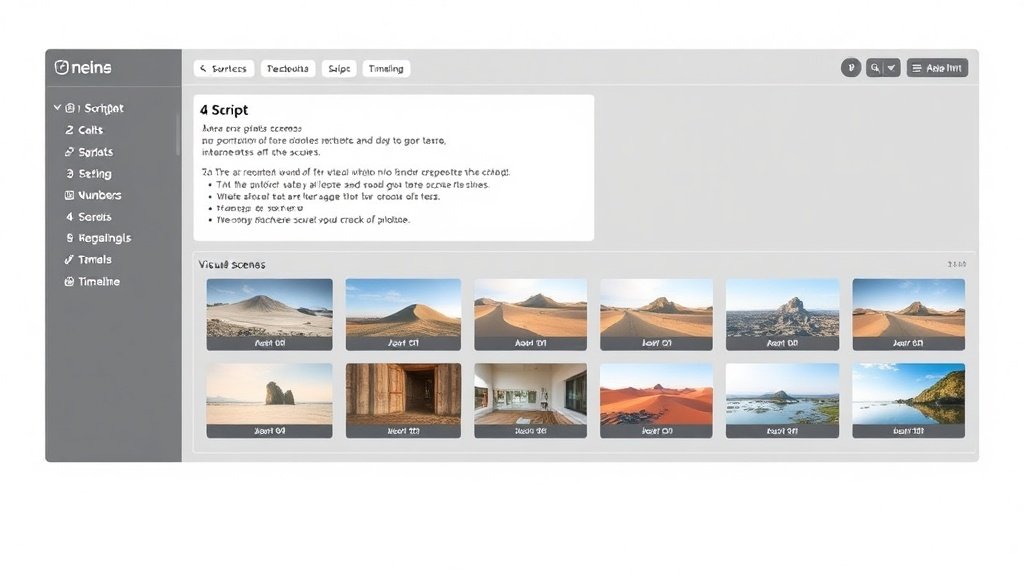
3. Visuals: Scene Creation Without a Camera
Instead of filming, tap into AI image and video generation. GitClips, for example, integrates DALL-E 3 to assemble relevant, copyright-safe scenes from prompts (“futuristic city at dusk,” “closeup of smartwatch on a desk”). For even faster workflows, Faceless Video App offers simple templates requiring zero editing skills—drop in your script, and it builds scenes automatically.
Popular visual styles:
- Animated backgrounds or transitions
- Stock video montages
- AI-generated images set in motion (zoom, pan, dynamic text overlays)
4. Voiceover and Captions: Humanize, Don’t Vocalize
Voiceover makes “faceless” Shorts feel personal without showing a face. Platforms like Trafficator or GitClips embed AI voice tech (often powered by ElevenLabs) to produce natural, diverse narrations from your script. You choose the accent, style, and tone—no need for your own microphone.
Auto-captioning is equally crucial: not only is it accessibility-friendly, but Shorts research shows it boosts watch-time and retention. The Faceless Video App, GitClips, and Vidquence all offer built-in captioning as part of their video export.
5. Publishing: Set and Forget
Once an AI tool has built your Short, streamline uploads by connecting your YouTube channel. Trafficator, for example, lets you queue or auto-publish content directly from your workflow dashboard—so you can batch a week’s Shorts in an hour or two.
Vidquence offers a particularly smooth setup: paste your script, generate a faceless Short with voiceover/captions, and auto-publish to YouTube, TikTok, and other channels—no manual steps required.
Case Studies: Real Creators Using YouTube Shorts Automation
Automation isn’t theory—it’s now the backbone for thousands of faceless Shorts channels:
- GitClips powers over 3,800 active creators publishing daily to YouTube Shorts (and Instagram, TikTok).
- Trafficator’s dashboard streamlines the entire process: a creator inputs a topic, reviews the auto-drafted video, and schedules publishing (all web-based, no editing suite needed).
- Faceless Video App targets affiliate marketers and facts-based channels; typical workflow is inputting a text prompt and letting the tool build every scene.
Create once, distribute everywhere—these automations are designed for high-volume, low-friction content at scale.
Tips for Standing Out With Automated Faceless Shorts
With automation, it’s easier than ever to launch—but how do you outperform the competition?
- Invest in hooks: Start every video with a question or “You won’t believe…” style statement.
- Lean into joyful/exciting topics: Data shows Shorts rewards positive, entertaining, or practical content—avoid controversy.
- Test different formats: Alternate between listicles, facts, reviews, and motivational edits to learn what resonates.
- Batch record and publish: Use your tool’s automation features to schedule at least 5–10 Shorts a week for visibility.
- Monitor retention stats: In YouTube Analytics, double down on videos with best 30-second retention.
FAQ: YouTube Shorts Automation for Faceless Creators
- Can automated faceless Shorts really get views?
Yes! Research and real channel growth show Shorts recommendations focus more on your topic and pacing—not on whether you’re on camera. Some automated, faceless Shorts channels hit 100,000+ views per clip. - Is there a risk of copyright with AI visuals and audio?
Major automation tools (like GitClips or Trafficator) use AI to generate scenes, music, and voice in ways that avoid copyright issues. That said, always check the platform’s usage rights and avoid uploading copyrighted material you don’t own. - How “hands-off” can this process really be?
With top-end tools, you can automate everything from ideation to upload, needing only to approve or tweak scripts and review videos before publishing. Many creators batch an entire week’s output in one sitting. - Does Vidquence work for faceless YouTube Shorts?
Absolutely. Vidquence enables slick faceless Shorts production—just paste a script, prompt, or URL and generate finished, voiceover-captured videos that auto-publish to Shorts and more.
The Bottom Line: Automate, Scale, and Stay Anonymous
YouTube Shorts automation unlocks channel growth for creators who’d rather stay behind the scenes. With streamlined AI tools handling everything from scripts to publishing, you can focus on finding winning topics—and keep your face (and privacy) out of the spotlight.
Whether you use Trafficator, GitClips, Faceless Video App, or all-in-one video automation platforms like Vidquence, the next viral faceless Short can be just a prompt away.