

If you’re like most YouTube creators, you spend hours every week on repetitive channel chores: uploading, editing metadata, tracking analytics, and managing schedules. Channel automation promises to lighten that load. But what exactly is channel automation for YouTube, what tasks should you automate, and where does YouTube draw the line on artificial vs. authentic content? Here’s your practical guide to making automation work—without risking your channel’s credibility or monetization.
What Is Channel Automation?
Channel automation means using software and tools to streamline recurring YouTube channel management tasks. Instead of manually repeating every step—like uploading videos, updating dozens of descriptions, or copying content across platforms—you set up systems to handle routine backend work.
The goal? Cut time spent on chores so you can focus on creative and strategic decisions. Think of it as hiring an ultra-efficient assistant for everything from bulk metadata edits to smart upload scheduling, but keeping full control over your channel’s voice and quality.
Which YouTube Tasks Can Be Automated?
Not every channel action is an automation candidate. The most effective systems handle repeatable, rule-based tasks, while creators remain hands-on for content direction and quality control.
- Bulk editing and updating video titles, tags, and descriptions
- Scheduling uploads and managing a content calendar
- Automated analytics collection to spot what’s working
- Generating keyword ideas and performing metadata optimization
- Repurposing and reposting videos across platforms
- Automating translations for multi-language channels
Here’s how this might look in practice:
- Tubebuddy: Automate bulk metadata changes, A/B test thumbnails, and set templates for faster uploads.
- vidIQ: Use AI insights and analytics to refine video topics and optimize performance without endless manual digging.
- ViralFlows: Cross-post Instagram or TikTok videos to YouTube Shorts automatically, maximizing your reach.
- MultiTube: Seamlessly publish in multiple languages and add translated metadata in one workflow.
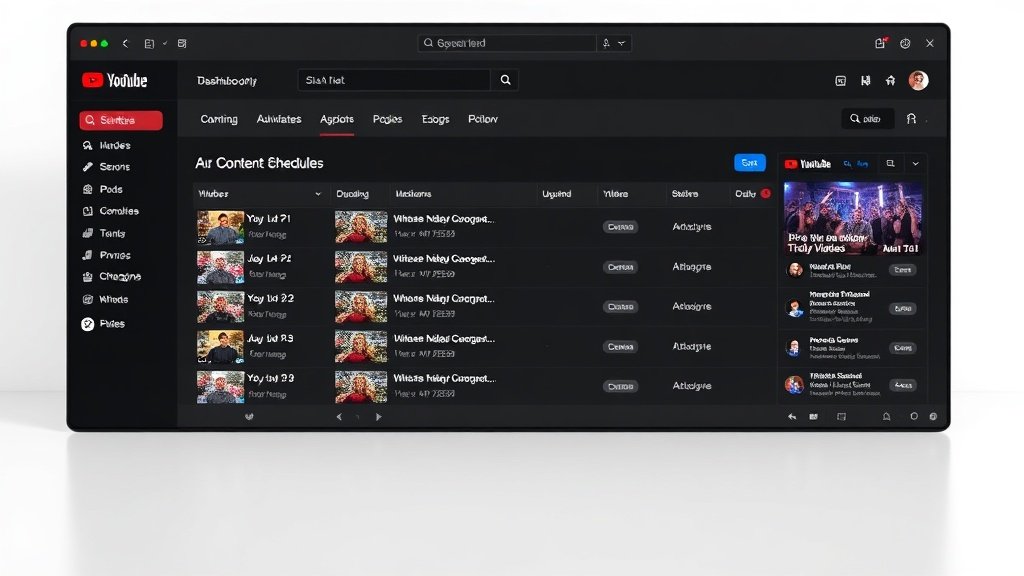
The Difference: Workflow Support vs. Full Automation
It’s tempting to dream of a YouTube channel that runs on autopilot, but in reality, automation is best used as a workflow assistant. Platforms like TubeBuddy and vidIQ give you tools to execute channel decisions more efficiently—they don’t pick your next video’s topic or ensure your content matches your standards.
The best creators automate repeatable backend work. But the heart of your channel—idea selection, editorial judgment, and final editing—remains a human domain.
Smart vs. Spammy Automation: What YouTube’s Rules Say
Starting July 2026, YouTube updated its monetization rules to target “inauthentic” mass-produced content. The crackdown affects channels that rely on AI-driven uploads with little or no original editorial input. Here’s the key:
- Channels that mass-upload templated AI videos without human judgment risk demonetization or being hidden in recommendations.
- Legitimate workflow automation isn’t banned. Scheduling, analytics tools, and bulk metadata editors are fine if creative control and quality checks remain human-led.
Bottom line: Use automation to support, not replace, real content decisions.
How Top Creators Automate (Without Losing Authenticity)
Let’s break down how you can embrace channel automation—without falling foul of YouTube’s authenticity rules.
1. Start by Mapping Your Manual Workflows
List every step you repeat each week—uploading, titling, writing descriptions, scheduling, checking analytics. This exposes the real time-wasters ripe for automation.
2. Pick the Right Automation Tools
- Tubebuddy: Bulk editing for metadata, templates for descriptions, and thumbnail testing. Example: Update titles on 50 old videos with a trending keyword in one go.
- vidIQ: AI-powered keyword research, trend monitoring, and performance tracking—great for data-driven creators looking to optimize, not guess.
- ViralFlows: Auto-repost viral clips from TikTok or Instagram to YouTube Shorts, saving you hours in manual uploads.
- MultiTube: Automatically translate and publish content for global audiences, with support for subtitles, tags, and multilingual metadata.

3. Give Automation Guardrails
Set limits to ensure everything published reflects your standards:
- Use batch scheduling and metadata rules—but review all content before final publish.
- Let automation propose keyword suggestions, but tweak titles/descriptions yourself.
- Always watch auto-posted or AI-generated videos before making them public.
As a rule, if you wouldn’t let a human assistant hit publish without your OK, don’t let a bot do it either.
4. Understand the Limits of Automation: Editorial Still Wins
Channels that automate too much—especially by publishing generic, mass-produced content—may run afoul of YouTube’s 2026 rules and lose monetization or reach.
What’s safe: Using Vidquence, for example, to quickly generate faceless video drafts and captions from a prompt or script, while you still review, refine, and approve each upload. What’s risky: Setting up a system to pump out thousands of AI videos with zero oversight or original insight.

Measuring Channel Automation’s Real-Life Impact
Case studies and surveys point to real time savings for creators who automate smartly:
- Bulk metadata tools like TubeBuddy can cut upload-related admin by 70% for mid-sized channels (per TubeBuddy’s 2023 user survey).
- Cross-posting tools like ViralFlows or scheduling via YouTube Studio can trim weekly logistics by 2–4 hours, according to Social Media Examiner research.
- AI tagging and analytics with vidIQ have shown to boost video visibility by 10–30%, especially when combined with human content strategy.
In practice, most seasoned creators use a “hybrid” approach: Automate the backend, stay hands-on for everything creative and public-facing.
FAQ: Channel Automation for YouTube Creators
Q: Is using channel automation tools against YouTube’s rules?
A: No—as long as your channel maintains human oversight and original input. Automation is permitted to streamline uploads, editing, analytics, etc. Mass-producing low-quality AI content without human review is what risks penalties.
Q: What’s the best beginner automation tool for small creator channels?
A: TubeBuddy and vidIQ are both affordable and easy to add for scheduling, keyword research, and bulk metadata tasks. Pick based on whether your main pain is admin or analytics.
Q: Can I automate video creation itself?
A: Parts of video creation—like turning scripts into draft videos with captions or voiceover—can be automated with platforms like Vidquence. But always watch and quality check before publishing, to meet YouTube’s authenticity rules.
Conclusion: Make Automation Serve, Not Replace, Your Channel
Channel automation can free up hours each week, letting you focus on growth instead of grind. The key is using the right tools—TubeBuddy, vidIQ, ViralFlows, MultiTube, and, for video workflows, Vidquence—without surrendering creative control. If you automate the backend while keeping editorial choices and quality review in your hands, you’ll scale your channel efficiently—and stay fully in line with YouTube’s evolving monetization and authenticity standards.