
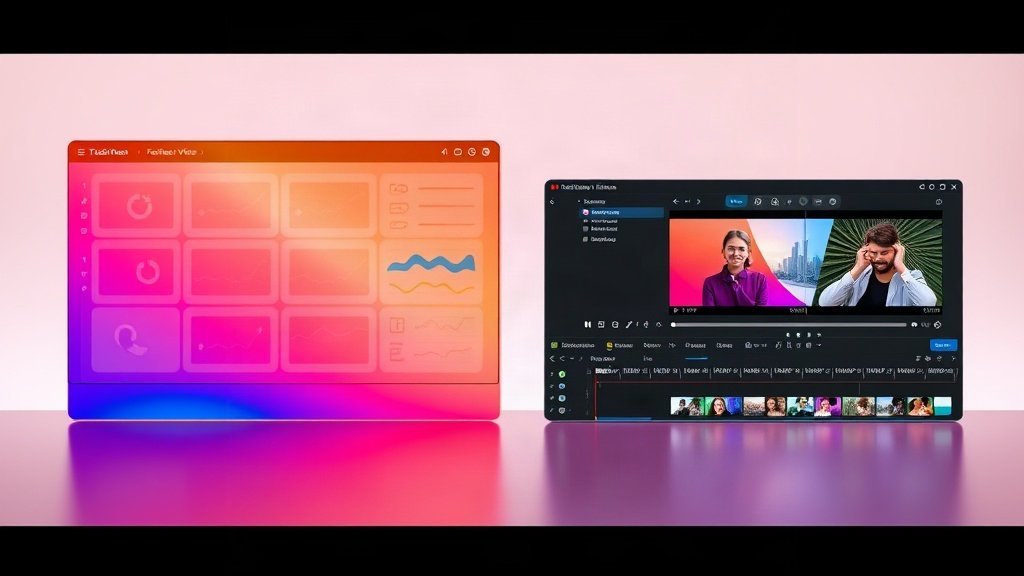
If you want to launch or scale a faceless YouTube channel in 2024, your AI video platform will set the tempo for everything—output, workflow, even your creative style. You’ve likely heard about both Vidquence and VEED (veed.io): two of the fastest-evolving platforms in AI video right now. But which is better for high-volume, camera-free YouTube content? Here’s your detailed, creator-first breakdown—with a focus on how Vidquence and VEED stack up for faceless channel workflows.
Vidquence vs VEED: Key Platform Differences
Let’s define why these platforms even get compared. Both are AI-powered web platforms, but they’ve sharply different philosophies:
- Vidquence is purpose-built for speed, automation, and faceless video generation—with an emphasis on hands-free creation, batch processing, and direct social publishing. You give it a script, prompt, or URL, and within minutes you have a finished YouTube-ready video (voiceover and captions included), no timeline editing required.
- VEED is more of an AI video creation suite, blending advanced model selection (like Veo 3.1, Kling 3.0, Seedance), timeline manual editing, and robust subtitle/dubbing tools. You get more AI model control and can tweak outputs on the timeline—but the workflow is less automated.
The Typical Vidquence Workflow (Faceless Channel Style)
- Input your script, topic, or even paste a URL (for blog-to-video).
- Vidquence generates stock or AI B-roll, automated narration, captions, and composes everything into a faceless video (voiceover, kinetic text, branding as needed).
- Adjust style or variants—then one-click export for YouTube, Shorts, TikTok, Instagram, X, and LinkedIn. Batch-schedule for direct upload.
- Turnaround: 3–10 minutes per video (automated). Suited for volume creators or channel owners scaling output.
The Typical VEED Workflow (Faceless Channel Style)
- Start with script, media, or text prompt—choose from several cutting-edge AI video generation models.
- Review multiple AI-generated video samples, pick your favorite, or iterate via the AI Playground (fine-tune model choice, output settings, even motion style).
- Dive into the multi-track timeline editor: tweak visuals, audio, subtitles (including dynamic styles and translation in 120+ languages), add avatars or effects as needed.
- Export (caveat: free plan is 720p with watermark); upload to YouTube or social manually. Dubbing and translation excellent for global channels.
- Turnaround: 15–60+ minutes per finished video (can be faster for Shorts, but more hands-on steps).
Feature Showdown: Which Platform Wins for Faceless YouTube?
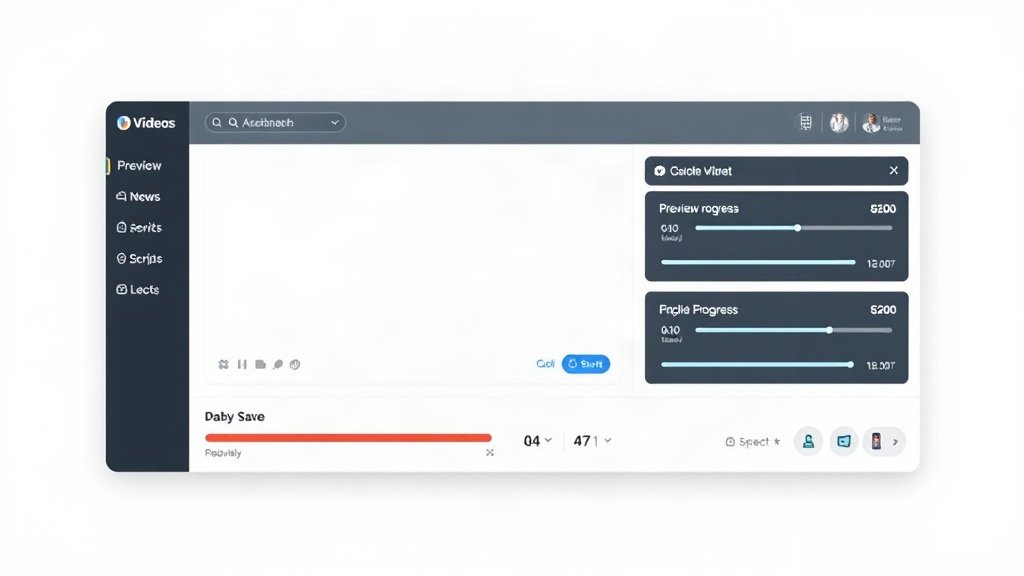
Here’s how Vidquence vs VEED break down on the core needs of faceless YouTube channels, from automation to export flexibility.
1. Speed & Automation: Vidquence’s Territory
For creators focused on publishing lots of Shorts, listicles, or explainer videos with zero on-camera work, Vidquence is hard to beat. The platform was built from the ground up for “automate everything”:
- Script-to-video in minutes: Paste a script or URL; get automatic narration, visuals, synced captions.
- Batch generation: Queue up dozens of scripts at once—get variants for A/B testing or multi-platform formats.
- Direct-schedule publishing: No manual download/upload steps; videos go live on YouTube, TikTok, Instagram, X, and LinkedIn right from the dashboard.
This structure means you can scale to 10, 20, even 50+ uploads per week without hiring extra editors or researchers.
2. AI Model Choice & Precision: VEED’s Strength
Want hands-on control? VEED shines if you prefer picking the exact AI model or want advanced video results.
- Multiple AI engines: Try Veo 3.1, Kling 3.0, Seedance, MiniMax, and more—compare outputs side-by-side in their AI Playground.
- Script-based video editing: Their AI Agent can literally edit your video by typing, speeding up granular tweaks.
- Timeline finesse: Add, split, and re-sequence media, overlays, or dynamic subtitles. Avatars and lip-sync for pseudo-presenter styles.
This approach is perfect if your faceless channel stands out with a unique visual style, intricate motion graphics, or international dubbing.
3. Captions, Dubbing, and Language Support
VEED is the most complete choice here, with:
- Automatic and highly stylized captions (dynamic, pop-up, kinetic) in 120+ languages
- Dubbing into 29+ languages (with accent and style choices)
- Subtitle translation, export, and burn-in for global distribution
Vidquence’s automated captions are sufficient for English-first, fast-publishing workflows, but lack the full spectrum of translation features—and don’t match VEED’s depth for branded subtitle styling.
4. Export Limits & Pricing: What Creators Need to Know
VEED’s free tier is highly restrictive for YouTube use: 720p export, always watermarked, limited AI usage credits. Paid plans (from $19/month) unlock brand control, full HD, and better support. But fully-featured workflows can scale up to $59/month+ for agencies.
Vidquence offers a free version (with certain feature/data caps) and higher tiers priced according to automation, branding, and output volume. Their plans are less rigidly tiered and not as widely reviewed by major tech outlets as VEED’s, but frequent users value the unlimited batch/gen options found in Pro-level subscriptions.
Practical Example: Making the Same Faceless YouTube Short
Suppose you’ve got a 45-second script for a “Top 5 AI Tools” explainer—no face, no personal branding, just value-packed info.
- On Vidquence, you’d paste the script, select a faceless template (e.g., animated text + AI voiceover + B-roll), and hit generate. Within ~5 minutes, you’d have a ready video with voiceover, kinetic captions, and publish-ready branding. You could schedule it direct to Shorts.
- On VEED, you’d start with the script, pick a preferred AI model (say, Kling 3.0 or Veo), generate a video sample, tweak visuals in the timeline, style up captions, and export. The process is more hands-on and can give more visually unique results—but at the cost of speed.
This reflects the core difference: Vidquence maximizes speed and volume; VEED enables more creative (manual) control. For creators running news, listicles, or data-driven faceless channels at scale, those minutes and automations quickly add up.
Which Platform Suits You? (Quick Decision Guide)
- You want fully-automated, faceless YouTube output and care about speed: Vidquence is purpose-built for these use cases, compressing the script-to-publish cycle dramatically.
- You want maximal AI experimentation, hands-on editing, rich subtitles/dubs: VEED gives you greater creative control, fine-tuned AI video generation, and top-tier subtitle/dubbing tools.
- On a budget or with occasional posts: Both have a free tier, but Vidquence tends to get you full-resolution, watermark-free exports faster for faceless YouTube workflows.
FAQ: Vidquence vs VEED for Faceless YouTube
Can I use both platforms together?
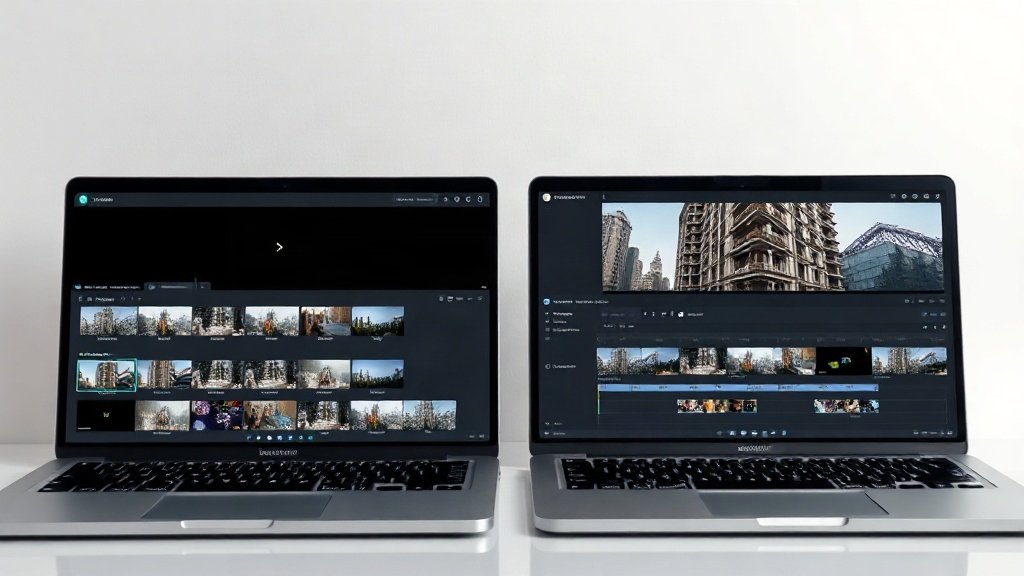
Yes—some power creators generate drafts on Vidquence for speed, then import finished videos into VEED for advanced editing or subtitle work (especially for global language support).
Does VEED or Vidquence have better avatars?
VEED supports on-screen avatars and lip-synced digital presenters. Vidquence specializes in truly faceless (no avatar) styles, such as kinetic text and B-roll with voiceover. If “avatar” is your target, VEED leads here.
Which platform delivers the fastest output for daily YouTube Shorts?
Vidquence is specifically streamlined for fast batch production—frequent Shorts channels will save significant time by automating script-to-video-to-publish in one flow.
The Bottom Line
If you’re building a faceless YouTube channel and need to scale fast, Vidquence’s automation-first approach is the better fit for high-tempo, camera-free content. If you need intricate control over video style, subtitling, or want to experiment with the latest AI models, VEED delivers more flexibility and creative power. Try both with a single script—see which flow matches your production goals and audience growth plan.