
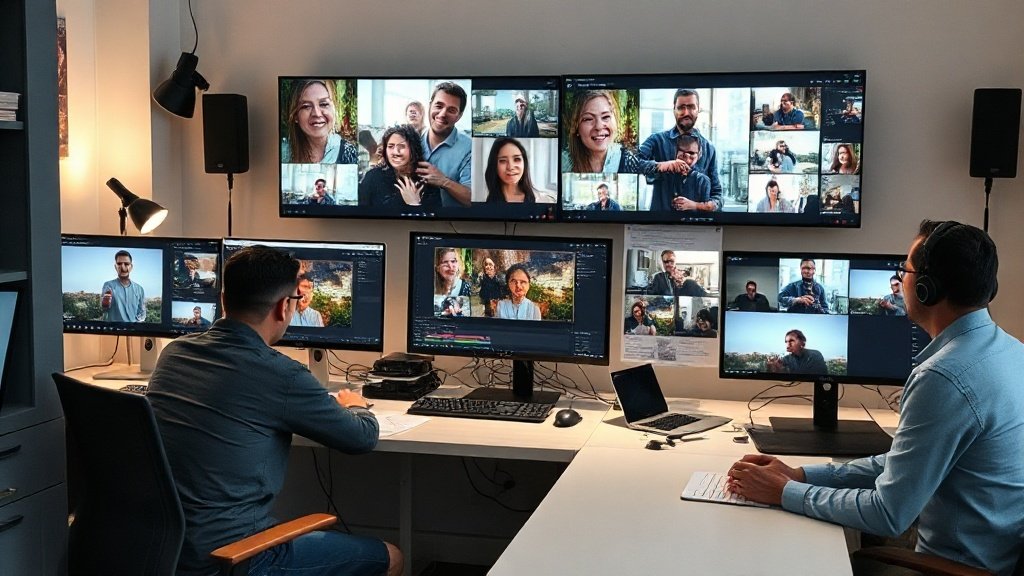
If you’re running multiple social channels, you know that posting polished video daily is tough without automation. The right AI video creation tools not only save time, but also let you experiment with new formats, reach new audiences, and test data-driven content strategies—no video degree required. Let’s break down the top 7 platforms social media managers are using in 2024, focusing on real scenarios, features, and smart deployment tips for each.
1. CapCut: All-in-One Editing for Social-First Video
CapCut, developed by ByteDance (the team behind TikTok), has become a global staple for video editing on both desktop and mobile. It’s tailor-made for social videos, with an interface designed for vertical editing, fast templates, and tons of automation built in.
- Script and caption automation: Turn a few ideas into full reels with auto-generated scripts, voiceovers, and synchronized captions.
- Template-driven: Access hundreds of trendy templates in TikTok, Instagram Reels, and YouTube Shorts formats.
- Zero editing experience required: Drag-and-drop workflow means anyone on your team can deploy social-ready video fast.
When to use: Last-minute Shorts, branded Reels, or rapid-fire event coverage—especially when you want to match TikTok-native trends.
2. Fliki: Prompt-Driven Videos with Avatars and Voices
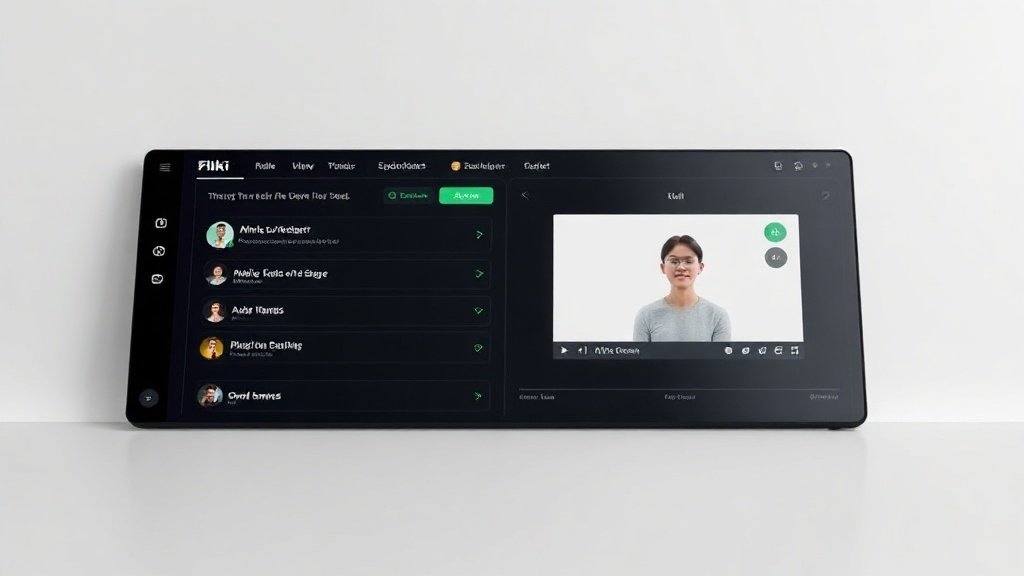
Fliki boasts over 12 million users, trusted by brands like Meta and PayPal—a testament to its ease for teams at scale. Unlike timeline editors, Fliki’s strength is transforming a plain prompt or script into a full video, featuring AI avatars, voices, and automatic subtitles.
- AI Copilot: Turn a written prompt into an outline, pick an avatar or just use voiceover, and push to video—with direct TikTok publishing if needed.
- Voice cloning & emotional modulation: Replicate a real spokesperson’s tone, or switch to expressive AI reads for ads or explainers.
- Perfect for multilingual, avatar-driven, or faceless social content: Switch languages or presentation styles with a click.
Pro tip: Use Fliki to batch-generate explainer videos, localize campaign content, or provide faceless product demos.
3. LTX Studio: Storyboarding and Cinematic Creativity, Automated
Launched in 2024 by creator-tool giant Lightricks, LTX Studio is for managers who want professional polish without hiring a film crew. Paste in a script or prompt, and the AI suggests scene layouts, camera moves, and even character casting—which you can tweak in a storyboard view.
- Storyboard-based creation: See your script as scenes with suggested visuals, ready for review or team collaboration.
- Camera and framing controls: Fine-tune shots for dramatically improved visual storytelling compared to other prompt-based tools.
Ideal for: Social campaigns needing cinematic trailers, creative brand stories, or experimental content above the usual talking-head.
4. Runway Gen-4: Generative Video for Filmic Ads and Stylized Posts
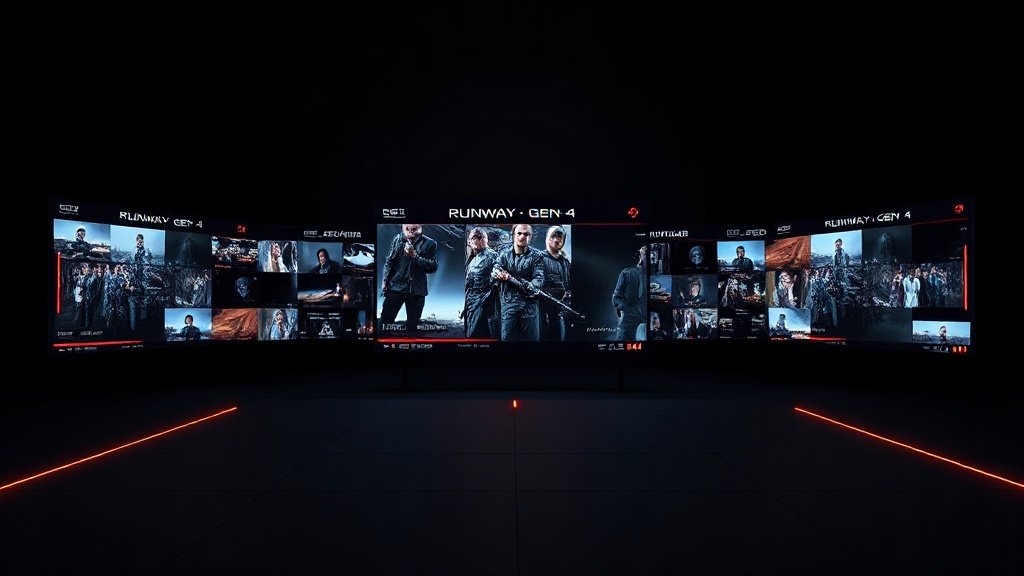
Runway’s Gen-4 model is highly regarded by creative agencies for its ability to produce stylized, cinematic AI video sequences. Gen-4’s free tier lets you test outputs before scaling, making it great for eye-catching branded shorts or campaign teasers.
- Film-like motion and style: Ideal for music snippets, cinematic product launches, or dynamic mood videos.
- Stock and custom media blending: Mix brand B-roll with surreal, AI-generated elements for unique social assets.
Use Runway Gen-4 when: You want social ads that look far beyond stock footage or template visuals.
5. Luma Dream Machine: Fast, Realistic Product Videos
Luma AI’s Dream Machine wins praise for generating product videos with remarkably smooth, realistic motion—a huge time-saver for social commerce managers who need visually convincing assets but lack custom footage. The free tier enables quick testing.
- Text-to-video workflow: Describe your product and let the AI determine motion, lighting, and environment for realistic outputs.
- Natural physics and movement: Great for showing physical products in use, with polish that rivals human editors.
Where it shines: Product launches, app use-cases, or ad snippets that require realistic motion to build trust and interest.
6. Synthesia: Multilingual Presenter Videos for Tutorials and Demos
Synthesia specializes in presenter-style AI avatar videos, letting you create multilingual on-camera explainers without hiring talent or renting a studio. Its avatar library is the largest on this list, with business-friendly backgrounds and attire.
- Multilingual capability: Produce tutorials or onboarding content at scale, localized for different regions.
- Consistent, brand-approved avatars: Maintain visual consistency across social campaigns using the same spokesperson without fatigue or scheduling issues.
Quick win: Use Synthesia to generate FAQs, product walkthroughs, or customer support clips in multiple languages for Instagram and Facebook.
7. Pictory: Repurpose Written Content as Captivating Social Clips
Pictory is the go-to for transforming long-form content (like blog posts, articles, and transcripts) into short, captioned video segments that work on any social channel. Simply paste text, and Pictory generates b-roll and titles to match—perfect for teams with lots of written assets.
- Automated highlights and captions: AI picks key sentences, matches them with visuals, and outputs ready-to-post videos.
- Repurposing at scale: Turn webinars, interviews, or whitepapers into dozens of bite-sized Shorts for maximum reach.
Smart strategy: Use Pictory to amplify your evergreen content library, and keep your brand top-of-feed without new filming.
Choosing the Right Tool: Compare by Workflow, Output, and Team Needs
Every tool here delivers value—but the best fit depends on your workflow and campaign goals. Use this quick guide:
- Rapid, social-first editing: CapCut (for TikTok/IG-native content, quick edits).
- Prompt-to-video or avatars: Fliki, Synthesia (for faceless, multilingual, or AI-presenter content).
- Cinematic or experimental video: Runway Gen-4, LTX Studio (for ads, teasers, and brand storytelling).
- Product-focused realism: Luma Dream Machine (for DTC brands and commerce teams).
- Automated repurposing: Pictory (for content teams with transcript/blog archives).
Many social media managers even blend workflows: drafting a script in Pictory, producing a first cut in Fliki, then using CapCut or LTX Studio for final polish.
How Does Vidquence Fit In?
If your workflow revolves around converting scripts, prompts, or URLs into finished, publish-ready videos (with automated voiceover, captions, and scheduling), Vidquence is purpose-built for you. Unlike generic editors, Vidquence is optimized for faceless YouTube channels, Shorts, and social videos with automation at every step—helping creators and social teams publish faster without sacrificing quality or reach.
FAQ: AI Video Creation Tools for Social Media Managers
Are AI video creation tools actually saving social teams time in 2024?
Yes. In a recent Sprout Social survey, 73% of managers using AI tools said they reduced post-production time for video by at least 50%. Automation features like instant captions, script generation, and direct publishing cut hours from traditional workflows.
Am I limited to robotic-looking videos with prompt-based tools?
Not anymore. Platforms like LTX Studio and Runway Gen-4 are raising the bar, enabling cinematic shots, nuanced avatars, and expressive AI voices. The key is to test outputs and fine-tune scenes for brand-fit before shipping anything at scale.
What’s the advantage of blending tools versus a single AI platform?
Blending lets you play to each tool’s strengths: automate content creation with Fliki, add cinematic elements with LTX Studio, and use CapCut for last-mile social optimization. This multistep approach builds distinct, high-performing videos faster.
Conclusion: Build Your Modern Social Video Stack
In 2024, AI video creation tools are less about gimmicks, and more about driving ROI and creative agility. The right stack lets social media managers move from idea to upload in minutes—not days. Whether you need vertical Shorts, avatars in multiple languages, or repurposed blog clips, these seven tools give you the power to keep your video calendar full and your metrics moving up. Test, iterate, and find the mix that makes content creation your team’s advantage—not its bottleneck.