

If your SaaS startup is still fielding the same support question for the tenth time this week, you’re overdue for a major upgrade: AI video tutorials. By turning product workflows and support docs into engaging, auto-narrated videos at scale, SaaS companies have slashed support ticket volume, onboarded users faster, and kept customer resources up-to-date with a fraction of the manual effort.
Why AI Video Tutorials Are a Game-Changer for SaaS Startups
Traditional support docs and screen recordings are slow to produce and often go stale as your UI evolves. AI video tutorials, on the other hand, automate the process: converting workflows and written help articles directly into short, step-by-step videos—often complete with multilingual narration and onscreen captions.
- Cut support ticket volume: Case studies show marked reductions in repeated support requests after rolling out embedded video guides.
- Onboard and educate at scale: Video demos make complex SaaS features accessible, supporting self-serve onboarding and expanding reach across languages.
- Stay current: AI-powered tools update tutorials fast when your product UI changes, avoiding confusion or outdated information.
The good news? You don’t need a video team. Let’s break down the real steps—and the SaaS startups already making it work.
How SaaS Startups Are Using AI Video Tutorials: Real-World Examples
Intenseye: Translating Support Content into 4 Languages in 2 Weeks
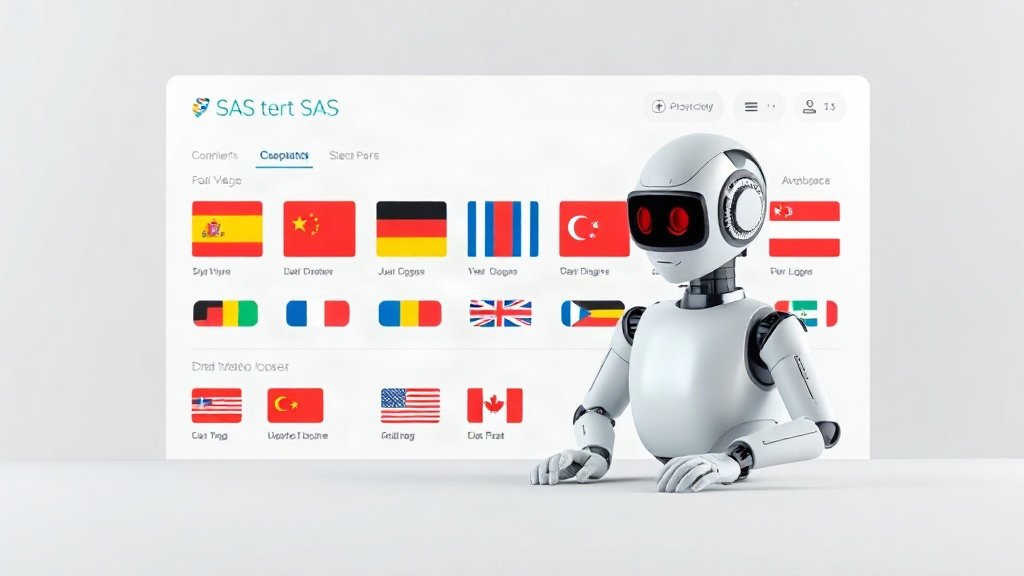
Workplace safety SaaS Intenseye had a backlog of written support articles and users around the globe. Instead of tackling video production manually, they used Synthesia’s AI avatars to turn 30 support articles into 52 narrated video guides—in English, Turkish, French, and Spanish. The whole project wrapped up in under two weeks. Their new video library serves diverse customers efficiently and is quick to maintain as products evolve.
Comb Works: Accelerating Tutorial Creation by 4–5×
Comb Works struggled to keep up with growing support needs and product changes. By adopting automated platforms (like Helpjuice and integrations), they sped up tutorial content creation by up to five times. New updates rolled out within days, not weeks, ensuring their customer education materials always matched the latest UI.
PuppyDog: Personalized How-to Videos, Automated for Each User Segment
SaaS with diverse user types? PuppyDog tailors how-to videos for each customer segment—new signups, admins, advanced users—without ever touching a screen recorder. The videos are generated and updated autonomously, so every user receives actionable, relevant onboarding help.
Manual vs Agent-Driven AI Video Creation: Which Works Best?
Consider two common approaches:
- Manual screen recording: Requires staff to record, narrate, and edit videos for each workflow. Updates are slow and tedious if your product changes frequently.
- Agent-driven AI tools (like GuidePilot): The AI itself operates your app, captures the flow, and instantly generates narrated video (with captions)—no human recorders needed. This is especially powerful for frequently updated SaaS products or for creating tutorials in multiple languages.
Both approaches can yield quality videos, but agent-driven tools win when scale and speed are priorities.
Key Steps: Launching Your Own AI Video Tutorial Program
1. Inventory Your Biggest Support and Onboarding Needs
Start by listing the support questions and onboarding roadblocks that eat up the most team bandwidth—or those that most frustrate users. Review your existing support ticket data and user onboarding feedback to pinpoint workflows that need the most explanation.
2. Choose an AI Video Tutorial Platform That Fits Your Workflow
There are several SaaS-tailored platforms (like Clevera, GuidePilot, Synthesia, Vidyard, and others) that automate tutorial generation:
- Clevera: Auto-narrated video tutorials in 70+ languages (from $29/month), with paired written guides.
- GuidePilot: AI agent navigates your app to generate video walkthroughs—no manual recording or script-writing.
- Synthesia: Converts knowledge base articles into avatar-narrated videos, supporting multilingual output.
- Vidyard: Fast, embeddable videos (with split screen and captions) for onboarding and support workflows.
- PuppyDog: Personalized how-to video automation for user segments.
The right pick depends on your budget, languages needed, integration options, and how dynamic your UI is.
Platforms like Vidquence make it simple to turn prompts, scripts, or URLs into step-by-step video tutorials with built-in voiceover and captions. This streamlines the process for SaaS teams who need to keep support materials up-to-date and accessible—without design or editing bottlenecks.
3. Generate, Review, and Embed Tutorials Everywhere Your Users Need Help
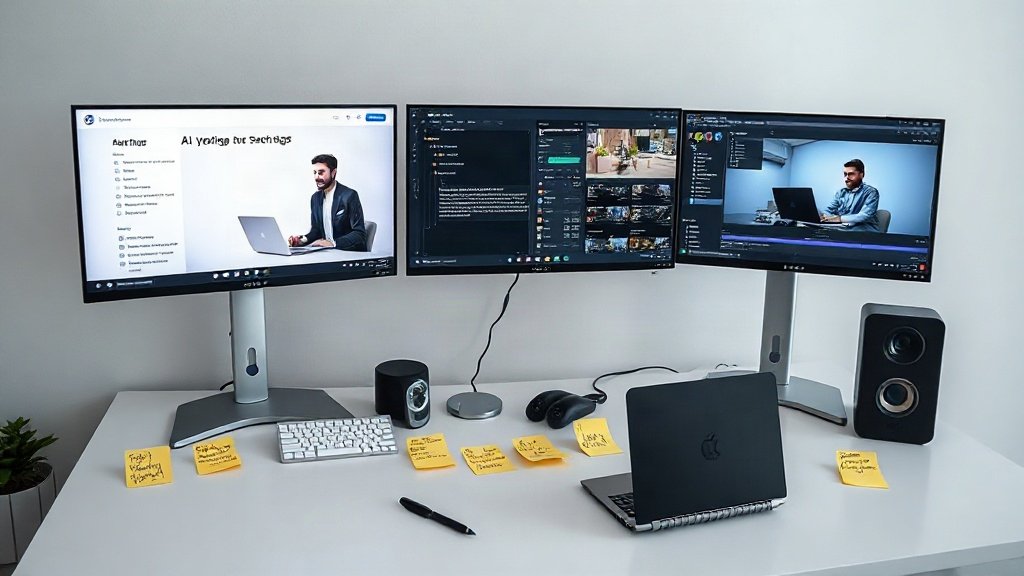
- Feed workflows or help docs into the tool: Most AI platforms need a written script, prompt, or screen path to generate the video. Some (like GuidePilot) can navigate your app directly.
- Customize voice, language, and branding: Pick your preferred narration style, captions, and look so videos feel at home within your product.
- Review for accuracy and clarity: Watch finished videos to ensure explanations match current UI and fix any voiceover or visual oddities.
- Pair videos with written guides: Many platforms output both formats for accessibility and user preference.
- Embed in your SaaS help center, onboarding, or in-app tooltips: Give users instant access to just-in-time, visual answers—right where they get stuck.
Measuring Success: What to Track and Expect
While exact numbers vary, many SaaS startups that deploy AI video tutorials see:
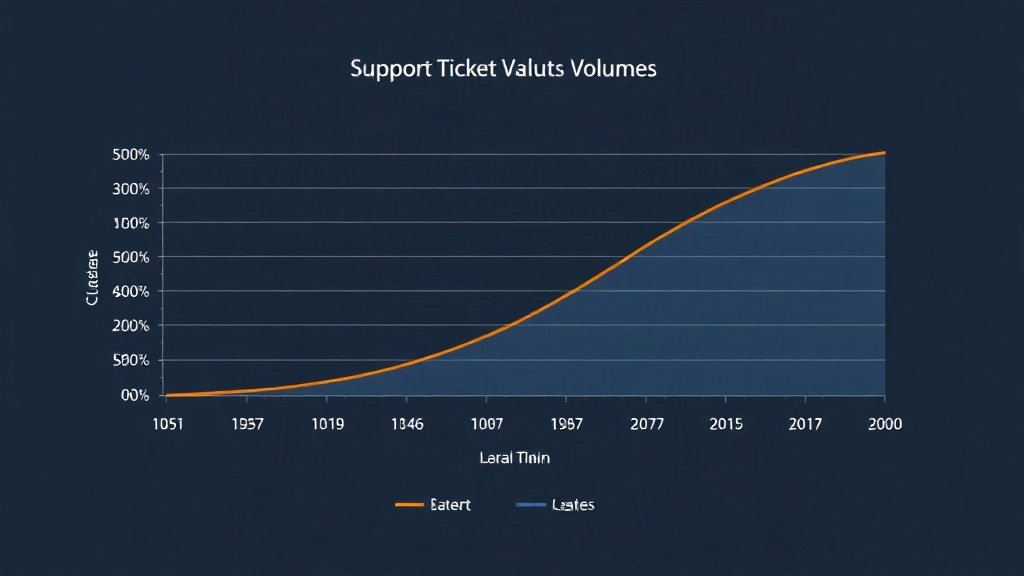
- Noticeable reduction in repeat support tickets for common how-tos and onboarding workflows
- Shorter onboarding time and higher product adoption, as new users learn visually
- Higher engagement with multilingual users, thanks to accessible, localized content
For example, Intenseye’s rapid shift to AI-generated multilingual video reduced response times for global support. 5StarStudents replaced slow, static support videos with iorad-powered interactive tutorials, creating new guides in minutes—not half an hour. Comb Works delivered knowledge base updates 4–5× faster after automation.
Best Practices for Ongoing AI Video Tutorial Success
- Schedule regular reviews: Re-generate or update videos when there’s a UI or feature change—AI tools make it fast.
- Track user feedback and metrics: Ask users about video helpfulness and monitor if support tickets align with video usage dips.
- Offer both video and text: Let users choose their preferred learning format for accessibility.
With AI video, your support materials are as agile as your product roadmap.
FAQ: AI Video Tutorials for SaaS Customer Support
How much does it cost to get started with AI video tutorials?
Platforms like Clevera start around $29/month. Costs scale based on languages, output volume, and access to premium avatar or integration features.
Are AI video tutorials effective for complex SaaS workflows?
Agent-driven platforms (like GuidePilot) can demo even complex workflows if you provide clear step-by-step paths. For highly custom or changing flows, regular review and occasional manual tweaks ensure accuracy.
Can I use the same content for both video and written guides?
Yes. Many tools auto-pair video and article output, supporting users who prefer to read or need accessible resources alongside video.
What if we update our SaaS product design often?
AI tools shine here: you can quickly re-generate tutorials with updated flows or screenshots, preventing outdated support resources.
Conclusion
AI video tutorials give SaaS startups a concrete edge in scaling customer support, shrinking repetitive tickets, and delighting users across languages. With modern platforms, you don’t need a production crew—just your top workflows and a few hours to launch a self-service onboarding and support engine. Vidquence can help you automatically turn prompts and scripts into support-ready video content, simplifying both content creation and ongoing updates.
Stop answering the same questions. Automate your tutorials—and free your team for the support cases that truly need a human touch.