
Tired of spending hours editing, subtitling, and rendering for YouTube? In 2024, AI video tools are dramatically shrinking the hassle—and cost—of creating standout videos, whether you make explainer channels, Shorts, or full-on product demos. This guide shows you the best AI-powered platforms for automating key tasks (from script to publish), with actionable comparisons, real features, and pricing to cut through the fluff.
Why AI Video Tools Are Essential for YouTube Creators in 2024
Your YouTube success depends on more than just shooting footage or narrating over slides. Each video needs scripting, editing, captions, translations, voiceovers, resizing, sometimes avatars—and ideally, quick publishing. AI video tools now automate these time-sinks, so you can:
- Produce fast, faceless, or talking-head videos — even without cameras or actors
- Auto-caption and translate to reach international audiences
- Repurpose content into Shorts, long-form, or social posts in minutes
- Collaborate smarter if you work with a team
- Keep creatives focused on ideation—AI handles routine edits
Let’s break down the leading platforms transforming YouTube workflows this year.
1. Kapwing: All-in-One Editor With Smart AI Features
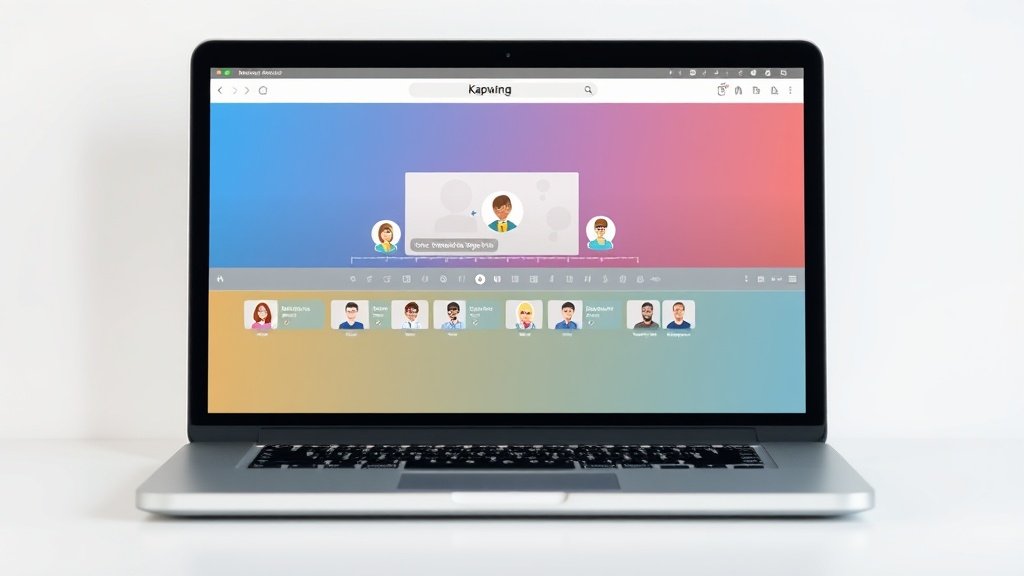
Kapwing is a browser-based platform with both classic editing and forward-looking AI: think smart video generation from prompts, animated avatars, smart cuts, dubbing, auto-translation, and even converting images to video. Its intuitive timeline and drag-and-drop storyboards make it accessible whether you’re batch-creating faceless explainers or hands-on tweaking social edits.
- Key AI workflow features: Prompt-to-video, animated AI characters, automatic subtitles and translations, storyboarding, smart trimming, dubbing, image-to-video, stabilization
- Best for: Creators who want a single browser tool for editing, effects, and AI-powered speed-ups
- Pricing: Free plan (watermarked exports, some limits), Pro ($16/mo), Business ($50/mo)
Example workflow: Write a prompt or script, get an auto-generated video with subtitles/avatars, tweak in the timeline, dub or translate versions, export directly to 4K.
2. Veed: Robust AI Video Editor for Social and YouTube
Veed’s clean interface and focus on subtitle control, AI avatars, and instant video formatting make it a favorite for both solo creators and brands like Netflix. It offers cutting-edge AI features—text-to-video, avatar presenters, background noise removal, and integration of powerful models like Veo 3.1 and PixVerse 4.5.
- Key AI workflow features: Text-to-video, subtitle customization, avatar embedding, auto-resizing for Shorts/Reels, background noise removal, 4K export on Pro tier
- Best for: Channels prioritizing professional subtitles, brand consistency, and quick conversion to vertical/shorts formats
- Pricing: Free plan, Creator ($12/mo), Pro ($22/mo, 4K support), Studio ($39/mo), Enterprise
Example workflow: Import a script or prompt, generate video scenes with avatars, fine-tune English or multi-language subtitles, remove background noise, export in square or vertical for Shorts, then schedule to YouTube.
3. Fliki: Script-to-Video Generation With AI Copilot
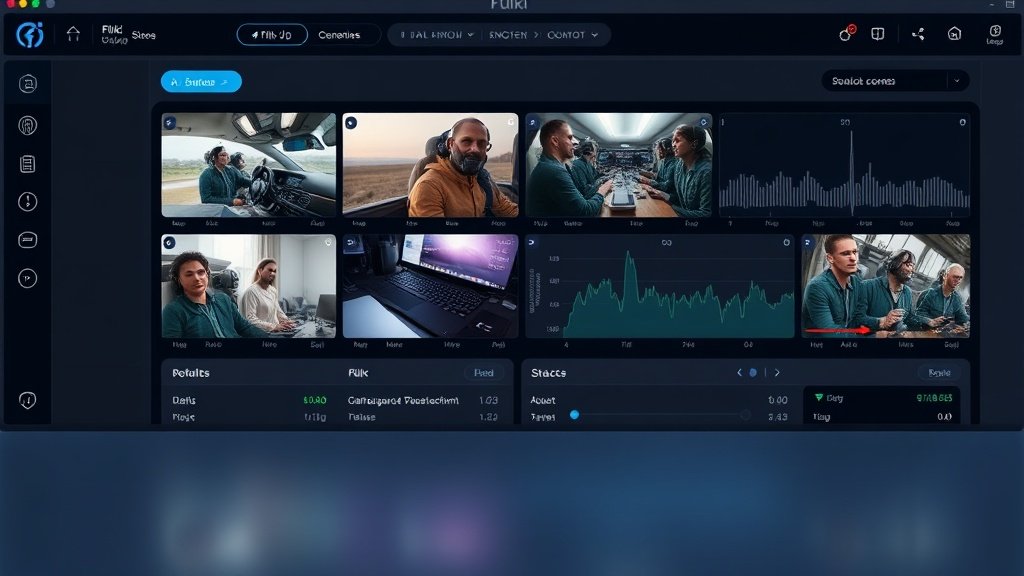
Fliki leans hard into fast, prompt-based video outputs. With over 12 million users, it’s known for its AI Copilot—generate a full video from just a script or URL, add a cloned voice, and output with subtitles. It’s especially popular for explainer, faceless, and narrated content (though note: no 4K export even on premium plans; maxes out at 1080p).
- Key AI workflow features: Script/video from prompt or URL, voice cloning, avatars, subtitle generation, simple storyboard editing, quick multi-lingual versions
- Best for: Channels that prioritize speed and ease, or need voice cloning for consistent branding
- Pricing: Free plan, Standard ($28/mo, 15-min 1080p), Premium (longer/teaming)
Example workflow: Paste your blog post or script, pick an avatar/voice, review scenes, auto-generate subtitles, publish in English and Spanish—no manual editing needed.
4. InVideo + Agent One: Conversational AI Video Creation
InVideo now features Agent One, a conversational AI copilot that lets you describe your desired video (“make me a 5-minute product demo with lively music and captions”) and outputs multi-scene, ready-to-edit videos. Its deep template library, stock media panel, and easy publishing tools fill the gaps between beginner and pro workflows.
- Key AI workflow features: Prompt-led video builds via Agent One, stock integrations, template-driven editing, voiceover and captioning, quick social resizing
- Best for: Marketers and businesses needing on-brand, repeatable video assets with very little technical setup
- Pricing: Free plan, paid tiers vary (feature and export quality dependent)
Example workflow: Enter your YouTube video goal, let Agent One build a draft, auto-generate or import voiceover, customize scenes, export for channel upload.
5. Adobe Firefly: Advanced Asset Creation for Video Workflows
While not a direct video editor, Adobe Firefly’s generative AI tools (Fill, Expand, Remove, Firefly Boards) are powerful for producing custom visuals—thumbnails, overlays, backdrops, or image sequences—or for sourcing assets to bring into your main video editing platform. It works well for collaborative ideation, producing unique looks, or prepping short-form assets.
- Key AI workflow features: Generative Fill/Remove/Expand, collaborative visual boards, multi-model support, high-res output
- Best for: Teams needing custom visuals beyond stock and collaborative brainstorming before editing
- Pricing: Free plan, paid from $8.49/mo up to $118.93/mo (Power/light teams, asset-heavy pros)
Example workflow: Generate unique scene backgrounds, thumbnails, or infographics to import directly into Veed, Kapwing, or other video editors for your YouTube workflow.
How Vidquence Accelerates YouTube Video Automation
If you want to go from prompt, script, or URL directly to ready-to-publish YouTube videos, Vidquence streamlines the process: faceless or talking-head videos, AI voiceovers, automatic captions, and even scheduled uploads—within one browser interface. Vidquence is uniquely fast for batch-producing Shorts or full-length videos without toggling between tools or hunting for voiceover talent.
- Input your script or blog URL
- Choose video style (faceless, talking-head, vertical, horizontal)
- Get instant voiceover, auto-captions, and video editing—no manual timelines necessary
- Publish or schedule directly to YouTube, all from one dashboard
It’s especially effective for businesses generating educational content, faceless YouTube reviewers, or anyone wanting a consistent, automated video pipeline at scale.
Choosing the Right AI Video Tool for Your YouTube Workflow
Not every platform is right for every creator. Here’s how to make the best choice:
- Identify your bottleneck: Captioning? Visuals? Bulk video creation? Pick a tool strongest in your weakest area.
- Consider export needs: Need 4K or just 1080p? (Fliki tops out at 1080p, Veed Pro includes 4K.)
- Look at integrations: Do you want to collaborate, repurpose across formats, or publish directly to YouTube?
- Factor in price vs output volume: Most have free plans, but pro features (like unlimited exports or avatar uploads) may require a paid tier—starting from $12 to $50+/month.
Test each option with a real project. Many creators find value in stacking tools: generate custom visuals in Firefly, then assemble in Kapwing or Veed; script and auto-generate in Fliki or Vidquence for faceless videos; polish professional Shorts with Veed’s subtitle tools.
FAQ: AI Video Tools for YouTube Automation
- Can these AI video tools replace human editing completely?
For simple videos (tutorials, explainers, text-based presentations), yes—AI tools can automate almost all steps. For cinematic YouTube or nuanced storytelling, you’ll still want human input for creativity and advanced polish. - Which platform is best for faceless YouTube channels?
Fliki, Vidquence, and Veed all excel here—look for script-to-video, avatars, and voiceover capabilities. Try exports from each! - Will captions and voiceovers auto-translate for international reach?
Most offer auto-translate to dozens of languages. For example, Kapwing and Vidquence let you auto-caption and dub videos into new languages with one click. - Is there a free option for each workflow?
Yes—Kapwing, Veed, Fliki, InVideo, and Adobe Firefly all have limited free tiers. Pro features (higher resolution, unlimited exports, advanced avatars) require a paid plan.
Conclusion: Automate More, Create Faster in 2024
With the right AI video tool, you can stop struggling with endless editing and focus on growing your YouTube presence. From prompt-based generation (Fliki, Vidquence) to robust timeline editing (Kapwing, Veed) and asset creation (Adobe Firefly), each has strengths. Test them out, find the best fit for your workflow—and start publishing new videos at speeds unthinkable just a few years ago.