

Not all AI video generators are built for the same results or creators, even as the tech matures in 2026. Whether you’re making cinematic social shorts, onboarding explainers, or YouTube content in minutes, the “best” tool isn’t just about jaw-dropping realism. What actually matters: the speed to your next draft, business utility, control, and fit for your real workflow. Here’s how today’s leading platforms truly compare—so you can pick what makes you faster, not just wow the crowd.
Segmenting the Best: Cinematic, Avatar, and Hybrid AI Video Tools
AI video has rapidly split into three clear categories—and you’ll waste time (and money) if you don’t match the generator to your actual output:
- Cinematic text-to-video: Think high-fidelity clips, simulated physics, beautiful world-building (e.g., OpenAI Sora, Kling, Luma AI).
- AI avatar and presenter video: Create talking-heads, explainers, or training videos with realistic avatars (e.g., Synthesia, HeyGen).
- Editor-integrated and workflow hybrids: Combine generative video with full editing tools, templates, or automation (e.g., Runway, Adobe Firefly, Vidquence).
The right pick depends on your content style, budget, and publishing speed more than pure image quality. Below, we break down the best AI video generators in 2026 by use case, with real pros, cons, and what to expect from each.
Cinematic AI Video Generators: Sora, Kling, Luma AI, Pika
1. OpenAI Sora
Best for: High-end, cinematic text-to-video; visual campaigns; experimental storytelling.
Sora made headlines for realistic scenes and world simulation out of just a line of text. Its demo reels have been called “astonishing,” but the public rollout is often slower, with tight quotas and limited pro access. Expect:
- Pros: Unmatched visual realism, advanced scene structure, strong motion and detail.
- Cons: Slow output (in 2025 tests: 20–50s for a 1-minute video), expensive, half-day queues for creators, limited user control over output specifics.
Verdict: Hollywood-grade proof-of-concept, but not ideal for daily creators or marketers needing speed and iteration.
2. Kling
Best for: High-fidelity, physics-heavy mini-scenes; short commercials; social dazzle.
Kling’s text-to-video outputs (especially motion and realism) made waves, notably in action, nature, and physically guided scenarios. However, access outside certain regions in 2026 is spotty, and English-language prompt support trails Sora or Luma’s UI polish.
3. Luma AI Dream Machine
Best for: Speedy text-to-video, quick turnaround on creative ideas, motion-rich social clips.
- Pros: Delivers results in minutes, highly usable for creators and marketers, integrates image-to-video.
- Cons: Simpler visuals vs. Sora, but much faster and lower cost for high-volume needs.
In a recent creator survey (2025): Luma AI’s Dream Machine was the most-used prompt-to-video tool for social teams, beating Sora in speed and daily output by over 5x while trading off some cinematic polish.
4. Pika
Best for: Short, stylized AI video for creators; meme marketing; rapid social output.
Pika always prioritized user-friendly prompting and share-ready visuals—even if it’s less “real” than Sora. Their web-based UI means nearly anyone can try, iterate, and export shorts in minutes.
- Fastest draft cycles in user tests (often under 2 minutes per clip).
- Tradeoff: Leans animated/stylized over photorealistic. Perfect for trend-driven content.
AI Avatars & Presenter Platforms: Synthesia, HeyGen, (Plus Geminis for Chatbot Video)
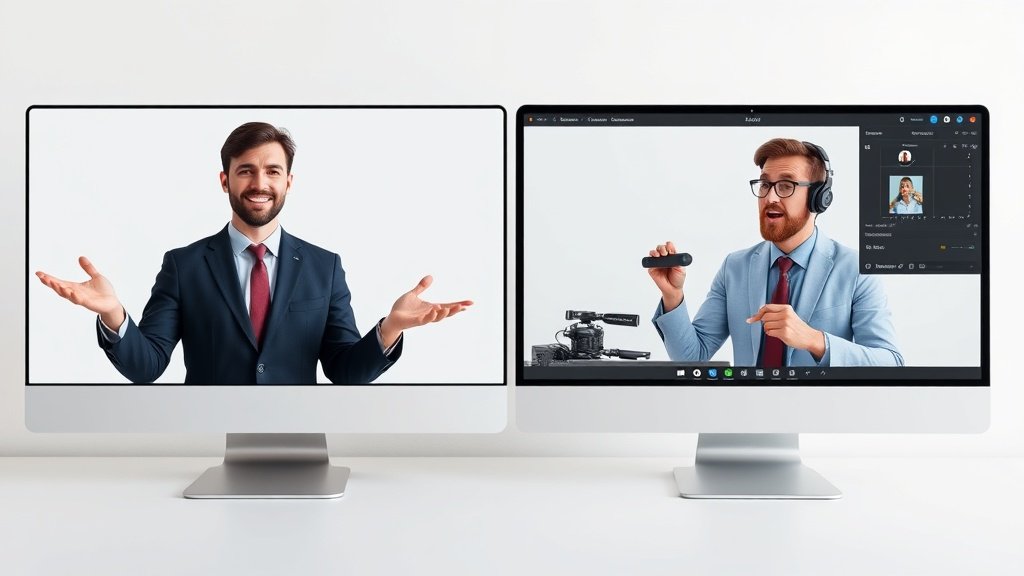
If your goal is creating explainer videos, onboarding guides, or even talking ads without your face, avatar-based generators are hard to beat. Here’s how the current leaders compare:
1. Synthesia
Best for: Business communication, training, onboarding, explainer videos.
- Pros: 100+ customizable avatars, native studio quality, supports 120+ languages, ready-export for enterprise.
- Cons: Less suited for “cinematic” output; subscription pricing (Starts ~$30/month per seat), limited generative scene variety.
Synthesia is a top pick for enterprise—banks, SaaS, HR departments—who need multilingual, branded, consistent training videos only an AI can deliver at scale.
2. HeyGen
Best for: Multilingual marketing, product demos, social ads with on-brand avatars.
- Pros: Cloned avatars, real lip-sync in over 40 languages, fast video rendering (<2 minutes/video in 2025), video translation/localization tools.
- Cons: Avatars can still feel uncanny for longer monologues, some options require credits/premium tier.
Other Notables: Google Gemini/DeepMind
While not a “video generator” per se, Google Gemini is making inroads with chatbot-powered content guidance—sometimes even generating script outlines, storyboards, and draft narration that feed avatar/scene platforms. As Google DeepMind research continues, expect more direct integrations to roll out through YouTube and Workspace ecosystems, even if Gemini itself doesn’t output full video yet.
Hybrid and Editor-Integrated AI Video: Runway, Adobe Firefly, Vidquence
If you want both generative video and solid editing/post tools in one place, the following are the most practical for creators and marketers who need “real-world” deliverables, not just cool demos:
Runway (Gen-3 and Beyond)
Best for: All-around creative video generation, prompt-to-video with post-editing, fast demo loops.
- Pros: Prompt-based video, timeline editing, masking/compositing, and asset library—all in browser.
- Cons: Limited high-end scene realism (vs. Sora/Kling) but superior for volume and edit iterations.
Popular with YouTubers, social editors, and agencies who want to stay “in the platform” for ideation, draft, and release.
Adobe Firefly (Creative Cloud Integration)
Best for: Creative teams sticking with Adobe, video marketers needing deep layer control, fast drafts inside Premiere/After Effects.
- Pros: Controls docked right in the familiar Creative Suite, broad asset generation, one-click integration between design and video.
- Cons: Not standalone; requires an Adobe subscription, some features in beta/limited dataset.
Vidquence
Best for: Automated YouTube, faceless shorts, rapid production with scripts, URLs, or prompts—plus voiceover, captions, and auto-publishing.
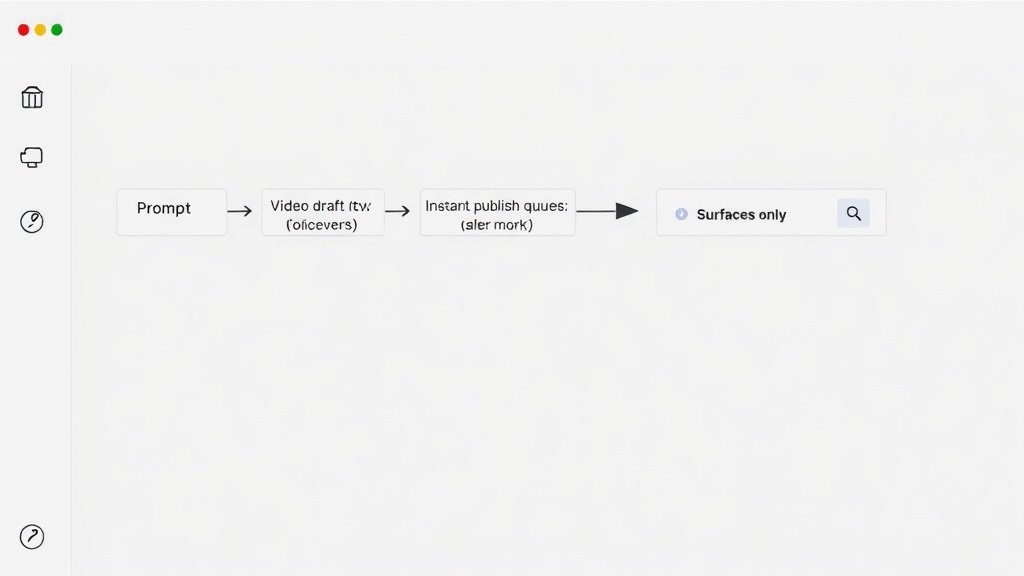
Vidquence stands out for creators or brands who need speed and scale: turn a simple script or link into a publish-ready YouTube or short-form video—with captions, stock or generated B-roll, and voiceover—all in one workflow. Perfect for content marketers or faceless channel owners scaling daily output.
Practical Comparison Table: Which AI Video Generator Is Best for You?
| Tool | Best For | Key Strength | Tradeoff |
|---|---|---|---|
| Sora | Cinematic, realistic video | Unmatched visual quality | Slow, not everyday-use |
| Kling | High-fidelity demo/commercial | Strong physics/motion | Access + prompt limits |
| Luma AI | Social, motion-rich shorts | Speed & accessibility | Lower realism |
| Pika | Stylized social video | Ultra-fast drafts | Animated look |
| Synthesia | Training/business explainers | Multilingual avatars | Not cinematic |
| HeyGen | Multi-lingual ads/presenters | Avatar variety/speed | Some uncanny output |
| Runway | Hybrid create & edit | Best workflow tools | Mid-level realism |
| Adobe Firefly | Adobe-based teams | Cloud integration | Creative Cloud req’d |
| Vidquence | Automated faceless channels | Prompt-to-publish speed | Less manual scene edit |
Frequently Asked Questions About AI Video Generators (2026)
What’s the biggest difference between cinematic AI and avatar platforms?
Cinematic tools (like Sora, Kling, Luma AI) create unique, often realistic motion scenes from scratch, best for film, ads, or storytelling. Avatar platforms (Synthesia, HeyGen) use human-like presenters—perfect for explainer, training, and corporate video at scale, but can’t do custom external scenes.
Which AI video generator is fastest for daily content workflows?
For social shorts or YouTube, Luma AI and Pika lead among cinematic tools. For “prompt > script > video” automation with voiceover and captions, all-in-one platforms like Vidquence offer speed for creators and marketers publishing daily content.
Are there free AI video generators in 2026?
Many top tools offer a free tier or trial (e.g., Pika, Luma AI, Runway) but will watermark outputs or limit generation minutes. Expect to pay $15–$90/month for regular use, and much more for advanced avatar, language, or cinematic footage. Public demos let you test quality before subscribing.
How do I choose the “best” AI video generator for business?
Let your content type drive the decision. Need explainers for training? Choose Synthesia or HeyGen. Fast, faceless channel automation? Look at Vidquence or Runway. Want cinematic reels? Sora if you get in, otherwise Luma AI or Kling. Always check workflow fit, not just output “wow.”
Conclusion: Clarity for Your Next AI Video Choice
The “best AI video generator” in 2026 is the one that’s fast enough, affordable, and fits your actual publishing needs. Cinematic engines (Sora, Kling) dazzle, avatar tools (Synthesia, HeyGen) automate training and sales, and workflow hybrids (Runway, Adobe Firefly, Vidquence) let you scale output—often blending creativity and business practicality. Test a few on your real scripts and deadlines before you subscribe. As the field evolves, matching the generator to your actual goal is what moves the needle for creators, brands, and teams.