
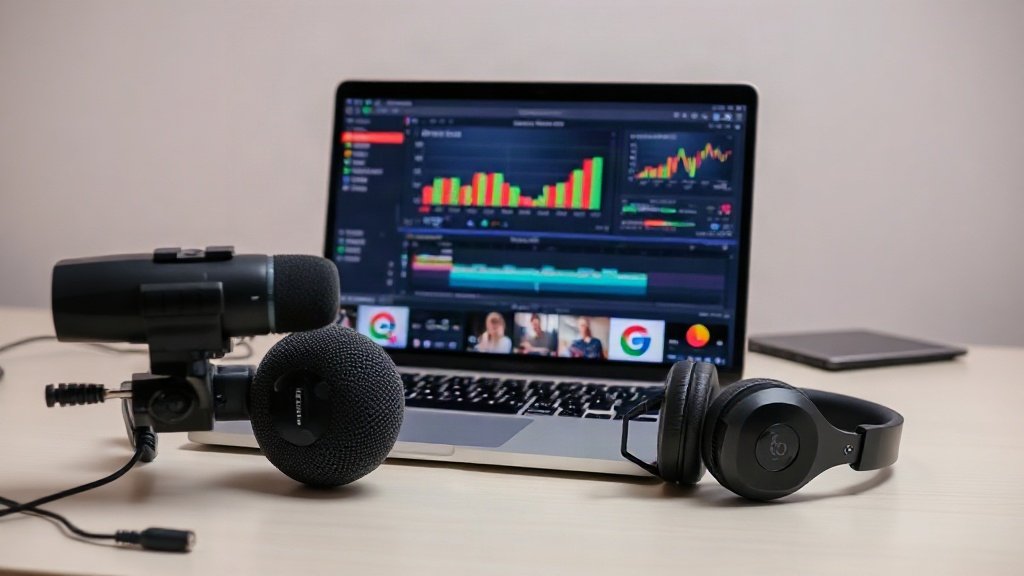
You want to share your expertise, teach or motivate—but the idea of appearing on camera stops you cold. Here’s the payoff: you can create compelling, professional coaching videos without ever showing your face. In fact, faceless coaching videos are thriving in 2026, with successful creators using a variety of clever approaches that prioritize content, clarity, and trust without making the instructor the focal point.
Why Faceless Coaching Videos Work—And When They’re Best
For most learners, what matters is clarity, presentation, and what they can actually learn—not whether you grace the screen. Multiple studies and audience reviews reveal that audio and visual quality are more important to viewer satisfaction than seeing the coach in person. Faceless video formats also carry these advantages:
- Privacy and comfort: No anxiety about appearance or intrusive feedback—ideal for introverts or sensitive topics.
- Brand consistency: Enables you to focus on graphics, slides, or your brand’s visual identity.
- Lower production stress: Filming days, makeup, and lighting setup become a thing of the past.
While seeing a coach’s face can help build immediate trust, credibility is equally built through proven results, clear articulation, and positive reviews. Many top-selling video courses and coaching YouTube channels are entirely faceless, especially in professional skills, tech, and wellness niches.
Popular Faceless Coaching Video Formats
Your chosen format shapes your workflow, software needs, and overall polish. In practice, creators mix and match these approaches:
- Screen recordings with voiceover: Best for demos, walkthroughs, or hands-on skills. Tools like Synthesia or Camtasia (both with robust screen capture and text-based editing) are popular choices.
- Narrated slide decks: Turn power-packed presentations into videos by narrating over animated slides. Canva Pro, Pictory.ai, or InVideo provide ready-to-use templates, drag-and-drop scenes, and motion graphics.
- Animated explainers: For visualizing concepts or abstract frameworks. Platform templates (like InVideo or Canva Pro) simplify creating short animations or whiteboard videos.
- Stock footage or graphics: Combine licensed video clips, B-roll, or infographics with your voiceover. Pictory.ai and InVideo both offer integrated stock libraries.
- AI avatars: Tools like Synthesia and Camtasia let you create AI-generated video presenters, making it seem as though someone is teaching—without it being you.
Tip: A hybrid approach—such as a slide-deck intro, a quick software screen demo, and stock footage illustrations—keeps sessions engaging and varied.
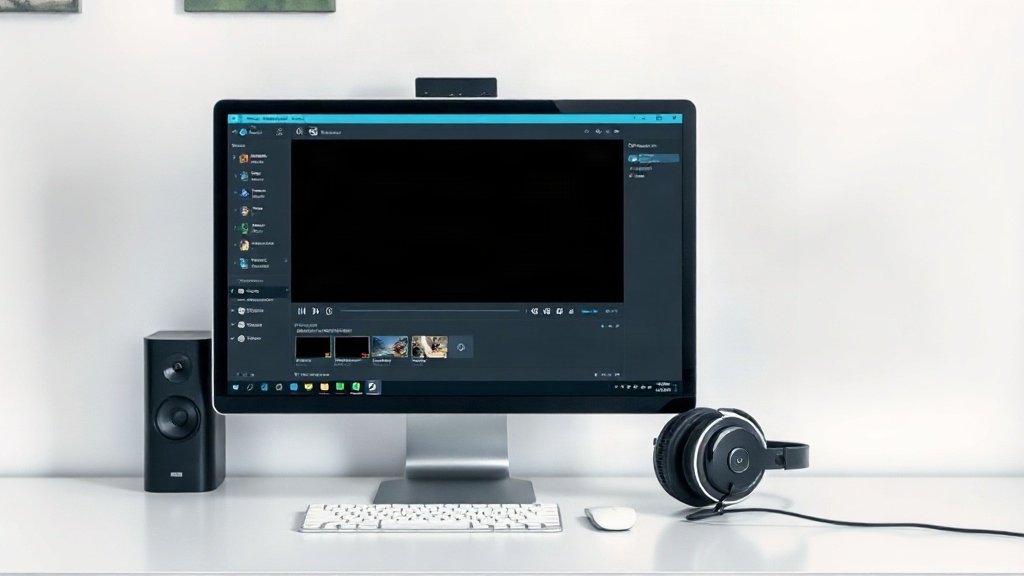
Essential Tools for Faceless Coaching Videos
Screen Recording, Slides & Editing
- Synthesia: Advanced for beginners, offering screen recording, split scenes, and AI voice transcription.
- Camtasia: A desktop standard—feature-rich for screen recording, basic editing, AI avatars, and text-based cut-downs.
- Pictory.ai: Converts scripts or existing webinars into video by assembling stock scenes and captions.
- InVideo: Online video editor with thousands of templates—great for animated “talking-point” explainer clips.
- Canva Pro: Polished slides, graphics, and simple timeline video editing, all browser-based.
Voice Over and Narration
Audio quality can make or break a faceless coaching video. Research shows that poor audio is the #1 cause of viewer drop-off, more so than mediocre visuals. Invest in a basic external USB mic (like the Samson Q2U or Blue Yeti)—it usually outperforms any built-in laptop mic under $60.
- AI voice-over tools: ElevenLabs, Murf.ai, and Play.ht all offer realistic AI narration, great if you prefer to write scripts and let the software speak for you. Many platforms let you pick accents, tones, and even clone your own voice.
- Human voice: If you’re comfortable speaking, nothing beats natural delivery for emotional nuance and engagement.
Captions & Accessibility
Always add captions. With over 80% of videos on social media being watched on mute and accessibility matters gaining regulatory focus, captions are a non-negotiable.
Some tools (like Vidquence, Pictory.ai, or Camtasia) auto-generate captions and allow quick correction. Even short coaching clips benefit from on-screen subtitles—making your content accessible and easier to rewatch.
How to Create a Faceless Coaching Video—Step by Step
- Script your video. Outline or fully script what you want to say. For clarity, write as if explaining to a curious beginner—break down steps, define jargon, and summarize key points.
- Pick your video format. Will this be a narrated slideshow, a software walkthrough, a combination of stock footage and graphics, or an animated explainer?
- Collect or create visuals. Design slides in Canva Pro, capture screens with Camtasia or Synthesia, or assemble relevant stock clips in Pictory.ai or InVideo.
- Record your voiceover. Use a quiet room and external mic, or employ an AI voice service. With Vidquence, you can generate and time the audio automatically for your script.
- Combine visuals and audio. Sync your narration and visuals in your editing platform. Add transitions, highlight keywords, or animate elements for emphasis.
- Add captions and polish. Captioning makes your content more professional and accessible. Adjust timing and style to match your video’s branding.
- Export and review. Watch your video start to finish; fix pacing or audio glitches as needed. Share with a friend or trusted audience for a final sanity check before publishing.
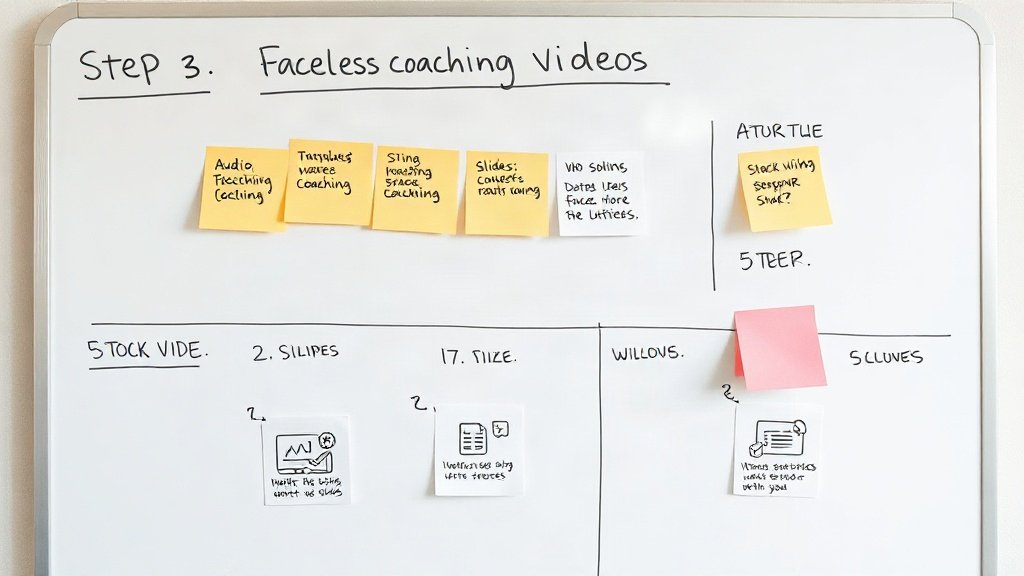
Best Practices for Faceless Coaching Videos
- Consistency is key: Use a signature color scheme, intro sequence, or audio sign-off to build brand recognition.
- Prioritize audio quality: Even a brilliant video looks amateurish with tinny or muffled sound.
- Be transparent: Build credibility not with your face but with clear explanations, vetted frameworks, outcomes, and linking to your credentials or testimonials.
- Use captions and CTAs: Guide viewers on the next step—downloadables, newsletter signups, or commenting on their progress.
- Monitor feedback: Analyze comments or viewer retention to improve future sessions. Is a slide too wordy? Does a particular voice style stand out?
- Start simple: Don’t wait for perfection. The sooner you publish, the sooner you learn what works for your audience.
Example Workflow: Creating a Faceless Coaching Video With Vidquence
Suppose you want to teach ‘5 Stress Management Techniques’ but don’t want to appear on camera. With Vidquence, you can:
- Write or paste your script, or provide a URL to your outline.
- Automatically generate a video with relevant stock footage, animated callouts, synced AI voiceover, and auto-captions.
- Customize styles, review the result, and publish directly to YouTube or your coaching platform—all without appearing, recording, or assembling footage manually.
This streamlined approach removes tech hurdles and puts your message front and center.

Human Voice or AI Voice? (Pros and Cons)
Which should you use for narration?
- Human voice: Best for conveying personality, warmth, and spontaneous emphasis. Requires a quiet space and some recording familiarity.
- AI voiceover: Ultra-convenient, consistent, and scalable for multilingual or high-volume video needs. Some voices are nearly indistinguishable from real, but emotional nuance can be limited.
Many creators start with AI narration to test course ideas quickly, then switch (or add) human voice for flagship videos.
Faceless Coaching Videos FAQ
Can I really build trust without showing my face?
Yes. Many top earners in online coaching do exactly this. Focus on delivering proven results, clear explanations, and sharing client testimonials to foster credibility.
What equipment do I need to get started?
Just a laptop, basic USB mic, internet connection, and a video creation platform. Optionally, invest in headphones for audio checks and use stock footage or slides for visuals.
Is it better to use AI voice or record my own?
Use what feels comfortable and efficient. If you dislike recording your voice, AI narration is highly realistic in 2026. For sensitive topics or a more personal touch, consider using your own voice.
How do I add captions to my faceless coaching videos?
Most modern editing tools, including Vidquence, offer auto-captioning with easy text correction. Always review generated captions for accuracy before publishing.
Conclusion: Focus on Value, Not Visibility
You don’t need a stage presence or perfect camera confidence to help, teach, or inspire. Faceless coaching videos allow you to share expertise, scale your reach, and build genuine impact while staying comfortably behind the scenes. Master the core video formats, invest in audio quality, and let your lessons do the talking. The world needs your voice—even if you choose not to show your face.