

If you’re consistently sharing talking-head updates—whether for your business, nonprofit, or creator brand—spending hours re-uploading the same video to every social channel can feel like déjà vu. But with the right workflow, you can batch schedule talking-head videos everywhere (YouTube, TikTok, Instagram, and more) in a single sitting. The payoff: you reclaim your time, stay visible everywhere, and never scramble during crunch weeks again.
Why Batch Scheduling Talking-Head Videos Matters
Batch scheduling means recording several talking-head videos in one session, then setting them all up for automatic publication across all your channels—using a scheduling tool built for cross-platform video posting. Creators who batch their workflow report saving more than an hour per week over manual uploads (source: user surveys from ShortSync and Clip Dash). That’s time you can spend prepping content, engaging your audience, or just taking a much-needed break.
The Modern Workflow: Batch to All Channels in 7 Steps
- Record talking-head videos in batches. Set aside a block of time to record multiple short updates or themes you plan to share over the next week or month.
- Pick a cross-platform scheduling tool. For 2026, leading tools include Clip Dash, ShortSync, BulkPublish, Socialic, and Kitmo. Each connects multiple accounts and automates uploads.
- Connect all your social accounts. Authorize the platforms you’ll post to—YouTube, TikTok, Instagram, and others. This step usually takes a few clicks per account inside the dashboard.
- Upload each video (once). Drag-and-drop your talking-head videos into the tool. No more juggling endless upload bars across apps.
- Customize for each channel. Most tools offer per-platform fields: tweak your titles, captions, and hashtags for every destination. Some (like ShortSync and Socialic) let you adjust disclosures or cut video length to match each platform’s rules.
- Set your schedule. Choose the exact date and time for each post. Use the calendar or queue features to space content out across the week or month.
- Preview and finalize. Double-check previews; most tools show platform overlays so you can catch errors before posting. Hit “schedule” once—you’re done until next batch day.
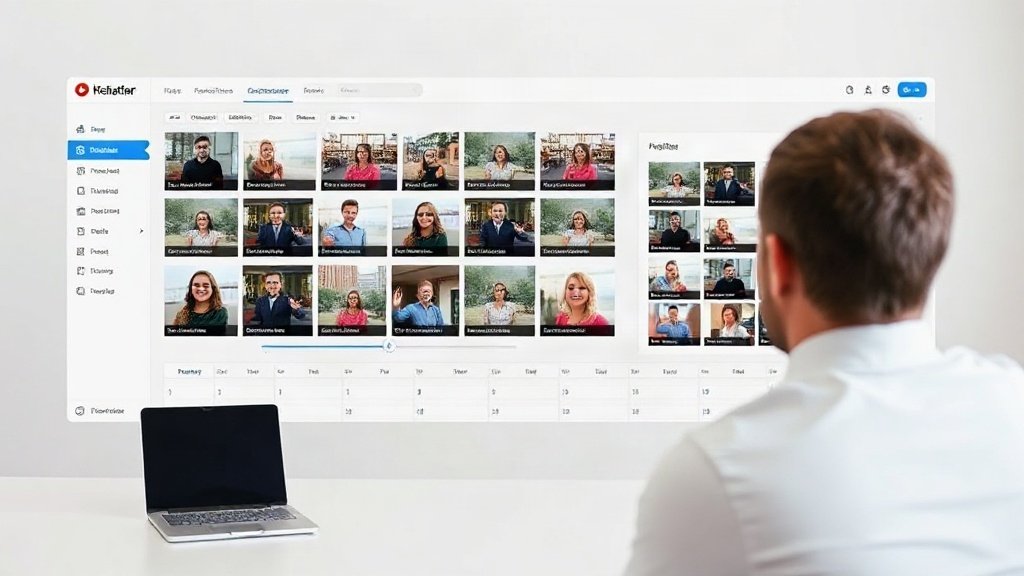
Key Tools for Multi-Channel Video Scheduling (2026)
- Clip Dash: Streamlined blue/white dashboard; flexible scheduling, AI-clip suggestions, customizable fields per platform. Charges per channel or bundle.
- ShortSync: Bright, friendly interface with deep per-platform customization (disclosures, hashtag sets, smart trimming). Flat-rate or usage tiers.
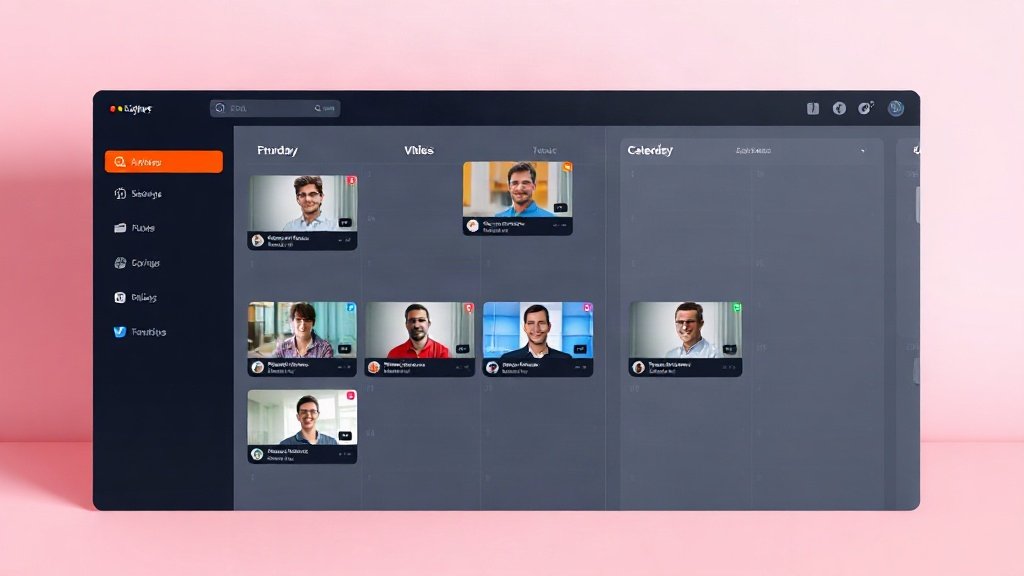
- BulkPublish: Calendar-first, clean and modular. Lets you drag posts onto different dates, robust analytics. Tiered flat pricing.
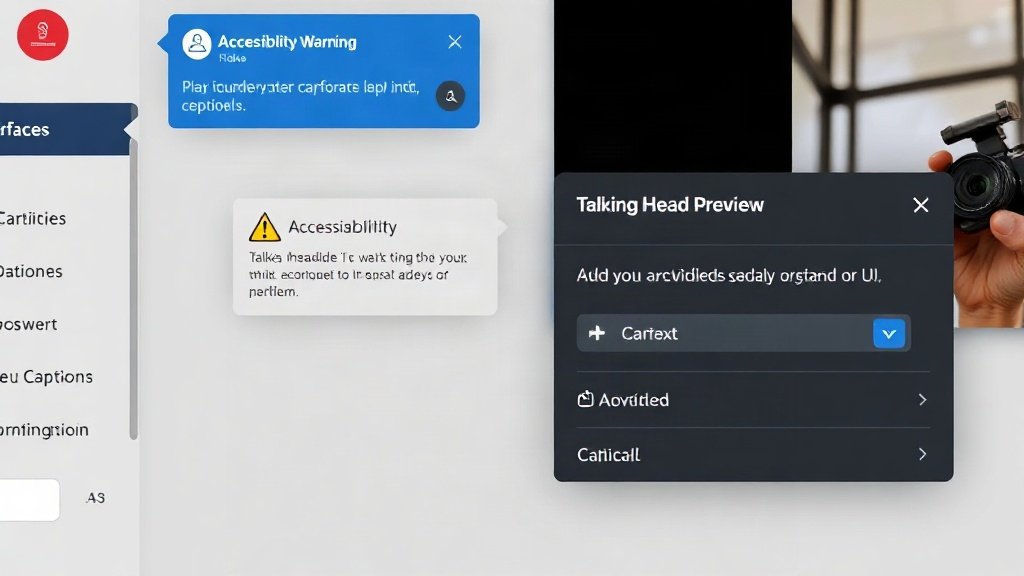
- Socialic: Colorful dashboard with unified comment inbox, accessibility alerts, and real-time preview overlays. Per-channel or flat pricing.
- Kitmo: Dark mode dashboard, strong video preview tools, AI captioning, granular scheduling. Charges by channel bundle.
Real Example: Batch Scheduling a Weekly Update Series
Say you’re a small business owner or educator producing four weekly updates. In Clip Dash or ShortSync:
- Upload all four video files at once.
- Select YouTube, TikTok, Instagram, and LinkedIn as destinations.
- For each, tweak title length and hashtags to suit (e.g., keep it catchy for TikTok, add hashtags and a call-to-action for Instagram).
- Space out the posts: Mondays at 10 AM, Wednesdays at 2 PM, Fridays and Sundays.
- Preview, fix any issues (like Instagram cropping), and hit schedule once.
Total process: under 30 minutes. Native/manual upload: 2+ hours.
Essentials: Customizing for Each Platform
Not all platforms (or audiences) are created equal. In 2026, one-size posting—where you blast the exact same video + caption everywhere—can hurt engagement. Batch scheduling tools increasingly allow for per-platform tweaks:
- Captions and titles: TikTok rewards punchy, snappy lines under 100 characters; YouTube descriptions can explain more.
- Hashtags: Instagram loves their volume, while LinkedIn generally looks cleaner with just 2–3 strategic tags.
- Length restrictions: TikTok caps most posts at 60 or 180 seconds; IG Reels, 90 seconds. Some tools auto-trim or help you choose the best cut.
- Accessibility: Platforms now require (or surface) accurate captions. Tools like Socialic and Kitmo show alerts if your video’s missing them.
Treat platform customization as non-negotiable. Even with AI-assisted setups, always review AI-generated fields: automated tags or transcripts can miss context, especially in talking-head content.
Accessibility and Platform Enforcement: Don’t Skip Captions
In recent years, social platforms have quietly penalized videos missing accessibility basics. On Instagram and LinkedIn, posts without accurate human- or AI-generated captions are now often suppressed or hidden by default (Socialic internal research, 2025). Always add captions—either in your editing tool or inside the scheduler if it’s offered.
If you’re creating your talking-head videos in Vidquence, you can generate and bake in AI-powered captions as part of the export, ensuring your uploads are compliant from the start.
Batching vs. Manual Posting: Measurable Wins
Batch scheduling isn’t just about time. Here’s how it stacks up based on workflow studies (ShortSync, 2025):
- Time saved: Creators averaged a 60–80% faster workflow for a 5-video, 4-platform batch—about 2+ hours vs 40 min.
- Consistency: Scheduled batches prevent gaps, helping maintain steady visibility even when creators get busy.
- Quality control: Preview features across tools catch mistakes and help ensure each post fits the platform, both technically (format, aspect) and contextually (title, tags, disclosures).
- Analytics: Bulk dashboards let you spot trends faster—see what works where in one place, not 6 different logins.
What to Watch: Common Pitfalls in Multi-Channel Scheduling
- AI overreach: Automated suggestions for titles or hashtags are handy, but always double-check. A wrongly transcribed name or off-topic hashtag can cost engagement.
- Platform-specific rules: Watch out for auto-cropping (Instagram Stories vs. Reels), max file sizes, or sudden changes in length limits.
- Pricing traps: A flat-rate plan (BulkPublish, ShortSync) can be cheaper than per-channel (Kitmo, Clip Dash) if you’re scaling up. Review monthly costs to avoid surprises.
- Missing platform features: Some platforms add features (like interactive polls or link stickers) that bulk publishers don’t yet support. You may need to add those later or stick to basic posts in your batch run.
FAQ: Batch Scheduling Talking-Head Videos
Do You Lose Reach Scheduling via Third-Party Apps?
Most recent evidence (BulkPublish analytics, 2025) shows no significant difference in visibility or reach as long as you customize posts for each platform. Avoid “one-size” posting, and always provide unique, relevant captions/tags per site.
Which Scheduler Is Best for Small Teams?
ShortSync and BulkPublish offer the most affordable flat-rate options for creators posting to up to 5–6 channels. Compare interfaces and feature lists before committing to a year plan.
How Do I Ensure My Videos Aren’t Hidden for Accessibility?
Always enable captioning—either with your video creation tool (such as Vidquence’s built-in captions) or by adding them in your scheduling dashboard. Most modern schedulers prompt you if captions are missing.
Can I Automate Comments or DMs in These Tools?
Some platforms (like Socialic) offer a unified inbox for comments and basic DM replies, but advanced automation for comments is still limited by the major social APIs for privacy reasons.
Conclusion: Take Control of Your Update Workflow
For creators, marketers, and small businesses, learning to batch schedule talking-head videos is a genuine time and energy saver—and in 2026, it’s a necessity for maintaining a strong, multi-channel presence. With the right tools and workflow, you can multiply your content’s reach, keep every audience engaged, and focus more on what matters: your message. Prep your videos, pick a scheduler, customize, and let automation do its job. Your future self will thank you.