
Ready to drastically cut the grunt work from video publishing? Automating YouTube uploads streamlines the pipeline—from sourcing files to posting finished videos. With the right AI video platform and workflow tools, you can programmatically handle uploads, metadata, and even scheduling, minimizing errors and time spent toggling between tabs. Below is a practical guide on automating YouTube uploads step-by-step, including smart use of advanced AI and crucial compliance with YouTube’s ever-evolving policies.
What Does Automating YouTube Uploads Actually Mean?
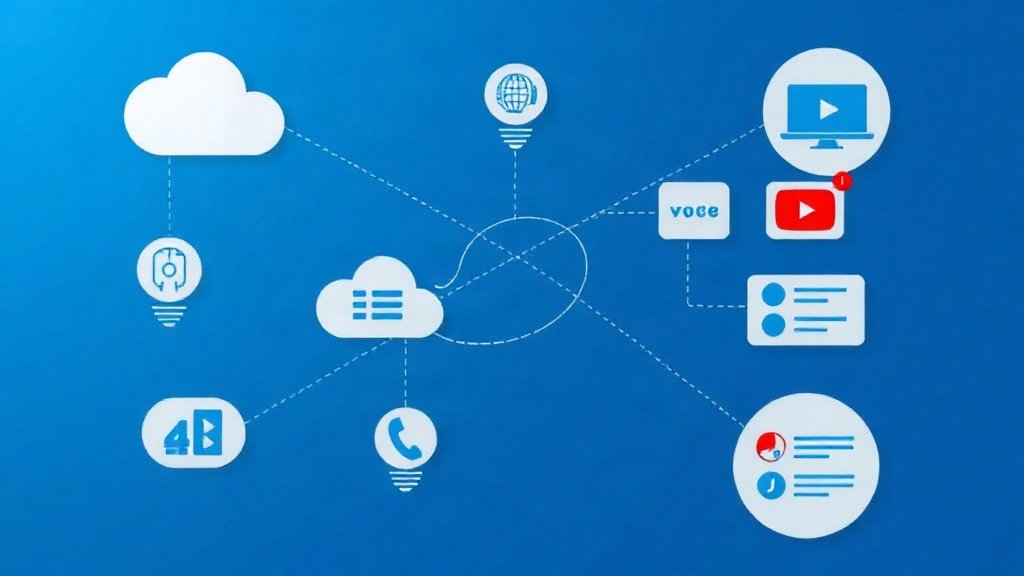
Automating YouTube uploads means setting up a workflow that:
- Finds or receives your finished video file (from an AI video platform, cloud drive, or storage bucket)
- Generates (or suggests) metadata—title, description, tags—often with generative AI
- Optionally routes for human review or approval
- Sends the upload to YouTube via secure API, with scheduling, thumbnail, captions, and more
- Notifies your team (Slack, email, etc.) or logs each step
The entire chain can be triggered by video completion, file arrivals, or a scheduled batch. Importantly, automating uploads also means building in choices for compliance and quality checks—not just pushing raw output to your channel.
The Essential Toolkit: AI Video Platforms + Automation
Here’s what you need to automate YouTube uploads:
- AI video creation platform: Converts prompts, scripts, or URLs into ready-to-upload video files. Tools like Vidquence auto-generate voiceover and captions—perfect for faceless YouTube automation.
- Automation workflow tool: Platforms like n8n let you craft visual, step-by-step flows that integrate cloud storage, AI models (ChatGPT, Claude), and the YouTube API.
- YouTube Data API v3: Google’s official engine for programmatic uploads. Key implementation is with the
videos.insertendpoint, requiring OAuth 2.0 authentication with theyoutube.uploadscope. - Cloud storage: Google Drive and Amazon S3 are popular sources, providing secure video hosting in your workflow.
- AI language models: For crafting or reviewing metadata, integrate with ChatGPT or Claude to auto-draft titles, descriptions, and hashtags. Always schedule a human review where accuracy is essential.
Step-by-Step: Automating Your YouTube Uploads
1. Prepare Your Video in an AI Platform
First, generate your video using your chosen AI video platform. For example, with Vidquence you can input a script or URL and get a finished, YouTube-ready video—voiceover, captions, and aspect ratio handled. Export the video to a cloud storage source like Google Drive or S3, which acts as the trigger in your automation.
2. Pick Your Workflow Builder (e.g., n8n)
You need an automation hub like n8n (open-source and extensible) or Zapier (limited for YouTube). With n8n, you can visually arrange steps: Watch for a new file in Google Drive, send the file for metadata generation, and chain in approval checks.
3. Set Up Secure YouTube API Access
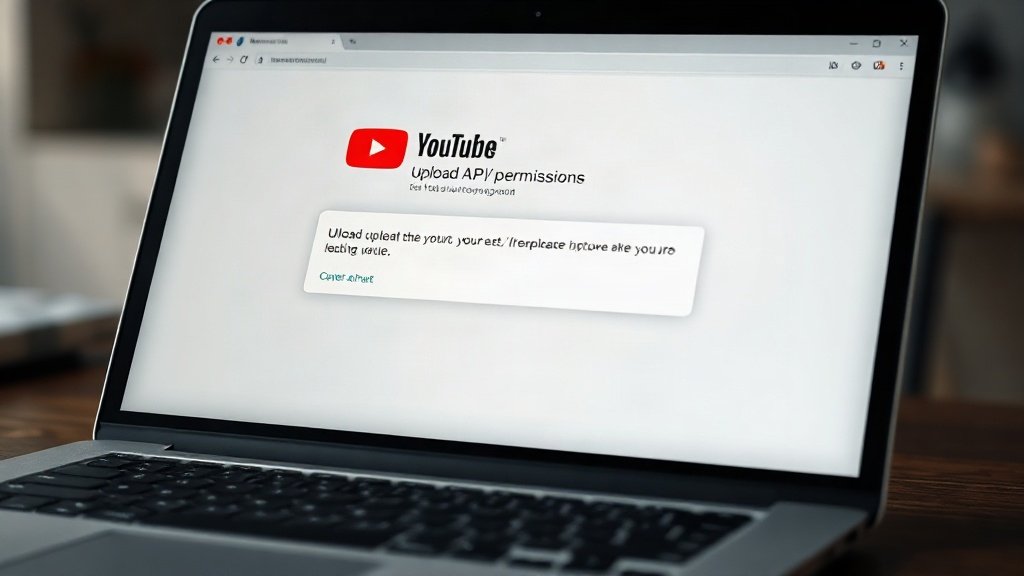
To upload programmatically, you’ll register a Google Cloud project, enable the YouTube Data API v3, and configure OAuth 2.0 credentials with youtube.upload scope. On first run, you’ll authenticate in a Google permission dialog; n8n securely stores API tokens for recurring use.
- Quota note: There’s a roughly 100 uploads/day quota per Google Cloud project. Plan batching for high-volume channels.
4. Automate Metadata Drafting (With AI)
Route your video’s filename, existing notes, or transcript into ChatGPT or Claude (typically via n8n’s OpenAI/Anthropic nodes). Auto-generate:
- Title — compels click-throughs, includes keywords
- Description — accurate video summary, useful links
- Hashtags and tags — boosts discovery
Example prompt for ChatGPT in n8n:
“Draft a YouTube title and description for this video file: [filename]. Keywords: [keywords]. Max 70 characters for title and 300 for description.”
5. Human Review (Critical for Compliance)
After AI drafts the metadata, the workflow pauses for human intervention—commonly a Slack or email notification with an ‘approve’ or ‘edit’ button. This step isn’t just good practice: It guards against AI hallucinations and ensures accuracy, especially for regulated or monetized channels.
6. Upload to YouTube via API—With Scheduling
With approval, the workflow sends the video, AI-generated metadata, thumbnail (if provided), and scheduling info to the YouTube Data API’s videos.insert endpoint. n8n’s dedicated node handles the upload and schedules the video for private, unlisted, or public release at a specified time.
- Best practice: Add C2PA or disclosure metadata if your content is significantly synthetic. Since 2026, YouTube auto-labels detected AI/reality-blurring videos and tightly enforces “inauthentic content” policies about mass-produced, low-originality uploads.
7. Send Status Updates (Optional, But Smart)
Notify your team or yourself when uploads complete, fail, or need manual action. n8n connects to Slack, Discord, or email. You’ll also want error logging in place to catch quota limits or API authentication errors quickly.
Real-World Example Workflow (n8n)
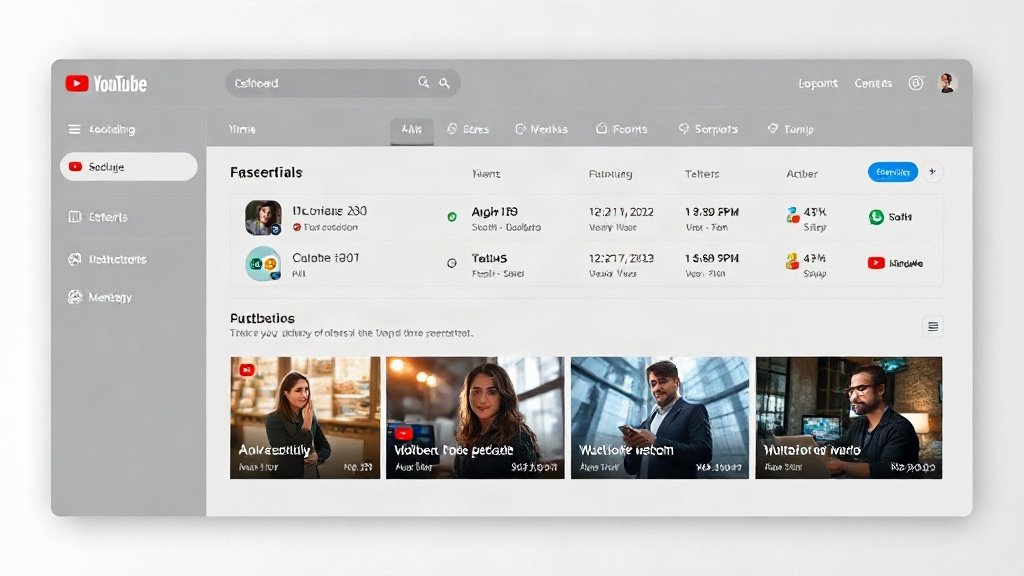
- Trigger: New video in Google Drive (from Vidquence or video team)
- Metadata draft: Video filename sent to ChatGPT via n8n; returns title/description/tags
- Pause for human review via Slack message; approve or edit metadata
- Upload: Send video and finalized metadata to YouTube Data API
- Schedule: Set publish time to 10am next business day
- Notification: Slack update with video link and status
What NOT to Automate — and YouTube’s Policy Warnings
- No full automation for high-risk or policy-sensitive videos. Always human review factual, regulated, or controversial uploads.
- No mass-produced, repetitive AI uploads. Since July 2025, such channels increasingly get demonetized.
- No undisclosed synthetic content. Use YouTube’s disclosure tools if your video is “significantly altered or synthetic.”
How Vidquence Fits in This Automated Workflow
Vidquence is purpose-built for automating YouTube channels: generate faceless videos from prompts or scripts, complete with voiceover and captions—ready for automated upload. Integrated scheduling and direct YouTube publishing eliminate upload steps, while offering options for manual review and AI-powered metadata. For pure video automation, it shortens your path from idea to published YouTube content.
FAQ: Automating YouTube Uploads
- Is it safe to automate YouTube video uploads?
Yes, provided you use secure API authentication (OAuth 2.0), stay within API quotas, and build in review for high-impact or factual uploads. Never share your API credentials. - Will automated uploads get my channel penalized?
Automated workflows aren’t penalized, but mass-producing low-quality or non-original AI content can result in monetization loss per YouTube’s updated policies since 2025–2026. Maintain originality and human oversight. - Can I automate YouTube Shorts uploads too?
Yes—the same API/upload process supports Shorts, as long as the aspect ratio and duration match YouTube requirements. AI platforms like Vidquence now generate Shorts-ready formats. - How do I handle API quotas?
Google’s default forvideos.insertis ~100 uploads per project per day. For higher scale, stagger uploads or apply to raise quotas in the Google Cloud Console.
Conclusion: Automation Multiplies Your YouTube Impact
Automating YouTube uploads saves hours per week, sharpens quality control, and allows you to scale reliably—without sacrificing compliance or creativity. With the right workflow (AI video generation, metadata automation, careful scheduling, and review steps via tools like n8n and Vidquence), you can focus less on busywork and more on making content that actually grows your channel.