

If you’re tired of juggling half a dozen apps just to create one post-worthy video, an all-in-one AI video platform could be the productivity leap you need. By bringing every step—planning, writing, editing, voiceover, captions, and publishing—into one AI-powered workspace, these platforms dramatically shorten your path from idea to published video. Let’s dig into the features, the tech behind them, and how they remove bottlenecks for creators, marketers, and small businesses.
What Actually Is an All-in-One AI Video Platform?
At its core, an all-in-one AI video platform is a software solution that combines all major video creation and distribution tasks—powered by artificial intelligence—within a single, unified interface. Instead of switching between separate tools for scriptwriting, editing, voice, subtitles, and distribution, you use one dashboard that leverages AI behind the scenes to automate and enhance those processes.
This is more than just sticking a chatbot into an editing app. These platforms blend large language models (LLMs, like Google’s Gemini) and multimodal AI to process both words and visuals. The result is a genuinely streamlined workflow—think one-click video generation from a text prompt, or automatic translation and captioning in any language. Examples in the wild range from consumer-facing tools (imagine what Samsung is doing with Galaxy AI) to dedicated creator platforms like Vidquence, which auto-generates videos from prompts, scripts, or URLs.
Key Features: What Sets All-in-One AI Video Platforms Apart
Here’s a practical look at the capabilities you’ll find in a true all-in-one AI video platform:
1. AI-Powered Video Creation & Editing
- Automated scene assembly and edits: Paste a script (or just a topic) and let the AI storyboard, arrange, and edit video clips.
- Smart trimming, transitions, & effects: Tools detect filler words, dead space, or clunky transitions and fix them automatically.
- One-click style/tone adjustment: Switch your video’s vibe (educational, dynamic, fun) with simple settings powered by LLM-driven templates.
2. Voiceovers and Multilingual Capabilities
- Synthetic voiceovers: AI can generate natural-sounding narration in dozens of languages and styles—no need to hire voice talent or record yourself.
- Auto subtitles & translations: Instantly generate accurate captions and translate them for international versions without manual transcription.
This is especially useful for creators and brands scaling content for global audiences. For example, a product video generated on Vidquence can ship with English, Spanish, and Hindi subtitles—saving many hours versus traditional workflows.
3. Agentic AI: Beyond Narrow “Tool” Automation
What really distinguishes top platforms is the use of AI agents—software that isn’t limited to just one repetitive task, but instead takes workflow-spanning actions based on goals you set. Here’s how this concept plays out:
- Adaptive editing: The platform suggests (or auto-applies) scene changes, pacing tweaks, or clip replacements for you—acting more like an assistant than just a button.
- End-to-end video generation: Type “Create a 60-second social ad for our spring sale,” and the agent crafts everything: script, visuals, transitions, and calls to action.
- Auto scheduling and publishing: Tell it where and when to post, and the agent handles platform-specific settings for YouTube, Instagram, etc.
Contrast this with traditional “tool AI,” which only performs narrow edits and requires a human to string together every step.
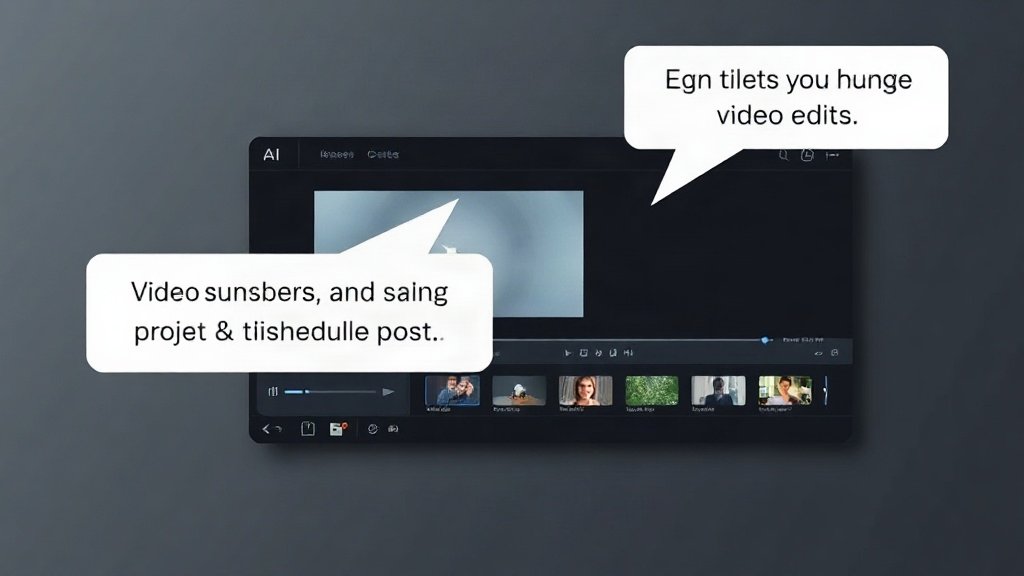
4. Collaboration, Analytics, and Workflow Automation
- Shared dashboards: Real-time team editing, version control, and feedback built right into the platform.
- Analytics and performance tracking: Integrated dashboards show video engagement, viewer demographics, and recommendations for improvement.
- Automated exporting & sharing: Convert, format, and distribute videos across channels from the same workspace.
All-in-one AI platforms remove manual handoffs between editors, designers, and social media managers, letting small teams punch far above their weight.
Why All-in-One Matters: Real-World Gains
You might wonder: are these capabilities just nice-to-haves, or real time-savers? Let’s ground this with numbers:
- Creators: A typical YouTube workflow (planning → scripting → recording → editing → subtitling → publishing) takes 6–12 hours/video. With end-to-end AI, this can shrink to as little as 20–40 minutes—an 80% reduction (Vidquence user reports; see also industry studies such as InVideo analysis).
- Marketers: Rapid A/B testing—create and iterate on multiple video ads for different audiences in a single morning, instead of over a week.
- Small businesses: Global reach with auto-translated, subtitled content, unlocking new audiences without hiring multilingual teams.
How AI-Powered Automation Compares to Manual Video Creation
Traditional workflows: You manually write scripts, record voiceover, edit scenes, add captions, export, and then schedule/upload to each platform. It’s time-consuming and rife with errors—or you need to coordinate freelancers for each step.
All-in-one AI video platforms: Instead, you describe your goal, upload a prompt/script, and the platform handles scene generation, voice, captions, and publishing in one flow, often requiring minimal revision. Feedback loops (via analytics or AI agent suggestions) make continuous improvement effortless.
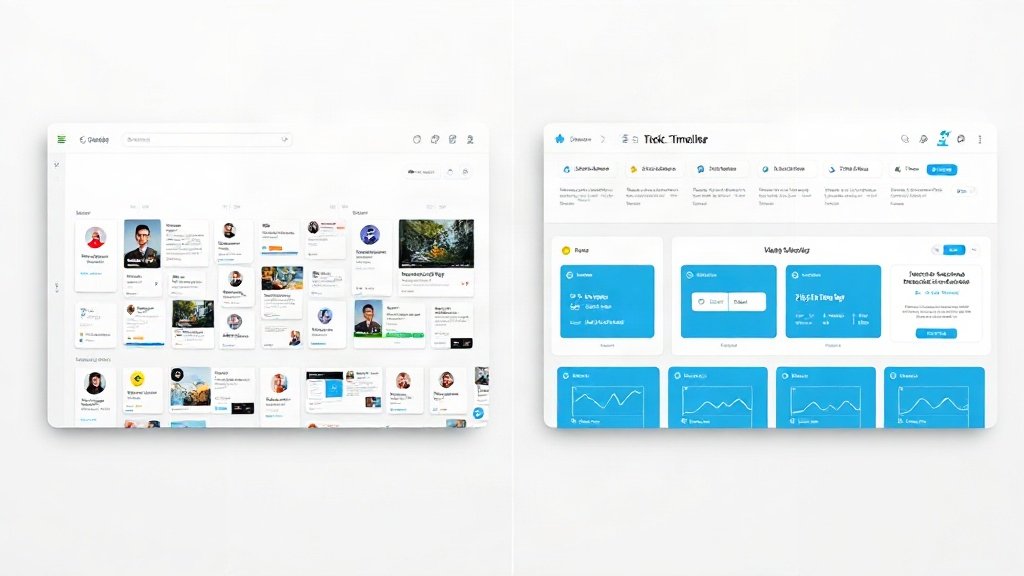
Features Checklist: What to Look for in an All-in-One AI Video Platform
- Multi-step workflow coverage—from ideation to publishing
- LLM/multimodal AI for processing text and visuals
- AI agents able to autonomously suggest or apply edits
- Synthetic voiceover and multilingual support
- Automatic subtitles, translation, and on-screen text
- Analytics dashboard and export automation
- Collaboration for teams (if needed)
Vidquence, for example, covers all these areas, making it a practical pick if you want to go from prompt to published video, faceless explainer, or short—with subtitles and voiceover, all scheduled on autopilot.
FAQ: All-in-One AI Video Platforms
- Q: Is AI video editing as good as manual editing?
A: For many types of content (explainer, social, talking-head, faceless channels), modern AI editing is now on par with manual workflows in quality—especially with customizable templates and review options. For ultra-polished creative edits, some manual fine-tuning may still help. - Q: How secure is content on these platforms?
A: Top platforms use encrypted cloud processing and allow for private/team workspaces. Always check the provider’s privacy and export options. - Q: Will I lose creative control?
A: No—you can typically override, tweak, or fully customize any AI-generated element. The goal is to automate grunt work, not limit your creativity. - Q: Can I use these for YouTube, Shorts, or TikTok?
A: Yes, most all-in-one AI video platforms format and schedule videos for all major channels by default, saving you from re-exporting or re-editing for each one.
Conclusion: The New Standard for Video Creation
All-in-one AI video platforms aren’t just about faster editing—they represent a unified, intelligent workspace that transforms how creators, marketers, and teams make and distribute video. By replacing scattered, manual steps with smart automation, features like AI-driven editing, subtitles, voiceover, and agentic workflow management, you can shift focus from busywork to strategy and storytelling. If video content drives your business—or could—exploring a platform like Vidquence could be your next big leverage point.