

If you’re coaching online, you know that moving from a raw idea to a finished, delivered lesson can balloon into hours of work. But with AI video workflows for coaches, you can draft scripts, generate videos, edit effortlessly, and automate delivery—often cutting production time in half. Here’s how to build a streamlined pipeline that puts your lessons (and energy) where they matter most: teaching and supporting your clients.
Why Coaches Are Turning to AI Video Workflows
Video is non-negotiable for impactful digital coaching. But traditional video creation—filming, manual edits, endless retakes—demands skills and time you’d rather spend coaching. Enter AI video workflows. With today’s tools, you can pass off repetitive work to AI at every stage, from initial script to scheduled lesson. This means you publish consistently, stay on message, and scale your impact without burning out.
Stage 1: Script Generation—AI as Your Lesson Co-Writer
Every effective video starts with a well-structured script. Instead of staring at a blank page, AI writing tools like Jasper and Copy.ai help turn your prompts into usable lesson outlines and full scripts. You feed in a prompt—say, “A 5-minute lesson on overcoming imposter syndrome for new managers”—and get back a structured draft broken into intro, key points, examples, and actionable takeaways.
- Jasper: Known for on-brand writing and customizable tone. Use its ‘Blog Post Outline’ or ‘Video Script’ templates.
- Copy.ai: Streamlined prompts for fast lesson outlines or Q&A scripts.
Spend 10–15 minutes refining the AI draft, adding your stories or calls to action. This alone can cut your scripting time by 60% (compared to starting from scratch, which often takes 30–60 minutes per lesson).
Stage 2: Video Production—From Faceless to Avatar
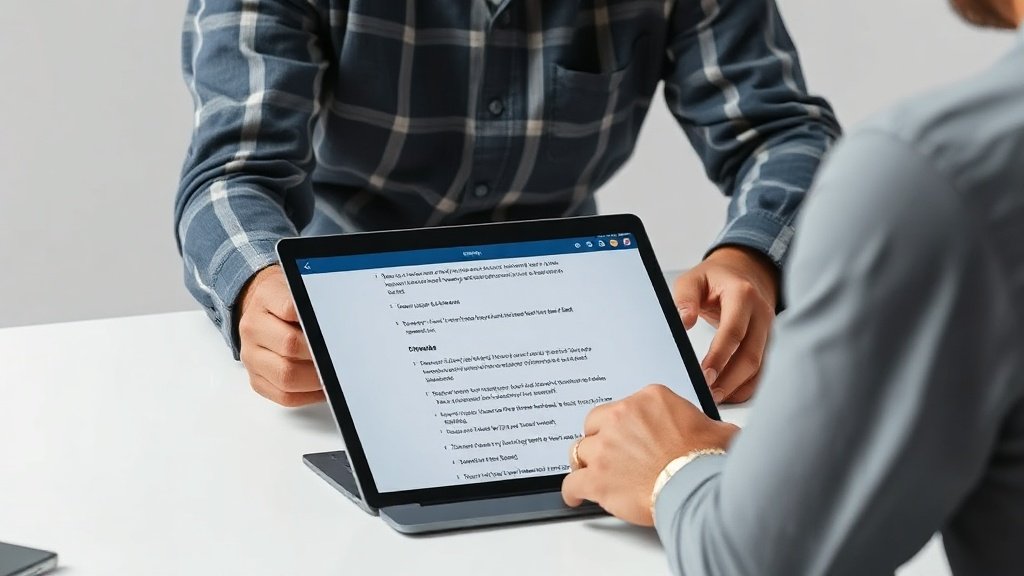
Once you have your script, it’s time to bring it to life—without the hassle of studio setups or reshoots. AI video creation tools like Synthesia and Pictory build polished lessons straight from your scripts.
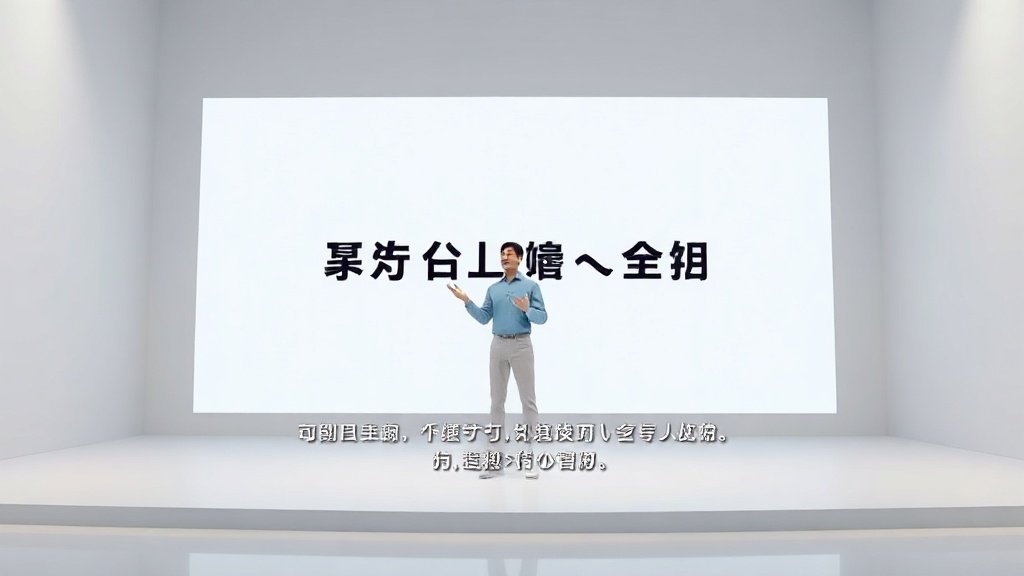
- Synthesia: Paste your script, choose a talking avatar (from a range of diverse presenters), and select your language. Synthesia delivers a finished video with natural-sounding voiceover—available in 120+ languages. Perfect if you want a consistent, on-brand presenter for faceless or multilingual courses.
- Pictory: Feed in your lesson script, and Pictory generates a video featuring relevant stock visuals, animated captions, and audio. It’s ideal if you prefer an educational, visually-driven style without appearing on camera.
This replaces hours of filming or hiring editors. For busy coaches, the jump from script to video in under 30 minutes is a game-changer.
Stage 3: AI Editing—Polish Videos in Minutes, Not Hours
Traditional editing means scrubbing through timelines and making cuts by hand. AI supercharges this. With tools like Descript and Runway ML, you work with transcribed text, not just footage. Here’s how:
- Descript: Your video is auto-transcribed. Remove filler words (“um,” “uh”), silence, or even whole sections by deleting text. Cut retakes, add auto-captions, drop in music—all from the transcript. It’s particularly useful for tight, structured coaching lessons.
- Runway ML: Use generative effects to clean up video, remove unwanted backgrounds, or sharpen footage. Especially helpful if you’re reusing old webinar content or want to enhance recorded segments.
Transcript-based editing can cut review and revision time by 40–60%. For example, deleting one sentence in Descript instantly removes the matching video segment, so there’s no manual dragging or syncing needed.
Stage 4: Automated Scheduling—Deliver When Clients Need It
Great coaching content falls flat if it’s posted when your audience is asleep. AI-powered scheduling tools solve this, making sure lessons reach learners when engagement peaks.
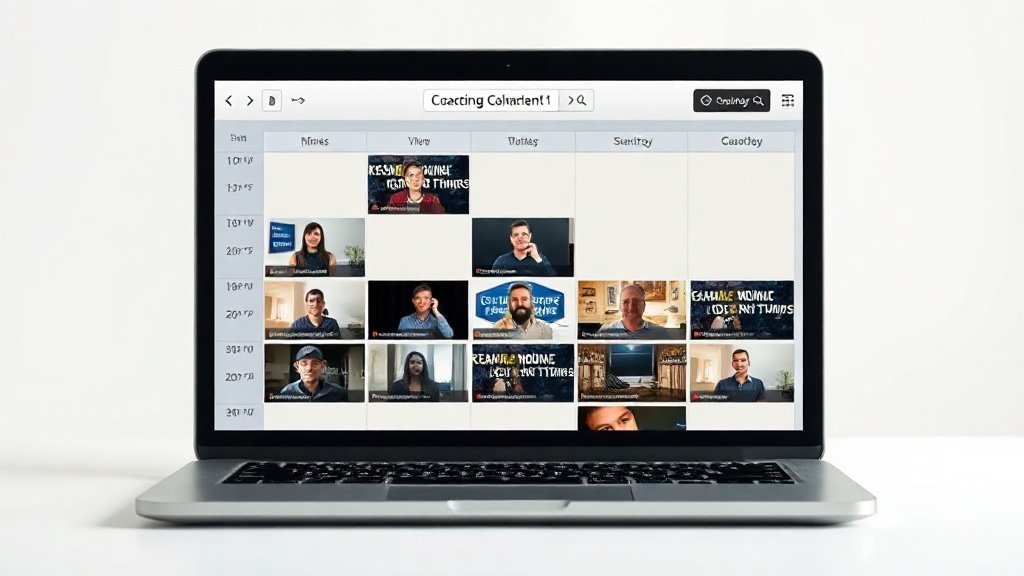
- Hootsuite: Automatically analyzes when your followers are most active to schedule social posts. Fill the dashboard with your lesson clips and let AI slot them for maximum views.
- Buffer: Similar smart scheduling, with a simpler interface and detailed analytics. Queue up several weeks’ worth of content at once.
If you use a learning platform like Teachable or Thinkific, you can set up ‘drip’ content—automatically unlocking new lessons for each client on a schedule you define. This enables personalized learning paths and reduces churn (courses with scheduled delivery see up to 43% higher completion rates, per Teachable’s 2023 data).
Putting It All Together: A Sample AI Video Workflow for Coaches
Let’s say you want to release a four-part video series for your Mindful Productivity Bootcamp. Here’s how an end-to-end AI workflow might look:
- Use Jasper to generate lesson outlines from your topic ideas (e.g., Focus, Boundaries, Energy, Review).
- Draft and refine scripts in Copy.ai, customizing intros and takeaways.
- Create each video in Vidquence (or similar tools like Pictory) using your script—getting auto-voiceover, branded captions, and layouts ready-to-go.
- Edit the draft videos in Descript to quickly remove mistakes or add context.
- Load your videos into Buffer, using its AI-informed suggestions to find the best times for posting to LinkedIn and Instagram. If running a paid course, set up Teachable’s lesson scheduler.
Instead of weeks of piecemeal production, you could script and produce all four lessons in a single afternoon, and have them scheduled to release over the next month.
How Vidquence Fits In
If you want an all-in-one solution, Vidquence can take your prompt, script, or even a URL, and turn it into a polished coaching video—complete with voiceover, captions, and the ability to auto-publish to your social channels or learning platform. For solo coaches and small teams, Vidquence can compress hours of coordination into one streamlined workspace. You don’t need deep technical skills: just your expertise and a willingness to experiment.
FAQ: AI Video Workflows for Coaches
- What if I want to appear in my videos?
You can still record yourself and use AI editing tools like Descript to clean up, caption, and enhance. Many coaches blend their own footage with automated slides or stock scenes for variety. - Is AI-generated video content engaging enough?
Yes—especially if you keep the script personal and interactive. Mix AI avatars with your real stories, add on-screen prompts, and offer downloadable resources to boost participation. - How do I keep video lessons on-brand?
Most AI video tools let you customize avatars, colors, and fonts. For maximum control, prep a brand style guide and use templates to standardize look and feel across all lessons. - What are the risks?
AI tools can sound generic if you don’t personalize scripts. Always review and adjust the AI output. Double-check any automated captions or translations for accuracy, especially with complex coaching topics.
Conclusion: Transform Your Coaching With AI Video Workflows
AI video workflows for coaches don’t just save time—they let you scale your impact and keep up with rising content demands. By automating the heavy lifting (writing, production, editing, delivery), you stay focused on what matters: supporting your clients’ growth. Take one or two stages to start, and soon you’ll be releasing professional, on-brand video lessons—on your schedule, not the clock’s.