
If you want to shave hours off your video content pipeline, start with what matters most: how you write your scripts. Today’s fastest creators are using AI-optimized video scripts—structures and prompts purpose-built to turn any idea into a finished short-form video in record time, especially with tools like Vidquence.
This guide drills into clear, concrete steps: from what to include in your outline to how to prompt—and yes, how to avoid the stiff, generic feeling of templated output. Follow these tips to slash your prep time and get consistently usable scripts, whether you’re publishing to TikTok, YouTube Shorts, or LinkedIn.
Why AI-Optimized Video Scripts Matter for Fast Production
AI video script generators have become a staple for marketers, small businesses, and solo creators. But simply copying your blog post or sales text into an AI tool won’t cut it. Generic or formal input leads to generic, boring video—not to mention, it slows you down with endless revisions.
Optimized scripts are short, skimmable, and easy for AI to turn into platform-ready video—faceless, talking-head, product, you name it. The payoff: fewer production bottlenecks, less back-and-forth editing, and scripts that “just work” out of the box.
Structure Is Speed: The Proven Short-Form Script Formula
The best AI-optimized video scripts follow a specific rhythm, tailored for modern, distracted viewing habits. Here’s your starting template:
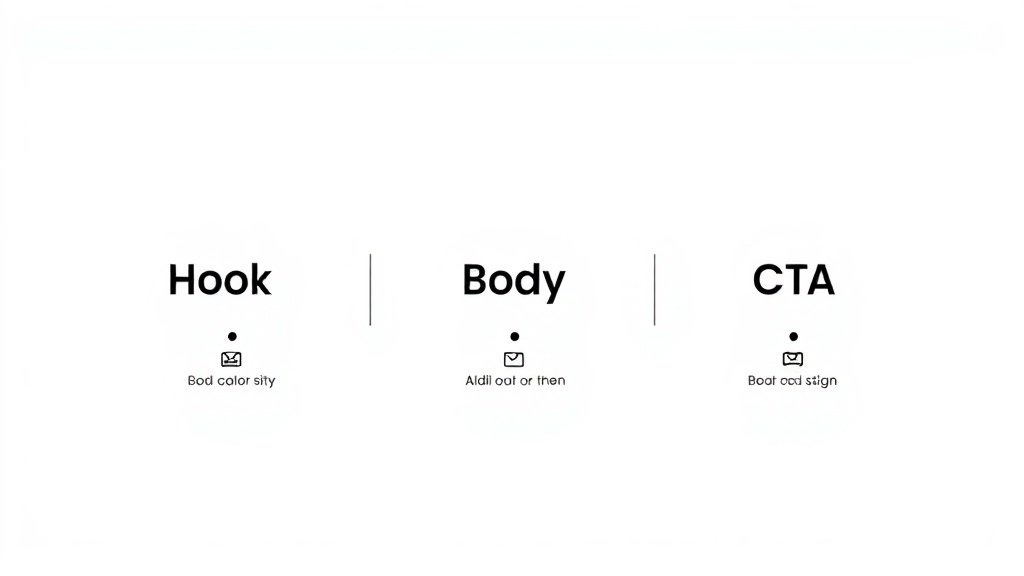
- Hook (0–10 seconds): Snap attention with an immediate, curiosity-grabbing line. Write for the scrolling thumb: if this isn’t compelling, viewers move on.
- Body (10–45 seconds): Land 1–3 key points—benefits, steps, myths, secrets—each change or element keeps pace fast and visual.
- Call to Action (CTA, 45–60 seconds): Direct viewers to act: subscribe, comment, click, buy, learn more. Be clear, not clever.
Planning your script in these blocks speeds up production dramatically. It also maps perfectly to scene-based video creation in tools like Vidquence—where each part becomes its own visual and voiceover segment.
Sample 60-second script breakdown:
- Hook: “Struggling to make videos that don’t flop? Let’s fix that.” (0–6 sec)
- Body 1: “First, script in scenes—not paragraphs. It gives you control over visuals.” (7–20 sec)
- Body 2: “Next, write how you talk. Don’t say ‘leveraging strategic value’—say ‘here’s how to use it.’” (21–40 sec)
- CTA: “Want more results in less time? Tap below and subscribe.” (41–55 sec)
Scene-by-Scene Scripting: The Secret to Killer AI Video
Dumping all your ideas into one dense paragraph is a fast track to AI confusion. Instead, structure scripts scene by scene:
| Scene Title | Voice-over | On-screen Action | Notes |
|---|---|---|---|
| Hook | “Ever waste hours editing videos?” | Quick cut of clock, frustrated creator | Casual, upbeat |
| Tip #1 | “Use scenes, not paragraphs. It’s way faster.” | Scene icons pop in order | Show movement, punchy |
| CTA | “Try this today and see faster results!” | Animated arrow to subscribe | Clear call |
This format gives AI clear marching orders for visuals, pace, and tone. Vidquence, for example, turns these scene blocks directly into distinct video clips—captions, visuals, and voiceover included.
Template: Plug-and-Play Scene Outline
- Scene Title: (Hook/Step/CTA)
- Voice-over: (scripted line)
- On-screen Action: (describe what should happen visually)
- Notes: (tone, camera angle, music, mood)
Start every script this way, and you’ll avoid generic results—while prepping your AI tool for faster video generation.
Prompt Like a Pro: Be Specific and Direct
Your AI’s output is only as good as your input. The more context you give, the smarter and more targeted its scripts become. Here’s a high-quality prompt template:
- Target audience: “Time-poor agency owners”
- Main pain point: “Too slow to publish video”
- Product/offer: “Automated video script tool”
- Tone/style: “Casual, modern, use Gen Z language”
- Platform: “TikTok, vertical video, 30 seconds”
- Word count/scene count: “Max 80 words, 4 scenes”
Here’s how you’d put it all together:
Write a 30-second TikTok script (4 quick scenes, vertical format) for agency owners who struggle to publish video consistently. The product is an AI tool that writes and edits scripts automatically. Use a casual, energetic tone. Make the hook bold, the body actionable, and the CTA clear. Max 80 words.
Compare this to a vague prompt like “Write a video script about AI tools.” The specific one always wins—and needs less revising later.
Don’t Forget Platform Nuances
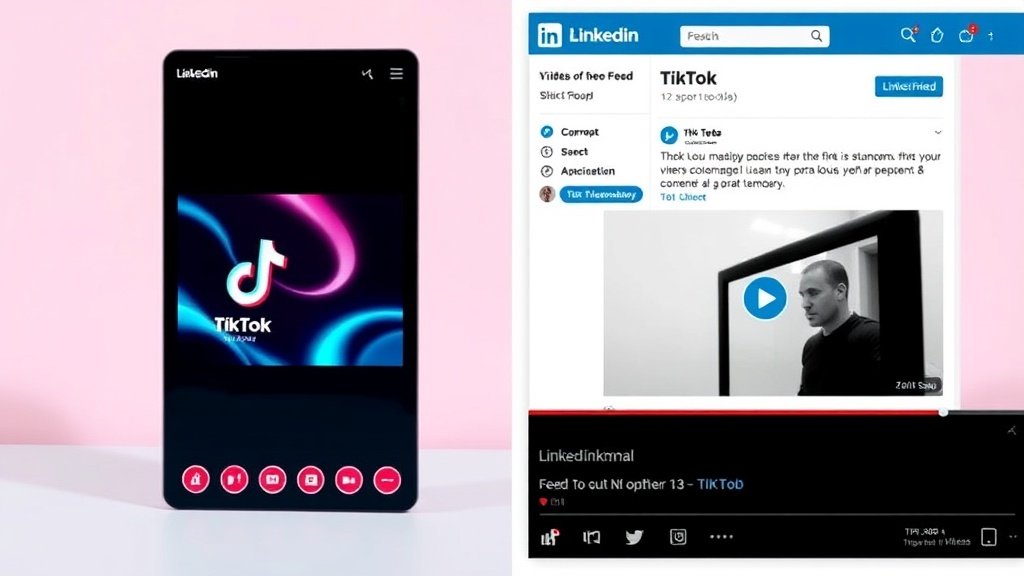
Pace and style matter. A TikTok video needs punchy, fast scene changes and bolder statements, while LinkedIn demands a more polished, direct approach with less slang. Always specify the platform in your AI prompt. For example:
- “Write in an authoritative, business tone for LinkedIn. Keep it professional, no slang.”
- “Make it quirky and bold, fast cuts, optimized for TikTok.”
Conversational Language Beats Formal Copy (Every Time)
AI tools (and viewers) react badly to stiff corporate jargon. Instead, write how you talk—then ask AI to do the same. Here’s a before-and-after example:
- Formal: “By leveraging automated solutions, organizations can streamline their video production processes, yielding considerable efficiencies.”
- Conversational: “Want to make videos faster? Use automation—it frees up your time.”
Ask your AI to match your audience’s language—”Use direct, simple speech that sounds spoken, not written.” Long-winded output? Trim and tighten.
Human Review: The Essential 5-Minute Pass
AI-optimized video scripts are rarely perfect on the first try. Before sending your script to video, do a “read-aloud edit”—a best practice Google DeepMind and many pro creators use. Read the script out loud. Flag or edit any wording that feels awkward, stilted, or too formal. Trim filler and repeat for pace.
- Keep sentences short (no more than 12–15 words per breath)
- Swap stiff words for natural alternatives
- Cut anything that isn’t vital to clarity or flow
This quick pass can cut up to 20% of wordcount—and makes for much better spoken delivery, whether human or AI voice-over.
Workflow Hack: Trimming Beats and Scene Timing
One overlooked way to speed up production is to use AI for trimming “beats”—cutting lines or scenes that slow the video’s pace.
- Set scene length limits: “Each scene max 7 seconds”
- Ask AI to summarize long points in 1–2 sentences
- Have AI list possible visual transitions or pattern breaks (“Scene 2: image flash, Scene 3: talking-head cut-in”)
With Vidquence, you can paste this scene-by-scene script and see each block turned automatically into visually distinct clips—voice-over, captions, and scene pacing included. That’s amplified efficiency, not just automation.
FAQ: AI-Optimized Video Scripts
What’s the best way to structure an AI video script for Shorts or TikTok?
Use a simple scene-based structure: Hook (0–10s), Body (10–45s), and CTA (45–60s). Each part should be a short, direct segment with clear voice-over and visual cues.
How do I make sure the script actually sounds natural?
Write in spoken, conversational language from the start and instruct the AI to do the same. Always do a “read-aloud” pass before production to catch robotic or awkward lines.
Can I use the same script format for both TikTok and LinkedIn?
Not exactly. TikTok scripts should be more fast-paced and bold, while LinkedIn needs a polished, concise professional tone. Tailor both prompts and language for each platform.
How does Vidquence help with AI-optimized video scripts?
Vidquence lets you take scene-by-scene scripts and generates full videos—voiceover, visuals, captions, and auto-publishing. This workflow means you can go from script to finished video in minutes.
The Bottom Line
Writing AI-optimized video scripts—from prompt crafting to the final read-aloud edit—is the biggest lever you have for faster, better videos. Use scene-by-scene structure, get specific with your AI prompts, write for spoken delivery, and always tailor to your platform. With a smart script template and tools like Vidquence, nearly anyone can ramp up production speed and quality—without sacrificing creativity or clarity.