
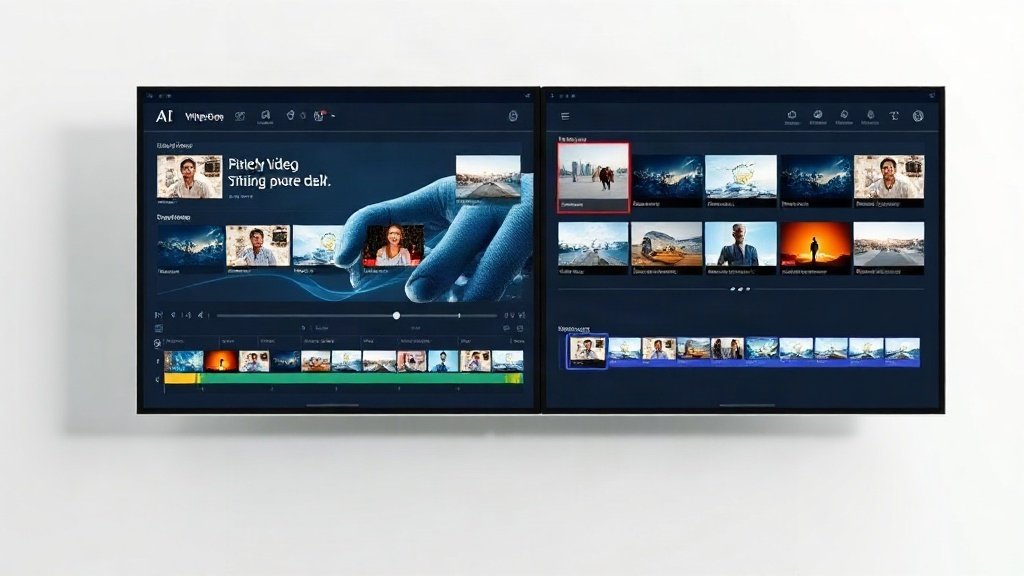
If you need to ramp up your video output—on YouTube, socials, or for product campaigns—choosing between Vidquence and Promo.com can have a real impact: on efficiency, creativity, and bottom line. Both are heavyweights, but their approach to automated content production couldn’t be more different. Here’s what you need to know (with real workflows and outcomes) to make the smartest decision.
Vidquence vs Promo.com: At a Glance
- Vidquence: AI-driven, prompt-to-video workflow for batch content creation. Prioritizes automation, speed, multi-platform export, and direct social publishing.
- Promo.com: Template-rich, manual video editor with deep stock footage integration (Getty/iStock), high customization, and a newer AI feature (PromoAI) for limited automated videos.
The question: do you want to rapidly generate dozens of social clips or invest time crafting one ultra-polished, brand-heavy piece?
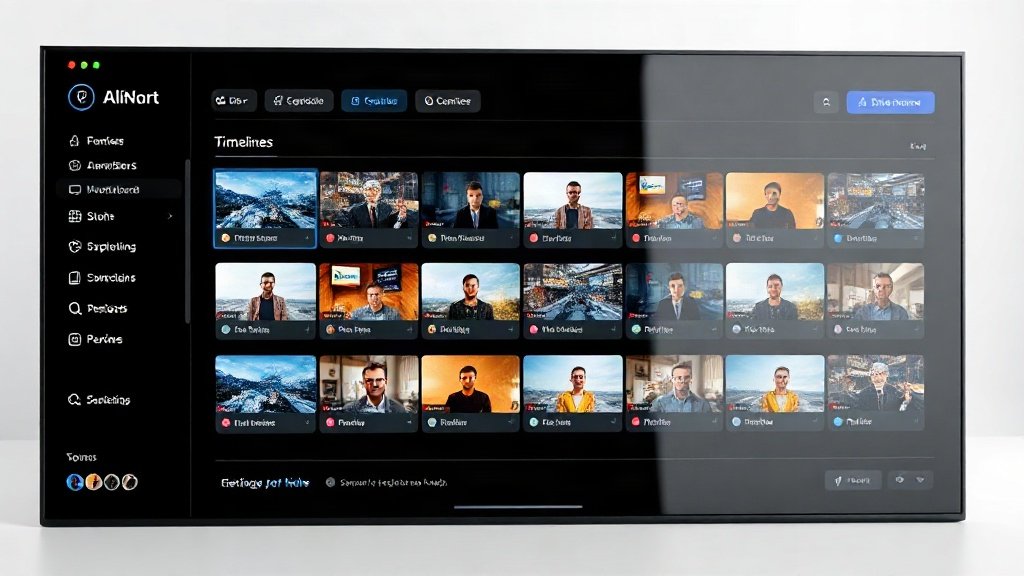
Core Workflows: Where Automation Matters
Vidquence: Batch Video Creation in Minutes
Vidquence is built around generative AI pipelines. You feed it a prompt (like “5 benefits of our new protein bar”), a script, a product URL, or even a blog post. The platform automatically creates complete videos: selects layouts, adds licensed visuals, layers in AI-generated voiceovers, and burns in captions. Want 8 versions—one for YouTube Shorts, Instagram, TikTok, LinkedIn, X—with different formats/aspect ratios? Just a few clicks.
- Typical time to first draft: 2–5 minutes (for short-form, 60–120 sec videos)
- Batch output: Bulk-generate dozens of variations with different hooks or lengths
- Direct scheduling: Instantly queue content for auto-publishing to major social and video networks
This works exceptionally well for creators or teams tasked with producing consistent, repeatable content—think product update reels, testimonial rounds, or explainer shorts.
Promo.com: Manual Control and Stock-Powered Videos
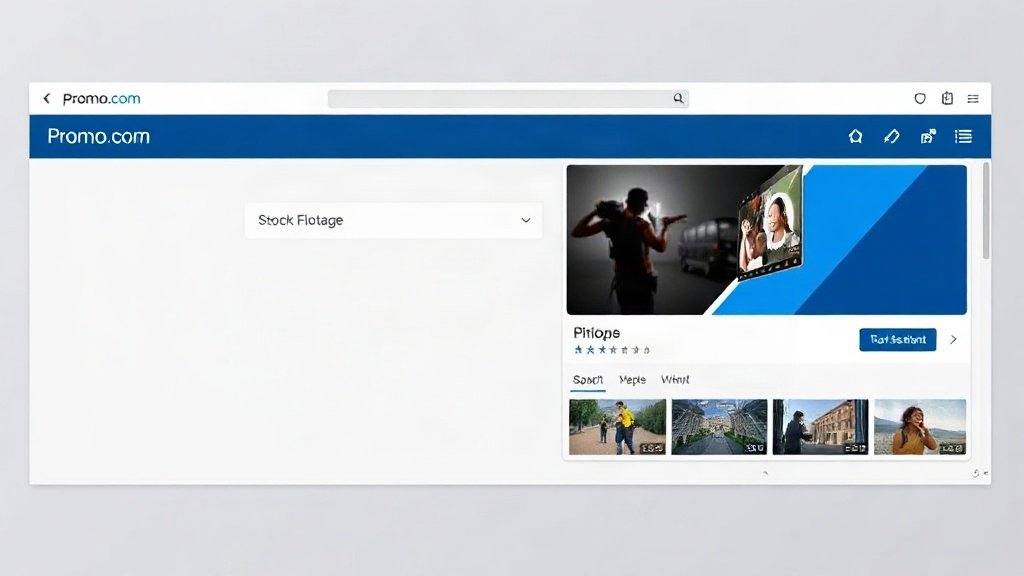
Promo.com’s strengths lie in its design toolkit and vast built-in stock library (thanks to partnerships with Getty Images and iStock). You start with a template, drag in stock footage or photos, edit text overlays, tweak scenes, and personalize branding. The PromoAI feature adds automated draft generation: input your company, product, and messaging, and get up to 30 AI-personalized video previews monthly (on eligible plans).
- Typical time to polished video: 45–60 minutes for a manual edit; 3–6 minutes for an AI-generated rough cut (which you still tweak)
- Stock footage depth: 110+ million assets
- Customization: Drag-and-drop editing, motion text, logo/brand kits, manual color and scene controls
Promo.com is often the go-to for marketers who want to meticulously craft promo spots or ads with premium licensed scenes and granular detail.
Content Types: Which Platform Fits Your Style?
| Content Type | Vidquence | Promo.com |
|---|---|---|
| Faceless Social Videos | Automated (prompt/script to video+voice) | Manual template editing; AI for draft only |
| Product Explainers | Batched, aspect-ratio optimized | Custom layouts; richer stock visuals |
| YouTube Shorts/Reels | Auto-formatted, schedulable | Template-based, needs manual resizing |
| Brand/Ad Spots | Possible, best for repeatable formats | Strong, with deep customization |
| Testimonials/Case Videos | Prompt-driven, AI-generated voiceover | Stock-based, manual assembly |
Stock Libraries vs Automated Generation
The most visible difference comes down to where your video assets come from. Promo.com shines if you want extensive, ready-to-license visuals—Getty Images and iStock clips cover nearly any theme or industry, and you can use them indefinitely on paid plans (within download and usage limits).
Vidquence skips the deep library and focuses on rapid generative workflows: it pulls relevant, license-cleared media, but you’re trusting the AI to match style and visuals. This is usually enough for social clips or fast product explainers, but for highly specific branded visuals or ad-level polish, you’ll sometimes want manual control—or to export and refine further.
Price and Value: What You Actually Get
- Vidquence: Starts at $29/month (entry plan, monthly billing). Pro and Max tiers allow more video credits and higher batch volumes for teams or agencies.
- Promo.com: Starts at $29/month (but only with annual commitment). Higher tiers provide more premium stock downloads and increased monthly AI video generations (PromoAI limit: up to 30/month on high tiers).
Notable limits: Promo.com’s monthly package means if you download a lot of full-length, premium-stock-powered videos, you could quickly hit a cap depending on your plan. Vidquence focuses on generating many short-form clips; batch creators get more value per dollar if quantity matters.
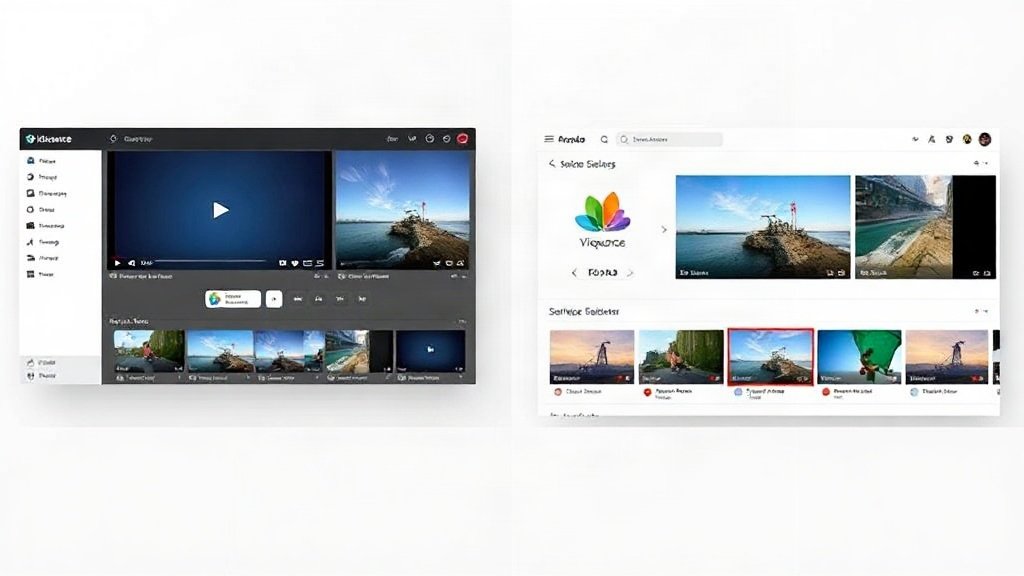
When to Choose Each Platform—Real Use Cases
- Vidquence is better when:
- You want to quickly produce batches of social media videos (e.g., 10–50 monthly).
- You need direct scheduling/publishing for multiple platforms.
- Your workflow is more about launching campaigns fast than perfecting every second.
- Promo.com excels if:
- You rely on unique, high-quality stock footage/scenes.
- You need detailed branding, manual editing, or motion effects for each asset.
- You’re producing a few highly customized ads or presentations, not rapid-fire batches.
Example: A DTC supplement brand might use Vidquence to auto-generate weekly reels showcasing benefits or FAQs, but enlist Promo.com’s library for a major product launch trailer with cinematic stock footage and hands-on scene tweaks.
What About AI? Comparing Automation Approaches
- Vidquence: Prompt-in, video-out approach. AI drives everything from script parsing to scene assembly, voiceovers, and captions. You review, adjust, preview, and schedule.
- PromoAI: Lets you generate a grid of up to 30 draft videos per month from your business info. These are starting points—most users still edit scenes, swap visuals or text, and fine-tune branding.
Vidquence’s automation suits batch and repeat content. Promo.com puts the creative throttle in your hands—with AI as a helper, not a replacement.
FAQ: Vidquence or Promo.com?
Is Vidquence or Promo.com easier for beginners?
Vidquence’s prompt-based workflow is typically faster for beginners making batch content, but Promo.com’s drag-and-drop editor may feel more familiar to those with design experience, especially if you want hands-on control.
Can either platform make long-form YouTube videos?
Vidquence is best for short to mid-length videos (1–5 min), and can struggle with highly custom or 10+ min content. Promo.com lets you create longer form videos but manual assembly makes it time-intensive.
Where does Vidquence really shine over Promo.com?
If your priority is automated, repeatable video output for multiple channels—especially faceless or script-driven content—Vidquence’s fast batch generation outpaces Promo.com’s manual workflows.
Are there hidden costs?
Both platforms limit video outputs/downloads per plan level. Promo.com users note rapid hit of stock/video limits if producing a lot of premium content. Always check plan terms—Vidquence is more batch-friendly for teams scaling up content calendars.
Conclusion: Choose by Workflow, Not Just Features
If your content plan depends on reliably pumping out engaging, faceless, or product-focused videos for multiple platforms, Vidquence lets you scale with lightning speed. For marketers or teams that thrive on deep customization, manual editing, and cinematic stock, Promo.com is hard to beat—though the tradeoff is more hands-on time per video.
Consider a trial of both—run your typical weekly or campaign workflow, then count your results and labor invested. In 2026, the winning video platform isn’t just the one with “more features”—it’s the one that best fits how you actually create.