
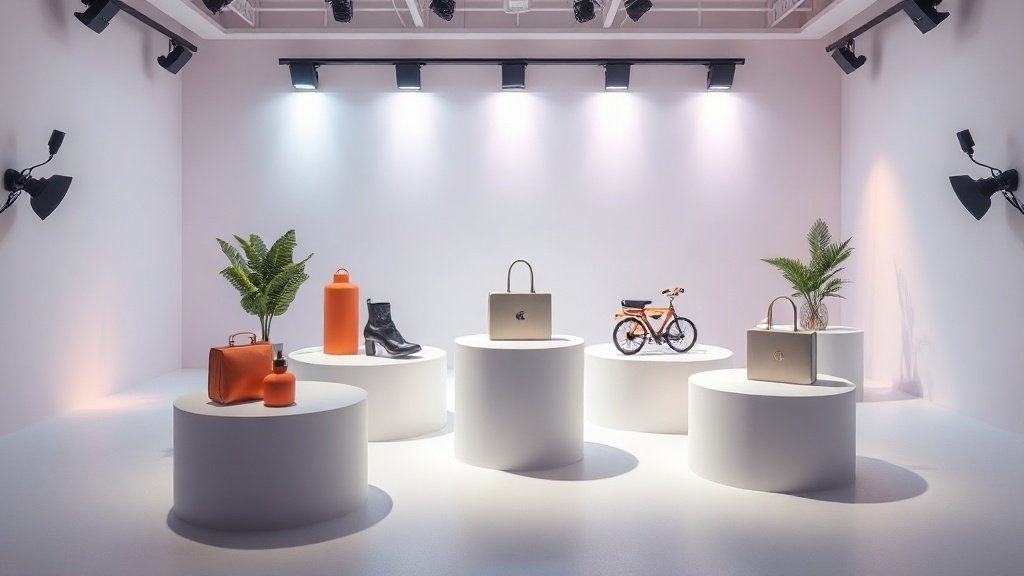
If you want more shoppers to click “Add to Cart,” it’s hard to beat the power of e-commerce product video creation with AI. Here’s the data: e-commerce sites with product videos can boost conversion rates by up to 80% compared to static image-only listings. But traditional video production is slow and pricey. Now, AI tools can turn a catalog of still images into polished motion videos in minutes—no studio crew required. You’ll learn exactly how to make it happen, which tools to consider, and what moves the sales needle.
Why E-commerce Product Videos Outperform Images
Images show. Videos sell. That’s not just a slogan—it’s measurable: moving pictures highlight texture, use context, and in-the-moment benefits that a photo simply can’t. Customer trust builds faster. Return rates can drop as shoppers see the real item in action. The right product video makes a shopper imagine ownership—and gets them to check out.
- 80% conversion lift: Video on product pages results in major uplift versus image-only listings. (Analyses from multiple e-commerce studies—they converge around this number.)
- Lower bounce rates: Shoppers stay longer, browse further, and add more to their carts when what’s on offer is in motion.
- Better explanation, fewer returns: Motion demos ingredients, fit, function, unboxing, and more—all up front, reducing buyer remorse.
The Traditional Bottleneck: Why Most Catalogs Lack Video
Why doesn’t every SKU have its own demo? Because until recently, product videos required serious investment: often $500–$5,000 per item for studio, crew, models, editing, and dealing with updates whenever colors or packaging change. For brands with hundreds of products, that’s prohibitive.
Here’s what the before-and-after looks like:
- Before: Hero video, if any, is reserved for top sellers only. Most catalog pages use static images.
- After (AI workflow): Video is generated for every SKU at scale—using only existing images and descriptions, with rapid revision possible as details change.
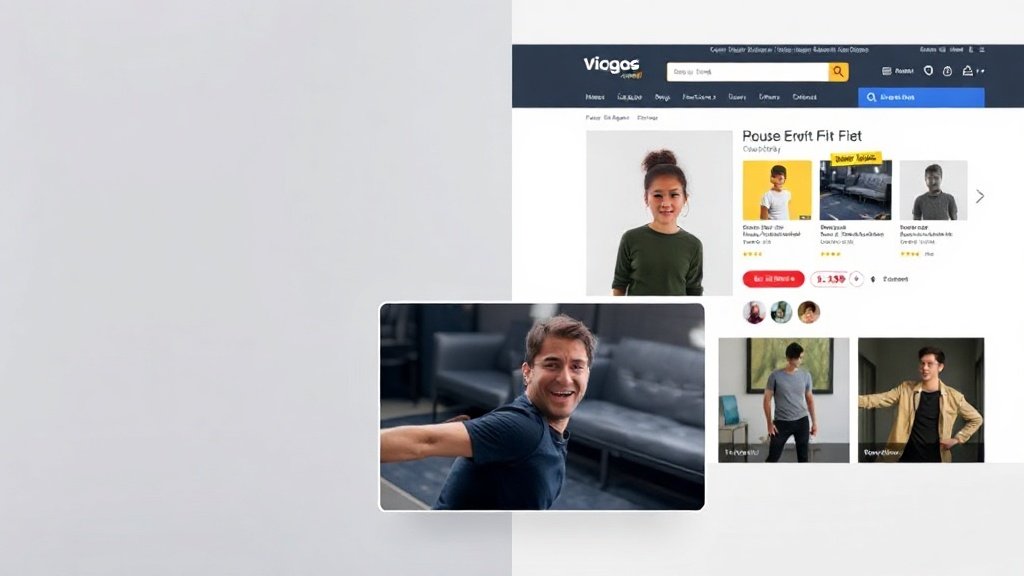
How AI Changes the Product Video Game
Enter a new generation of AI video tools, now mature enough to generate shop-ready e-commerce product videos from photos or text prompts. Here’s how they change the picture:
- Speed: Turn static product photos into short videos in under 10 minutes with minimal manual tweaking.
- Cost: Instead of hundreds or thousands per video, AI can create catalog-wide video for as little as $1–$15 per asset (sometimes less when scaled).
- Scale: Videos for every SKU, variation, and language—it’s possible and cost-effective.
Specific AI Product Video Creation Tools to Know
What options exist, and where do they shine?
- PonPon: Upload a product image and receive a multi-scene, ad-style video with motion, lighting effects, and animated text. No deep video skills required. Runs on top-tier AI models like Kling 3.0, Sora 2, and more.
- HeyGen: Bring your product to life with an AI avatar presenter—choose from 230+ avatars and 140+ languages. Auto-generates studio-style host videos for explainer, Q&A, or promo content.
- Runway Gen-4: Known for dynamic camera moves and cinematic polish—especially good for rotating “hero” shots, animated zooms, and lighting-driven mood changes from a single still image.
- Luma AI: Turn flat photos into 3D motion—great for gadgets, shoes, or decor that sell best when seen from every angle. Outputs depth-rich orbit shots that loop perfectly for product page embeds.
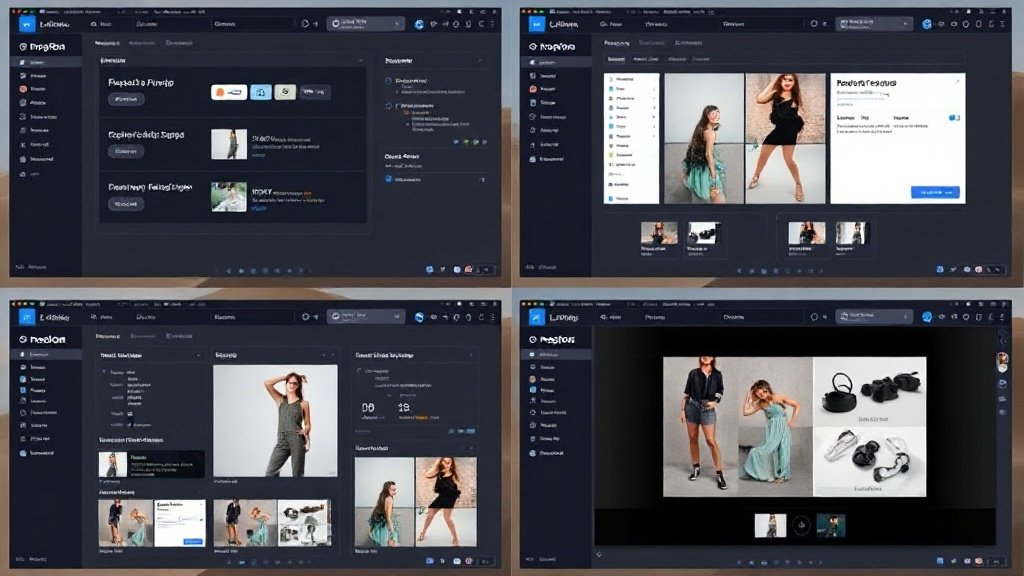
Product Video Types That Convert—With Concrete Examples
Not all product videos have to be alike. Here are the kinds that consistently pull their weight for e-commerce:
- Quick-rotate hero shots: 360-degree orbits generated from just a few images (Luma AI, Runway Gen-4). Example: A watch or a sneaker, spinning slowly on a virtual platform.
- Feature highlight clips: Cut from closeups and product details, with on-screen callouts (PonPon). Example: A coffee maker, with arrows pointing to key features as text appears.
- Avatar explainers: AI spokesperson walks through benefits, FAQs, or even customer testimonials (HeyGen). Example: Shampoo bottle with a virtual stylist presenting the formula’s science, in any language.
- UGC-style cut-ins: Blend AI with customer-supplied unboxing or demo footage for authenticity. Combine with your own branded shots for trust-building.
In diverse A/B tests, hero-style motion shots and quick explainers outperform static images by as much as 2–3x on add-to-cart rates, especially on mobile—where short loops catch fleeting attention spans.
What Makes Product Videos Persuasive?
Let’s dig into the science: the elaboration likelihood model of persuasion explains that shoppers process info on two main paths: central (conscious, information-focused) or peripheral (quick cues, trust signals).
- Central route: Product details, technical specs, demos—great for considered purchases, electronics, or cosmetics.
- Peripheral route: Polished visuals, avatar presenters, social proof overlays—powerful for boosting impulse buys and establishing trust.
Combining both routes in your video mix often drives best results: use AI to demo the “what” and support with testimonial clips or polished branding for the “why trust us.”

Step-By-Step: Your AI Product Video Creation Workflow
Ready to get practical? Here’s how to spin up your first batch of e-commerce product videos with AI—no film crew needed.
- Select targets: Start with top 10% of SKUs or new arrivals—where uplift delivers quick ROI.
- Gather assets: High-res product photos (neutral background preferred) and product description copy.
- Pick your tool: For motion shots, test Luma AI or Runway Gen-4. For avatar explainers, try HeyGen. For full-scene assembly or multi-model output, PonPon or Vidquence offer an all-in-one approach.
- Set scripts/prompts: For avatar videos, write a short intro and 30–60s product overview. For image-based video, specify key features to highlight.
- Review and tweak: Adjust timing, text overlays, or avatar choices. Regenerate if needed—it’s fast and low-cost.
- Embed on product page: Place above the fold, next to your buy button, or inside your image gallery for maximum visibility.
- Test and measure: Watch changes in conversion rate, add-to-cart actions, and dwell time to fine-tune your style.
Scale, Localize, Automate—Why It’s Not Just for Top Sellers
Because cost and production time are so much lower with AI, you can:
- Give every color or variant its own unique video
- Produce in multiple languages for new markets (HeyGen, Vidquence)
- Swap out features or price callouts instantly when promos change
This isn’t theoretical: brands using AI for e-commerce product video creation now cover 10–50x more of their catalogs with video than last year. That’s visible across direct-to-consumer, fashion, and tech categories.
Are There Any Downsides?
AI-generated videos aren’t a silver bullet—they can raise ethical issues (such as transparency, fairness of automated content, or bias in avatar selection). Always disclose AI usage if it matters to your audience, and review outputs for cultural or model-specific errors.
FAQ: E-commerce Product Video Creation with AI
- How much does AI product video creation cost?
Most tools charge by the minute or video, frequently $1–$15 per product, far cheaper than traditional studio work. - What format is best for e-commerce product videos?
Short (15–30s), looping MP4 or web-optimized formats work best. Place near the main “Add to Cart” button for maximum impact. - Is AI-generated video as effective as traditional studio shoots?
When done thoughtfully, AI-generated videos test on par with many professionally shot quick-turn assets. High-value hero assets may still benefit from full production, but for scale, AI is overwhelmingly effective. - How does Vidquence fit into this workflow?
Vidquence automates the conversion of your product images, text, or URLs into polished, captioned videos, ready for product pages or social and even auto-published to your marketing channels.
Final Takeaway
E-commerce product video creation isn’t just easier with AI tools—it’s more affordable, scalable, and directly connected to higher conversions. If you want every product page to earn its keep, there’s never been a better time to automate your product video workflow and reap the rewards.