
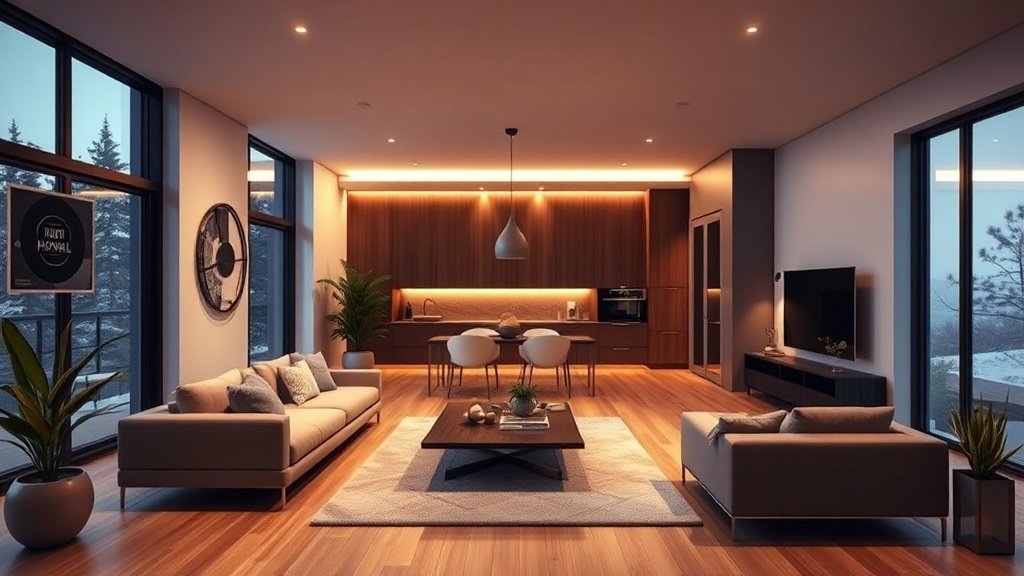
If you’re still relying on static listing photos in the MLS, you’re missing out. Creating engaging property tours used to mean booking a videographer and juggling scripts, shoots, and edits. Now, with AI-generated property tour videos, you can transform a set of photos into a cinematic walkthrough—complete with voiceover, dynamic camera moves, and branded intros—in under 15 minutes. Here’s how top agents are using AI to stand out, get more inquiries, and get listings to market faster.
Why Video Matters for Real Estate Listings
The numbers are clear: listings with video tours massively outperform those with photos alone. Curated, a real estate-focused AI video platform, reports that listings including a video tour receive 403% more inquiries than those without.
Buyers expect to see more than a slideshow—they want to imagine themselves inside the space, not just peeking through static windows. Video tours:
- Let buyers visualize the flow and feel of a property
- Engage viewers longer (leading to higher rankings on sites like Zillow and Realtor.com)
- Make it easy to share listings on YouTube, Instagram, and Facebook
AI-Generated Property Tour Videos: What Are They?
AI-generated property tour videos use machine learning to assemble your listing images, property details, and optional voice narration into compelling, animated tours—no filming required. You upload your photos (or even just a listing URL). The AI then:
- Sequences images for an engaging walkthrough
- Adds camera movements (pans, zooms, transitions)
- Selects background music
- Generates a voiceover or script—sometimes cloning your voice
- Adds effects, map views, intro/outro branding, and more
The final product: a shareable video ready for the MLS, your agency website, email campaigns, and social media feeds.
Photo-to-Video AI Tools: How They Work (and Top Examples)
ELIDAT: Turn Photos and Address Into a Tour in 12 Minutes
ELIDAT lets agents upload listing photos and a street address. Its AI builds a property tour featuring animated satellite maps, commentary, and music. The process is streamlined: most agents finish a video in about 12 minutes. Over 12,400 videos have been created by 830+ agents.
Curated: MLS Integration and One-Click Social Publishing
Curated is designed for real estate pros. Upload your own photos or search MLS databases, then let the AI craft a video walk-through—no editing needed. With a single click, you can publish to platforms like Instagram and YouTube or embed videos in your listing site. Everything is tailored for square or vertical video feeds so your marketing matches modern buyer habits.
SandmanCI: Cinematic Tours with AI-Generated Script, Voice, and Avatar
SandmanCI pushes the envelope by generating not only the video, but also an on-camera avatar of the agent, plus a fully-written script and AI voice cloning. Average render time is just 8 minutes, making it one of the fastest ways to produce a personalized tour.
ListingWiz and RentalReels: Effects & Social Formats
- ListingWiz adds dramatic camera motion, branded intros/outros, and a companion listing microsite.
- RentalReels can build tours from just a listing URL, producing shareable clips for YouTube, Instagram, and TikTok.
Most tools require only listing images (think: hero exterior, kitchen, living area, bedrooms, bathrooms, backyard, map).
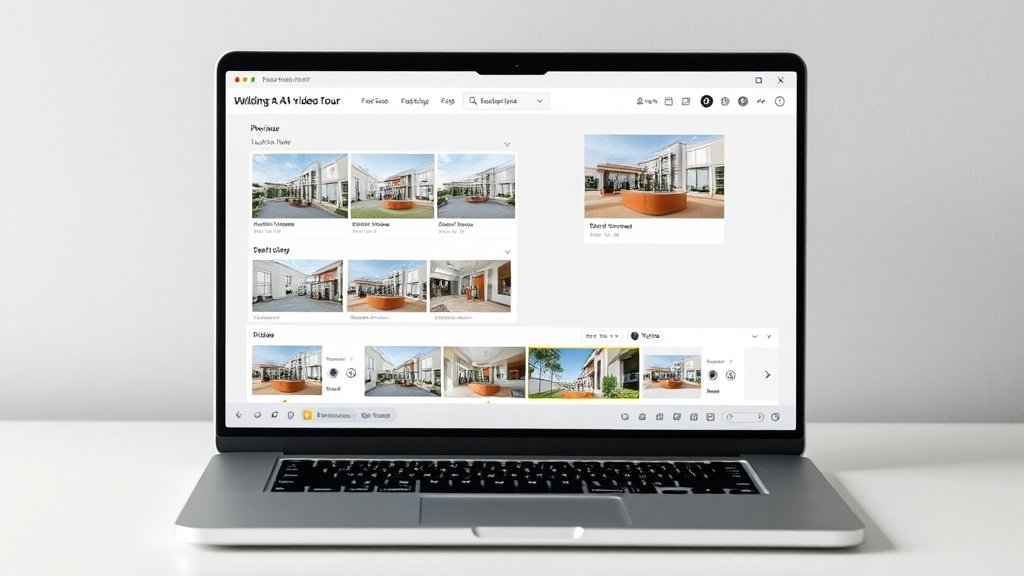
From Photos to Eye-Catching Tours: Step-by-Step Workflow
Here’s how you can use AI-generated property tour videos to rapidly enhance any listing, whether you’re a solo agent, part of a team, or managing dozens of properties:
- Gather your visuals: Download the high-quality photos you’ve already uploaded to the MLS—plus any video snippets, floor plans, or maps, if available.
- Choose your AI platform: Pick a tool based on your workflow (see examples above—Vidquence and others work with images, URLs, or scripts).
- Upload and organize: Arrange photos in logical order (exterior, entry, kitchen, living, master suite, bath, backyard).
- Add details: Paste the property address and main highlights (e.g., “Remodeled kitchen,” “Pool and spa,” “Walk to schools”).
- Select voiceover and style: Use your own cloned voice (where supported), pick an AI voice, or add simple captions only.
- Preview and customize: Many tools let you adjust pacing, choose background music, and brand the intro/outro.
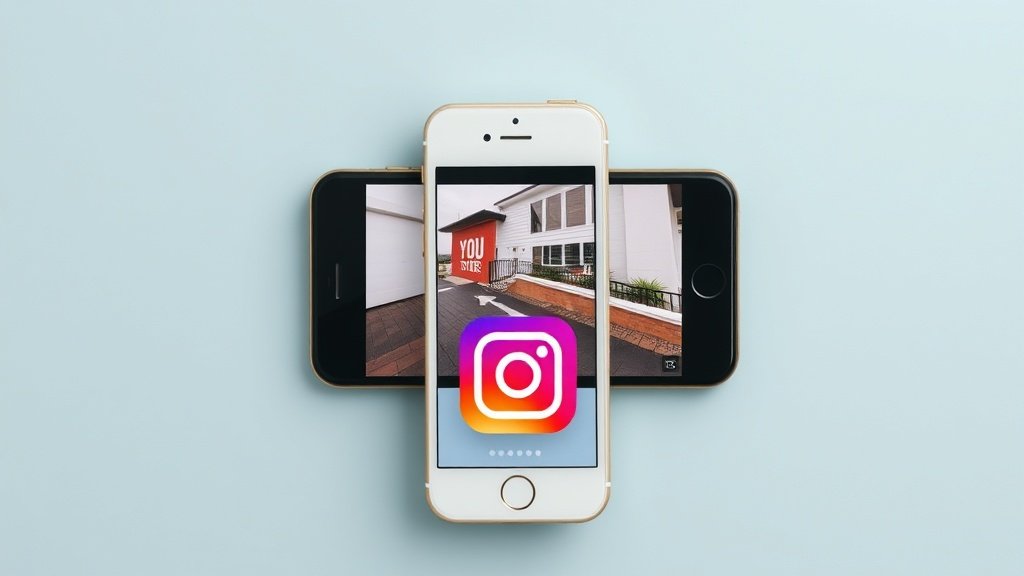
- Export and share: Download the finished video or send it directly to YouTube, Instagram, or your listing site.
The entire process usually takes 10–20 minutes per property—no camera crews, scheduling, or video editing required.
Best Practices: Making AI Videos Work for Your Listings
- Use high-resolution images: Blurry or dark images produce weak results. Grab the original, full-size versions from your MLS.
- Highlight the property’s flow: Sequence images to tell a logical story, from curb appeal to backyard, so viewers “walk through” naturally.
- Keep scripts honest: Let AI write your commentary but review it for accuracy. Over-glowing or misleading narration can backfire and erode trust (The Atlantic, Feb 2026: AI-enhanced imagery risks buyer disappointment if expectations aren’t managed).
- Optimize for platform: For Instagram Reels, use vertical videos. For YouTube and your website, opt for full-width landscape videos.
- Brand consistently: Add your logo, colors, and contact info to each video’s intro and outro.
- Distribute widely: Don’t just publish to the MLS—share your tours on YouTube, Instagram, Facebook, your agency site, and in email blasts. One AI-powered video can be auto-resized for multiple channels using Vidquence and similar tools.
Risks and Realities: What AI Property Tours Don’t Solve (Yet)
AI-generated property tour videos accelerate content production and widen your reach, but they’re not magic. Risks include:
- Potential “over-enhancement”—if AI smooths away flaws or exaggerates home features, buyers may be disappointed during showings.
- Lack of spontaneity and context—AI videos rarely capture the sense of space or neighborhood feel a real video walkthrough might.
- Template fatigue—If every agent in your market uses the same tool, videos can look generic. Customizing scripts and styles helps keep your brand distinct.
The best approach: combine AI video as your rapid-fire, wide-distribution tool, but use authentic in-person clips or live tours to seal the deal where possible.
FAQ: AI-Generated Property Tour Videos for Realtors
- Do I need to buy special equipment to make these videos?
No—just listing photos and a web browser. All editing and rendering happens in the cloud. - Can I customize the script or voice in the AI video?
Most tools let you edit the commentary, and advanced platforms like SandmanCI may let you clone your own voice or use an avatar. - How much does this cost compared to hiring a videographer?
AI property video tools often cost $10–$50 per video (or monthly plans), compared to $300–$800+ per traditional video shoot. - Can I use these videos on the MLS?
Many MLS platforms support embedding video tours or linking to YouTube/Vimeo uploads—check your local rules for specifics.
Conclusion: Faster, Smarter Listings with AI Video
AI-generated property tour videos let you supercharge your listings—creating dynamic, shareable walkthroughs in minutes, all from your existing photo sets. Platforms like Vidquence, ELIDAT, and Curated are democratizing video marketing so any agent can compete for attention on the MLS or social feeds. Stay honest in your content, optimize for the platforms your buyers use, and you’ll convert curiosity into showings (and offers) faster than ever before.