Cutting through the noise of AI video creation tools can make or break your marketing campaign’s efficiency—and the final product’s quality. Get a clear lay of the land with concrete strengths, not just buzzwords. In this comparison, you’ll see exactly which tools lead in 2026, what they do best, and tactical ways marketers are using each right now.
The Main Types of AI Video Creation Tools for Marketers
Not all AI video creation tools serve the same purpose. Most cluster into key categories:
- AI Avatar Presenters (virtual hosts, spokesperson videos)
- Script/Text-to-Video Generators (turn ideas, scripts, blogs into videos)
- Template-Based Social Video Creators (quick social, branded or promotional content)
- Transcript-Based Editors (repurpose and edit long-form interviews or webinars with text-based workflows)
- Generative/Creative Video AI (transform prompts into cinematic or imaginative video content)
Your best choice depends on your brand’s workflow needs—whether you want hands-off automation, more creative control, or brand-safe visuals at scale.
Tool-by-Tool: Specific Strengths & Use Cases
Synthesia: The Leading AI Avatar Presenter
Synthesia is the market reference for AI avatar videos—think explainer videos, internal updates, or presenter-driven campaigns without hiring on-camera talent. Create lifelike, lip-synced talking-head videos in 120+ languages. Marketers regularly use Synthesia for localized campaigns, quick explainer reels, and onboarding tutorials—especially when consistency or volume outpaces your ability to shoot live action.
Best for: On-brand, scalable talking-head videos; multilingual explainers; internal comms.
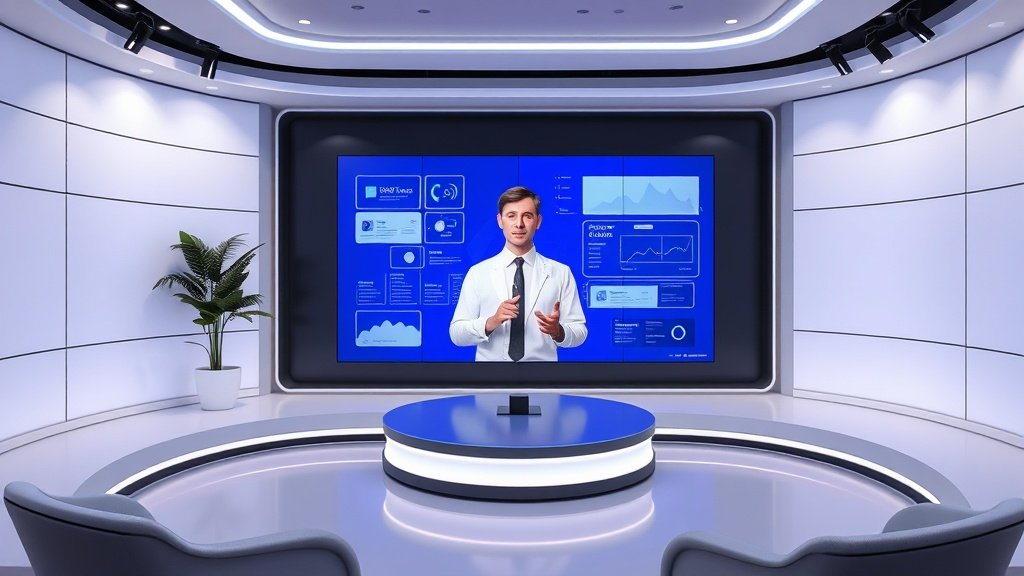
HeyGen: Multilingual Marketing & Lip-synced Avatars
Where Synthesia leads in global reach, HeyGen doubles down on customizable presenter avatars and advanced lip-syncing in over 40 languages. Marketers appreciate HeyGen for fast creation of spokesperson-style video ads, especially when adapting messaging for international audiences. The platform’s facial animation puts a premium on authenticity—even in translated or localized video assets.
Best for: Highly-targeted multilingual campaigns, brand introductions for new markets, product walkthrough demos.
Runway: Cinematic, Creative Text-to-Video AI
Runway stands out for its generative AI features—turning a text prompt or image reference into short cinematic-style videos. Compared to avatar tools, Runway leans heavily into creative video synthesis and effects. Marketers use Runway for eye-catching campaign intros, imaginative ads, and dynamic event teasers. The visual results are often more stylized than template-based platforms but require more creative direction.
Best for: Distinctive brand campaigns, creative experimentation, sizzle reels.
Pictory: Script & Blog to Short Video (with Captions)
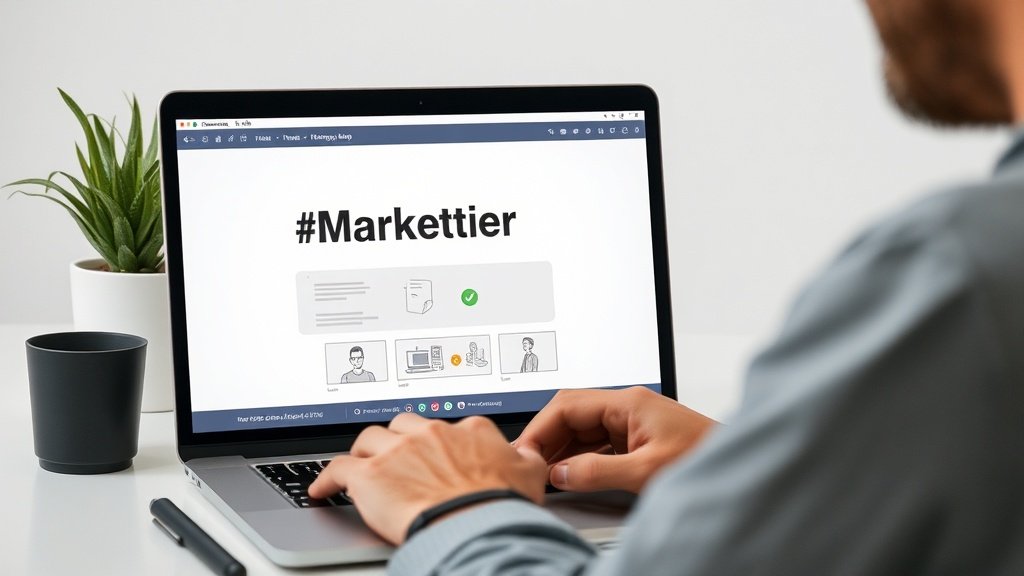
Pictory specializes in converting long-form assets—like webinars, scripts, or blog posts—into digestible branded marketing videos. Its workflow is a favorite for content marketers aiming to repurpose thought leadership articles or podcast episodes into sharable, captioned shorts. Pictory saves serious time on manual editing, automatically adding visuals, stock footage, and captions.
Best for: Bulk video repurposing, LinkedIn/Twitter carousel clips, automatically captioned social teasers.
Descript: Transcript-Based Editing for Repurposing
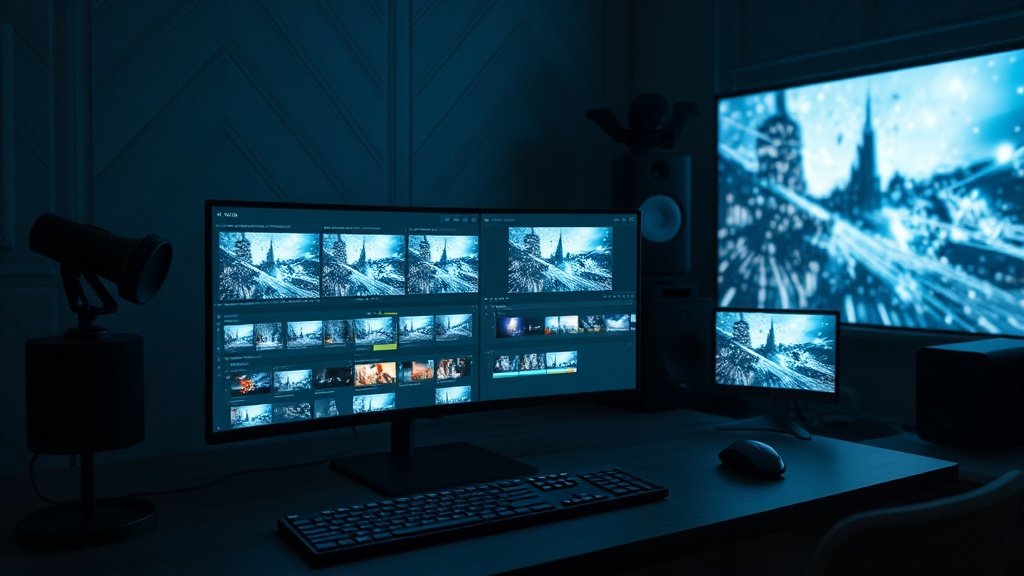
Descript gives you granular, transcript-driven video and audio editing—perfect for marketing teams who need to cut, reformat, and subtitle interviews, podcasts, or recorded webinars. Marketers love the text-based cut-and-paste approach: remove filler words, shape clips for social, and keep your workflow in the browser or desktop app. It’s less about automation, more about making existing content stretch further.
Best for: Repurposing video podcasts, fine-tuning interviews, rapid subtitling for social.
Canva: Design-Focused Templates with AI Video Tools
Canva combines graphic design templates with straightforward video tools, making it attractive for brands that prioritize speed and visual consistency. Marketers value Canva’s drag-and-drop templates, brand kit integration, and the ability to create a cohesive feed for Instagram, TikTok, or Facebook in minutes. The platform is less advanced on AI-generated video but excels on design and quick turnaround for campaign assets.
Best for: Social-friendly vertical or square ads, event promos, branded animations.
Other Notable Mentions: InVideo & VEED
- InVideo: Known for template-driven promotional videos (ads, short product highlights), strong on call-to-action overlays and stock footage.
- VEED: Browser-based editing, simple subtitling, easy workflow for quick social posts and reels.
ChatGPT: Your AI Scriptwriting & Ideation Partner
While not a video tool, ChatGPT is increasingly central to marketing workflows. Marketers use it for brainstorming hooks, scripts, titles, shot lists, and prompts that feed directly into generative video workflows. For many, pairing ChatGPT’s creative text generation with tools like Vidquence, Synthesia, or Pictory covers both story and execution at speed.
Direct Comparison: How to Choose the Right Tool
Here’s where the rubber meets the road. What really matters when choosing from the best AI video creation tools in 2026?
- Speed: Do you need almost instant, automated video or will you trade time for creative control?
- Brand Fit: Do you care about avatars, on-brand colors/fonts, stock vs. custom style?
- Localization: Will you need many language versions or just English?
- Content Repurposing: Is your pipeline script-based, blog-based, or are you chopping up long recordings?
- Publishing Workflow: How easily can you integrate titles, captions, and auto-publishing to platforms?
For example: A SaaS marketer repackaging webinars might start with Descript for text-based editing, run the finished cut through Pictory for social snippets, and use Canva for branded overlays. A DTC brand scaling global ad campaigns may favor HeyGen or Synthesia avatars for speed and multilingual reach.
Tools like Vidquence let you skip between multiple workflows (script, prompt, URL-based video creation with voice and captions) and handle everything from shorts to YouTube videos—ideal for marketers wanting both end-to-end automation and editing flexibility without juggling five subscriptions.
FAQ: AI Video Creation Tools for Marketers
Do AI video tools replace traditional video production?
Not entirely. AI video creation tools excel for volume, localization, and social content, but for flagship brand films or complex shoots, traditional video teams still have a key role. Smart marketers use both, depending on quality and speed needs.
Can I control my brand guidelines with AI video?
Most modern tools allow custom colors, fonts, logos, and templates—though hands-on editing control varies by platform. Canva and Synthesia are strong on brand safety, while Runway supports more creative flexibility (but less brand compliance out-of-the-box).
What about copyright and AI-generated video?
Each tool has its own licensing terms. Stock and AI-generated footage are often license-free for commercial use but check each provider’s terms, especially for sensitive or high-budget campaigns.
Conclusion: AI Video Creation Tools in 2026
The “best” AI video creation tool depends on your brand’s content needs, team skillset, and velocity. Avatar presenters like Synthesia and HeyGen win for rapid, multilingual talking-head content; Runway rules creative generation; Pictory and Descript are favorites for scalable repurposing; while Canva and InVideo handle social-ready promos. The best results come not from picking one “winner,” but plugging the right tool into your marketing pipeline—and always focusing on speed, fit, and flexibility over novelty.
If you’re looking for an all-in-one workflow—from prompt or script to finished, platform-ready video—consider solutions like Vidquence, which combine the strengths of several categories (text-to-video, captions, voiceover, and auto-publishing).