
If you’re creating for YouTube, you know the challenge: standing out while staying unmistakably, recognizably you. The real payoff? Consistent brand storytelling across every video—and thanks to the surge of AI video platforms, it’s more efficient and scalable than ever (when you do it right).
This guide unpacks practical steps, real-world brand case studies, and workflow secrets for using AI video platforms to keep your channel’s identity razor-sharp, whether you’re a solo creator, marketer, or business scaling up.
Why Consistent Brand Storytelling on YouTube Matters
Brand storytelling isn’t just about repeating a logo—it means your YouTube videos share a visual style, tone, messaging, and character that audiences recognize instantly. Brands like WD-40 and ABOUT YOU have proven that channels with a strong, steady identity see longer watch times, higher trust, and more loyal fans.
But churning out on-brand videos weekly (or daily) gets hard—unless you can scale the right way. Enter AI video platforms.
What AI Video Platforms Actually Offer in 2026
The latest AI video tools aren’t one-size-fits-all. Here’s how leading platforms help different stages of the YouTube content process:
- LongStories.ai: For creators who need multipart narratives or episodic content, LongStories.ai lets you plan, storyboard, and generate multi-scene stories that keep a coherent arc and style—ideal for channels with running plotlines or branded explanations.
- HeyGen, Synthesia: Both offer AI avatars (digital hosts, realistic presenters) to deliver scripts on-brand and on-camera. Best for faceless channels or when you want a consistent spokesperson without filming.
- Hero by Lemonlight: Script-to-production workflow—think of it as a guided AI assistant helping scriptwriting, visual planning, and timeline management, all in one UI.
- Runway Gen-3/4, Veo 2/3: For stylized intros, cinematic transitions, or brand-patterned backgrounds, these tools apply visual effects or generate scenes uniquely to your brand look.
- Vidquence: Turn script, prompt, or URL into a finished video (including voiceover and captions), then auto-publish—great for pushing templates, keeping everything brand-safe, and producing a steady content stream.
First, Lock Down Your Brand Video Assets
Before you even touch an AI video platform, set up your video brand assets. These become your templates and guardrails, so your AI-assisted workflow never goes “off-brand” as you scale.
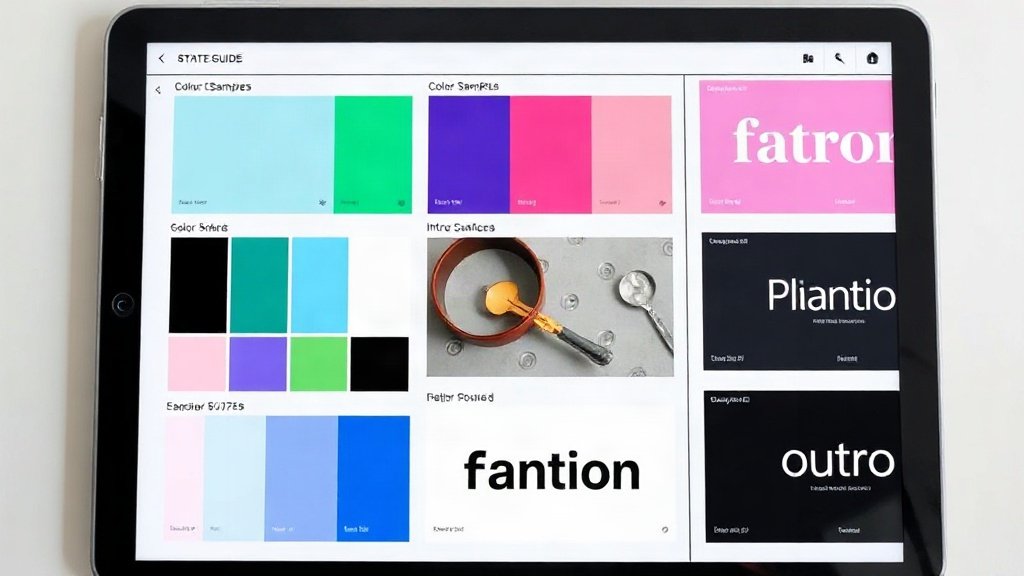
- Intro & Outro templates: Short sequences with your logo, jingle, and call-to-action that bookend every video.
- Color palette & motion graphics: Make sure background colors, lower-thirds, and animations follow the same hue and vibe. Document HEX codes and font choices.
- Brand voice cheatsheet: Write sample hooks, sign-offs, and descriptive terms (e.g., “friendly, curious, concise,” or “bold, punchy, disruptive”) for AI voiceover or avatar selection.
Tip: Upload these assets if your AI platform allows, or create step-by-step documentation for quick checks during editing.
Build a Structured, Templated Workflow
Why do brands like Philips/Versuni run hundreds of localized YouTube campaigns without chaos? They use structured, repeatable workflows—where every video follows a template pipeline, even when the actual content changes. Here’s how to set up your own using AI video platforms:
- Create and save your video templates (or use built-in ones): These ensure brand fonts, colors, and styles are auto-applied to every output.
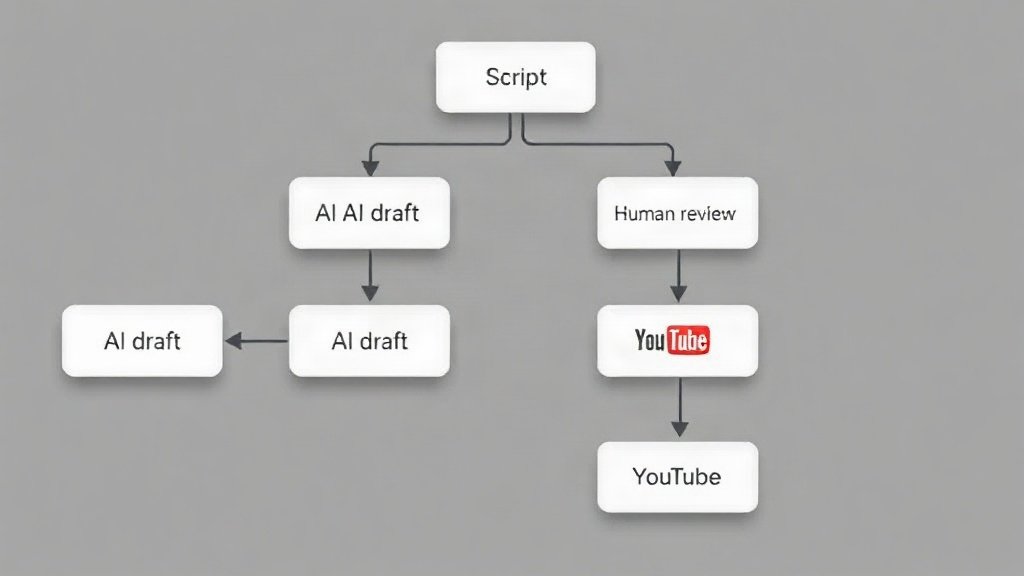
- Document step-by-step workflows: For example: script → upload brand assets → select visual style → add AI voiceover → generate preview → review & approve → auto-publish to YouTube.
- Assign roles if you collaborate: Use AI for draft, then pass to a human editor for review—research shows top brands use an 80/20 split between automation and human QA for quality control and safety.
This approach slashes production time but keeps your brand’s signature intact.
Monitor Quality (and Stay Brand Safe)
One risk of rapid AI production? Inconsistent quality—sometimes called “AI-slop.” In 2026, ad refunds and even channel bans hit brands whose videos failed brand safety standards.
To prevent this:
- Assign a final human review—even if it’s a skim—for clarity, copyright, and tone.
- Train AI tools with approved samples and iterate based on audience feedback (watch time and positive comments are good signals).
- Check each platform’s reliability—a formerly-popular platform, OpenAI’s Sora, became unavailable; avoid relying on a single vendor for your entire pipeline.
- Document everything: keep records of settings, versions, and changes, so if you spot an off-brand video, you can trace the cause.
In the Versely case study, brands using templated AI videos with custom voice (like via ElevenLabs for narration) plus human review reported lower costs and a notable bump in viewer engagement—but only if they caught quality issues before the videos went live.
Use Multiple AI Video Tools Strategically (Not Everything at Once)
No single platform covers the whole pipeline perfectly. For example, you might use LongStories.ai to outline a series, Runway for high-concept visuals, and then Vidquence to automate production and YouTube publishing. Brands that stack their AI tools get the best mix of speed, quality, and creative control.
Here’s a sample multi-tool workflow for a branded explainer channel:
- Script and narrative arc in LongStories.ai
- Animated intro with Runway Gen-4
- Spokesperson segments using HeyGen or Synthesia
- Main video assembly, captions, and auto-publish via Vidquence
This division means you’re never stuck if a vendor has downtime or changes policy. Think of AI tools like ingredients—pick what fits your recipe per project.

Comply with YouTube’s AI Disclosure Policies
Since 2024, YouTube requires that creators disclose “meaningful AI use”—for example, realistic avatars, fake locations, or altered scenes—within YouTube Studio’s video settings. Minor cosmetic tweaks (like background blur) don’t require it, but using an AI avatar host or swapping out real footage does.
- In YouTube Studio: When editing your video, there’s an AI content disclosure toggle. Always use this if your video features an AI presenter or significant synthetic content.
- If in doubt, err on the side of disclosure—transparency boosts trust, especially for brands.
Failing to comply can risk video takedowns or demonetization—so make this step part of your final workflow checklist.
Measure Impact (and Refine Over Time)
AI platforms let you scale, but only careful measurement keeps your brand and content quality high. Key metrics commerce brands have tracked for YouTube include:
- Detail page view uplift: Did product explainer videos drive more shoppers to detail pages? (ABOUT YOU saw double-digit increases doing this.)
- Watch time & click-through: Do viewers stay for your whole story, or bounce after your branded intro?
- Brand recall & comments: Track direct mentions (“love these animations!” or “the new host is weird…”), then loop feedback into future scripts and AI settings.
Performance dashboards—like in Versely’s case study—can help visualize trends and show where to adjust workflow or templates.
How Vidquence Supports Consistent Brand Storytelling
Platforms like Vidquence let you embed your brand’s assets and templates, build repeatable workflows, and auto-publish to YouTube. Its faceless, short, and talking-head video options (with on-brand voiceover and reliable captioning for accessibility) make consistency almost turnkey—while keeping you firmly in control of brand safety and speed.
FAQ: AI Video Platforms and Brand Storytelling
Q: Do I need to use multiple AI platforms, or can I just use one?
A: Many brands combine tools (e.g., one for avatars, another for narrative planning, a third for publishing) for best results. A single app might work for simple needs, but a mix gives you more creative and quality control.
Q: How much human oversight is really required?
A: Case studies (like at LUQOM and Versely) indicate an 80% AI, 20% human split maintains quality without bottlenecks. Always review for brand alignment and YouTube’s disclosure requirements.
Q: Can I publish AI-generated videos directly without edits?
A: Technically yes, but risks include inconsistent quality (“AI-slop”) and brand safety issues. Always do at least one human pass before uploading.
Q: What happens if a platform I rely on shuts down?
A: Diversify. Don’t automate your whole pipeline through a single vendor—structure your workflow so you can swap out components if needed.
Conclusion: Scalable Storytelling, Stronger Brand
AI video platforms let you create on-brand YouTube content faster, at scale, and with less manual grind—but only if you lock down your assets, use structured templates, combine tools smartly, and keep brand quality front and center. The result? More content, tighter identity, and a channel that never drifts off-message, no matter how fast you grow. Start templating, put review safeguards in place, and turn AI into your brand’s storytelling engine for the long run.