
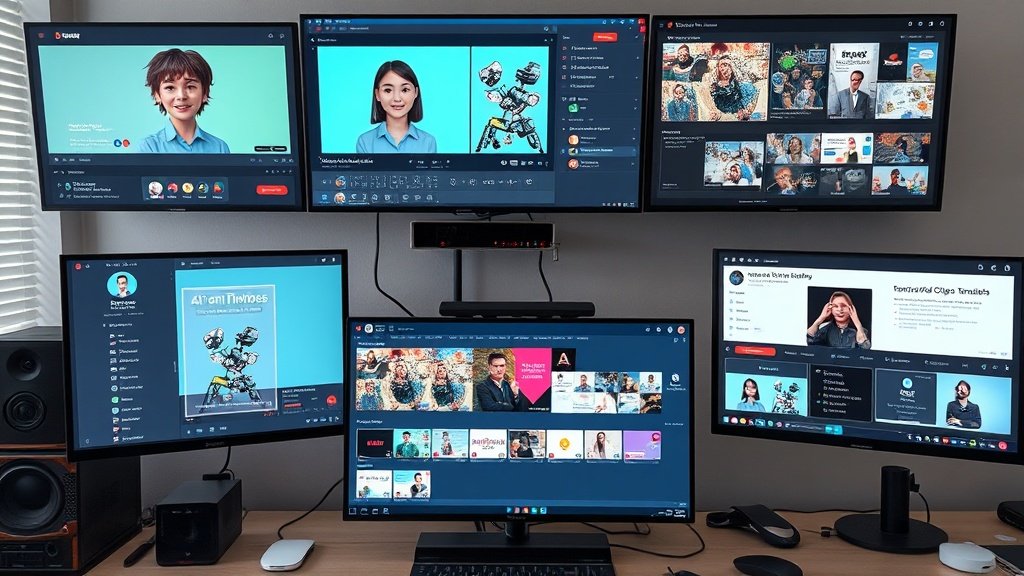
Automating a YouTube channel lets you produce more videos, reach new audiences, and grow revenue—without burning out. In this actionable guide, you’ll learn exactly how to build (and scale!) an automated, faceless YouTube channel using Vidquence as your central workflow hub. From finding a focused niche to publishing and iterating based on analytics, every step is here.
Why Automate Your YouTube Channel?
Manual production—jumping between tools, writing every line, recording every voiceover—kills momentum. With AI video automation platforms like Vidquence, one creator can run an entire channel, batch-produce content, and still control quality. You save hours per video, spend less on freelancers, and create far more consistently (key for the YouTube algorithm).
Step 1: Pick a Repeatable Niche (and Stick to It)
The most automatable channels hone in on a narrow niche—think “daily tech news,” “money-saving tips,” or “motivational business quotes.” Why?
- Topic research and keyword strategies become systematic.
- The script structure and visuals are largely reusable, making batch production efficient.
- Titles, thumbnails, and hooks follow proven patterns, improving click-through rates.
If you’re starting from scratch, choose a topic where you can source dozens of ideas quickly, curate rather than originate facts, and keep visual needs simple (charts, stock footage, lists, or narration over images).
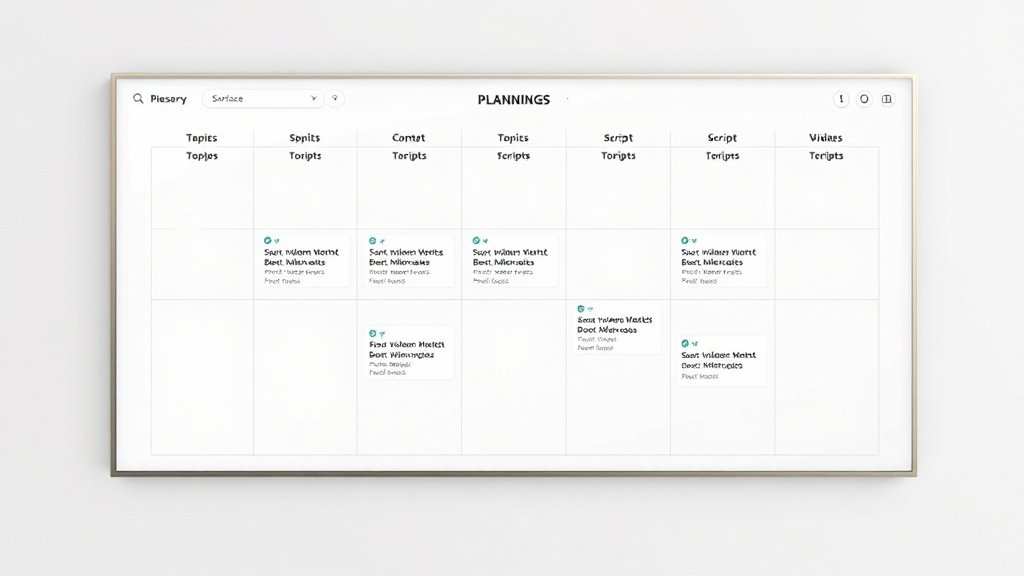
Step 2: Build and Maintain a Content Calendar
Automation is more manageable and less stressful when you plan ahead. Use a simple spreadsheet, Kanban board (like Trello), or Vidquence’s built-in workflow tracker to draft a month’s worth of topics and statuses at once. Track:
- Video idea
- Script status
- Voiceover generated
- Visuals assembled
- Editing complete
- Queued/scheduled in YouTube Studio
Step 3: Batch Script Generation with Templates
Scriptwriting is the most time-consuming stage. Vidquence lets you generate scripts from a prompt, script, or even an article URL. The real trick? Rely on templates:
- Intro hook (grab attention in 10 seconds)
- 3–5 core sections (facts, tips, explanations, etc.)
- Transitions (smooth from one section to the next)
- Call-to-action (like, subscribe, next video suggestion)
Example for a “Top 10 Smartphones” video:
Hook: “Think the best phone of 2026 is obvious? Think again. Here’s why option #6 will surprise you most!”
Section: “Number 10: Xiaomi Redmi Note 13 – affordable, and surprisingly fast for its price…”
CTA: “Which one would you pick? Comment below!”
Use templates to make pacing, style, and length consistent—critical when viewers binge your channel.
Step 4: AI Voiceover—Choose, Batch, Standardize
Recording your own voice for every video isn’t feasible at scale—especially for faceless channels. Vidquence’s voiceover tool can generate narration from your scripts with a selection of realistic AI voices. Batch process several voiceovers in one sitting:
- Pick a consistent voice to build channel identity
- Manually check pronunciation on key names/terms
- Adjust pacing to match visuals and keep engagement high
- Keep voiceover files organized by video topic/date
Many top channels use automated narration, but review each track for awkward phrasing before moving on.
Step 5: Automate Visuals with Stock Footage and B-Roll
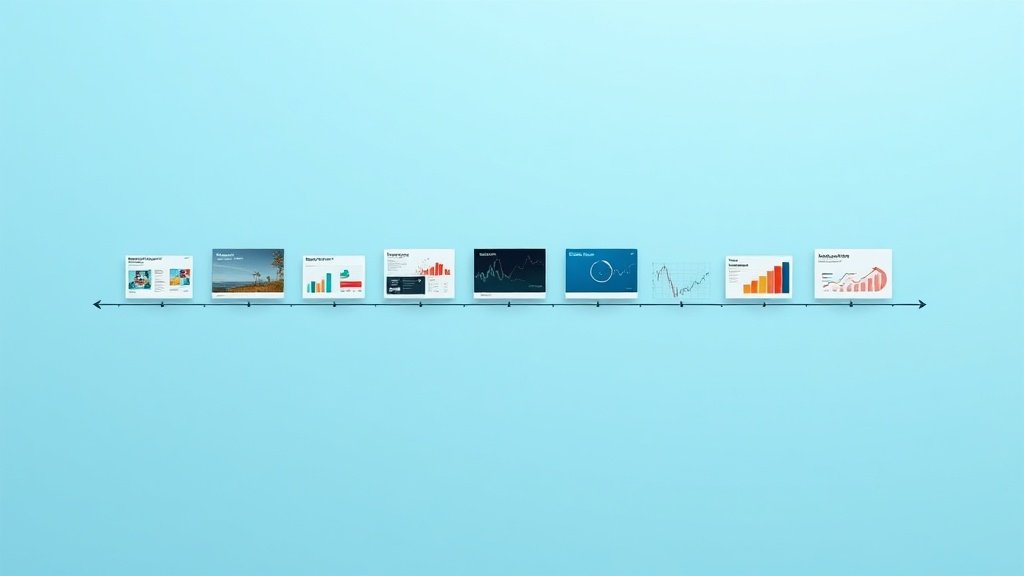
With Vidquence, your script sections are mapped to scenes. The platform matches narration with relevant stock footage, motion graphics, or images. For a tech-news channel, this might mean smartphone clips, app screens, or quick animated charts overlayed in key segments.
- Rely on Vidquence’s built-in library for most generic visual needs
- Supplement with screenshots or fair-use images where needed
- Add captions automatically for accessibility and retention
Finish by reviewing each video for variety—repetition can torpedo watch time over multiple uploads.
Step 6: Edit, Package, and Run a Quality Control Pass
Automated editing is powerful, but don’t skip the final 5%. Optimize every video for retention:
- Check scene cuts line up with narration
- Make sure text on screen is readable and free of errors
- Scan for copyright-risky images or music
For thumbnails and titles, automation can suggest options, but always review. Strong packaging can triple your click-through rate; a rushed thumbnail can tank a week’s work. Eye-catching contrast, relevant images, and text that promises value all matter.
Step 7: Schedule and Publish via YouTube Studio
Once videos are finalized, use Vidquence’s quick export to batch-upload in YouTube Studio. There, set your titles, descriptions, and thumbnails, and schedule publishing in advance. YouTube’s built-in scheduler means you can line up a month’s worth of content in one afternoon.
- Fill out the description with key links and CTAs
- Add 2–3 tags per video for searchability
- Monetization, subtitles, and playlists can all be batch-managed inside YouTube Studio
Step 8: Review Analytics and Iterate
Automation doesn’t end at publishing. Use your YouTube Studio analytics to spot what’s working:
- Look at average view duration and click-through rate (CTR)
- Identify where viewers drop off using the retention graph
- Track which video topics and thumbnail styles perform best
Each month, use these insights to refine your next video batch—adjusting hooks, script structure, and visuals for proven viewer engagement. Vidquence’s organized workflow makes it easy to tweak scripts and video formats systemically.
Batch Production: The Secret to YouTube Automation
Instead of making one video at a time, batch every step:
- Draft 10 scripts in one brainstorming session
- Generate all 10 voiceovers at once
- Assemble visuals for the full batch before moving to editing
- Schedule upload and publishing in one block
This method cuts decision fatigue and lets you spot repetitive errors before they go live. According to creators like Paddy Galloway, batch producing increases weekly output by 2–3x versus a one-at-a-time approach.
How Vidquence Fits In
Vidquence stands out because it combines scriptwriting, voiceover, visuals, editing, captioning, and automated publishing in a single platform. This centralization means you’re never switching tools or losing project status, and every output stays organized for fast reviews or future updates.
FAQs: Automating a YouTube Channel with Vidquence
- Q: Can I automate channels outside of the “faceless” format?
A: Yes, but full automation works best with explainers, lists, or tutorials where voiceover and stock footage suffice. For hosted vlogs, you still need manual footage. - Q: How do I prevent copyright issues using automated visuals?
A: Stick to Vidquence’s built-in stock library and public-domain sources, review every video before uploading, and avoid using recognizable branding without permission. - Q: Will AI-generated scripts sound too robotic?
A: Script templates and manual review help. Edit for tone and flow, and always listen to the narration once before scheduling. - Q: What’s a healthy weekly upload target for an automated channel?
A: 2–4 uploads per week is ideal for most new faceless channels. Quality and consistency matter more than daily posts.
Conclusion: Make Automation Work for You
Smart automation with Vidquence allows one person (yes, you) to organize, create, and publish engaging YouTube videos at scale. The secret isn’t skipping human input, but using centralized tools to multiply your creative output and focus your energy on what audiences respond to. Batch your steps, keep quality checks in the loop, and turn analytics into your next winning content batch. The result: a growing channel, more time saved, and less production chaos.