
Managing video accounts on YouTube, Instagram, TikTok, X, and LinkedIn shouldn’t feel like running a relay race in flip-flops. If you’re a social media manager, you already know the grind: scripting, filming, editing, resizing for every feed, tweaking captions, and scrambling to upload on time—often just to repeat it all the next day. With Vidquence for social media managers, you can supercharge your workflow, keep videos brand-perfect, and reach every platform with a fraction of the effort.
Why Multi-Platform Video Publishing Is So Demanding
Social media managers juggle more than algorithms—they juggle deadlines. A single campaign might need a 60-second TikTok, a 90-second Instagram Reel, a landscape YouTube video, and a square video post for LinkedIn. Each network has its own dimensions, caption lengths, best practices, and upload quirks. Creating, editing, and posting each version manually can eat up hours.
The risks of a patchwork system are real:
- Inconsistent branding when hurrying edits for every format
- Missed deadlines due to scattered scheduling tools
- Burnout from endless manual uploads and repetitive tweaks
According to Wyzowl’s 2024 Video Marketing report, 75% of marketers say time spent on video production and distribution limits what they can publish. For agencies and small business managers, reducing overhead is key to growing reach—without burning out.
Vidquence: Built to Streamline, Not Complicate
Vidquence is an AI-powered platform purpose-built for video creation and multi-platform publishing. Instead of laboring over new assets for each network, you generate, edit, and schedule videos—all from a single dashboard. Here’s how Vidquence changes the game for social teams:
1. Create Videos from a Prompt, Script, or URL in Minutes
Forget full video shoots for every fresh idea. Vidquence turns written posts, scripts, product URLs, or prompts into faceless explainer videos, testimonials, product demos, or news recaps. You can select visual styles, add brand assets, and even enhance talking-head footage with AI—all without opening a pro editing suite.
2. Instant Resizing and Formatting Across Networks
No more exporting one version for TikTok and manually cropping for Instagram. Vidquence auto-generates vertical (Reel/TikTok/Shorts), square (Instagram/LinkedIn), and landscape (YouTube) outputs from one source. You preview and tweak each before publishing. The result: fast, platform-ready videos that feel native wherever they land.
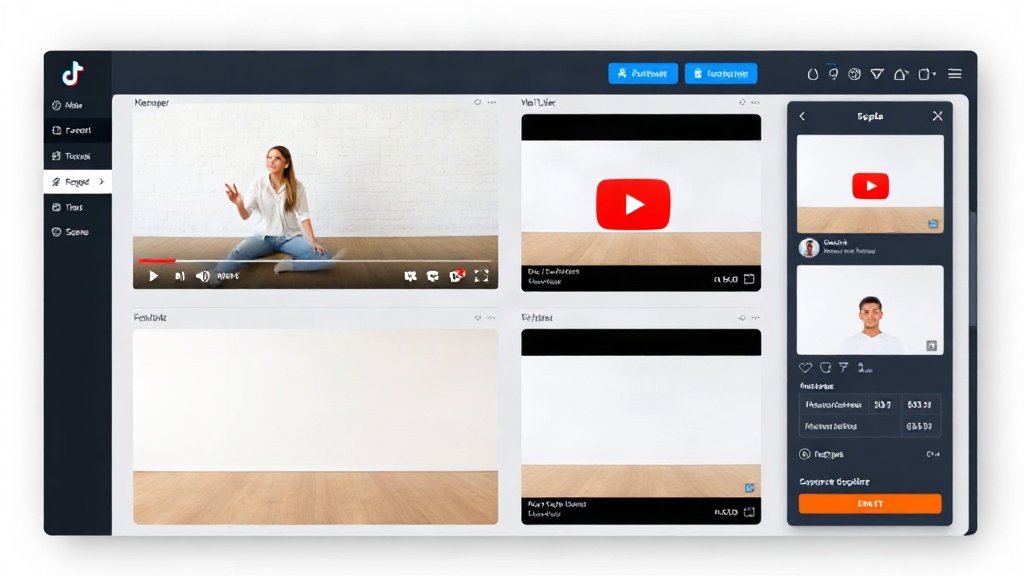
3. Editable Captions and Subtitles—For Every Platform
Silent autoplay is everywhere, and accessibility matters. Vidquence generates accurate, editable captions and subtitles for every video—so you connect with viewers who scroll with the sound off and boost engagement on platforms like TikTok and LinkedIn, where subtitles are now expected.
You can customize font, color, and placement to fit each platform’s vibe and your brand’s style guide.
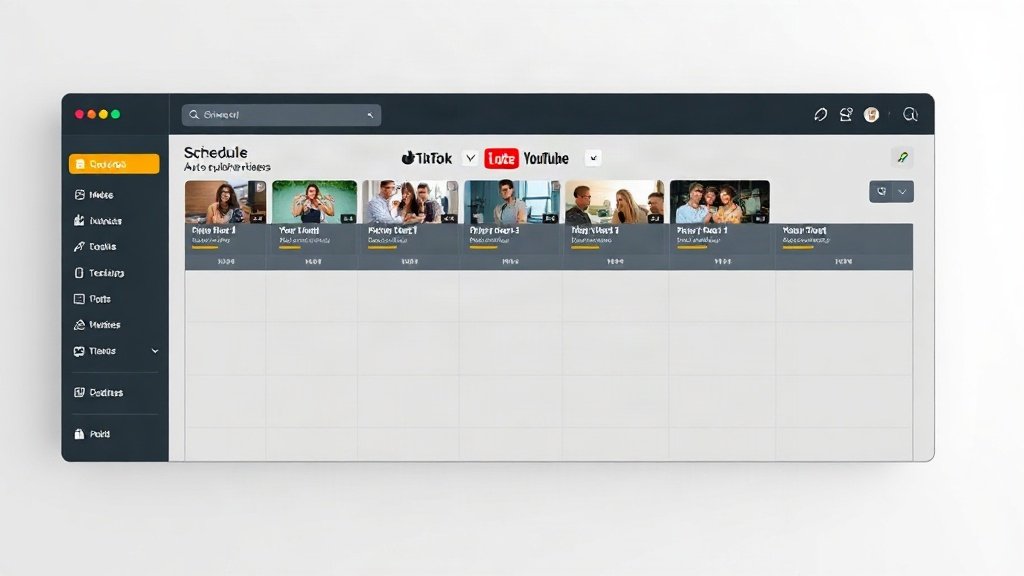
4. Centralized Scheduling, Drafting, and Direct Publishing
One of Vidquence’s biggest perks: direct auto-publishing or scheduling to YouTube, Instagram, TikTok, X, and LinkedIn from a unified dashboard (on eligible plans). Decide which version to post where, fine-tune captions and descriptions for each platform, save drafts, and queue campaigns days or weeks in advance.
- No more manual uploads (unless you prefer them!)
- Multi-feed scheduling keeps big launches coordinated
- Quick post edits before publishing so you stay on-brand and compliant with each platform’s requirements
5. Rapid Repurposing: Make More From Less
Vidquence’s “Social Post to Video” and “Faceless Video” tools let you turn existing text content (e.g., X threads or blog posts) or old footage into new, on-brand video assets. Keep your socials active without depleting your creative well.
One client example: A SaaS company turned a single thought-leadership LinkedIn post into a talking-head explainer, a TikTok tip series, and an Instagram carousel video—all in under 90 minutes. Their engagement rate went up 31% week-over-week simply by appearing more natively on each channel.
Manual vs. Vidquence: Clear Time Savings
- Traditional workflow: 1–2 hours to create, reformat, caption, and upload a single video to 3–4 networks.
- With Vidquence: As little as 15–20 minutes from prompt/script to scheduled posts on all platforms (after initial onboarding and template setup).
If you’re managing five channels with three videos per week, that’s 7–10 hours saved weekly—essential for growing portfolios or solopreneurs doubling as their company’s marketing lead.
Budget-Conscious and Scalable
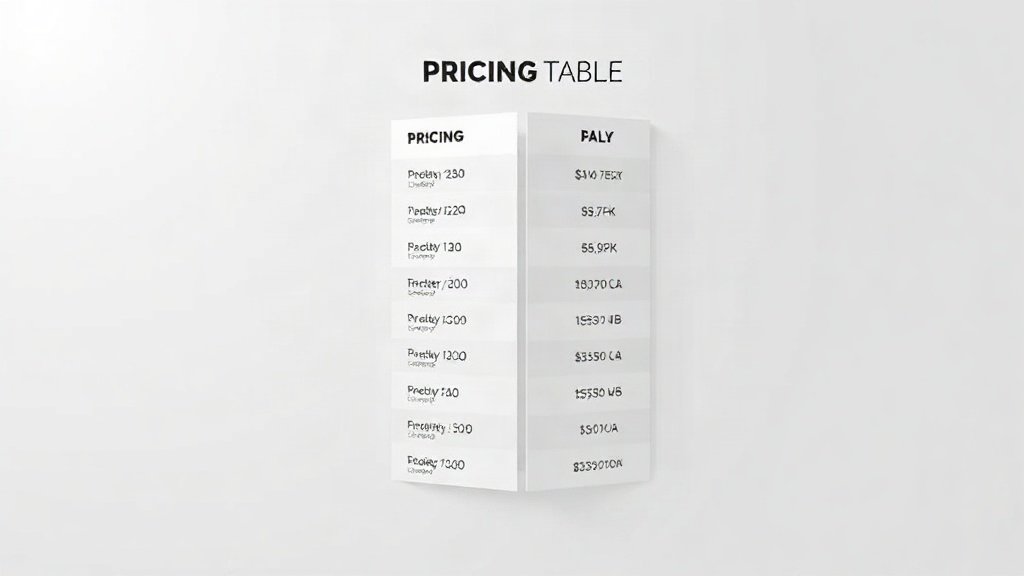
Vidquence’s pricing tiers let you scale as your needs grow:
- Starter (about $29/mo): Automated creation, manual downloads/exports, light scheduling
- Pro (about $49/mo): Higher video limits, multi-platform direct publishing to major networks
- Max (about $99/mo): Volume creation, advanced scheduling, priority support for agencies
Many social teams start on Pro, then upgrade as they add clients or increase their content output.
Best Practices: Getting the Most from Vidquence for Social Media Managers
- Set up your brand kit: Logos, color palettes, and style guides—upload these once and apply them to every new project.
- Pre-review every output: Even the sharpest AI benefits from a human pass. Check captions, visuals, and messaging for brand voice before publishing.
- Batch content by campaign: Use Vidquence’s central dashboard to plan launches ahead, coordinating publication times for max impact.
- Experiment with formats: Reuse scripts and prompts in multiple video styles (e.g., testimonials, top-five lists, announcements) and formats. Identify what resonates on each platform without starting from scratch.
FAQ: Vidquence for Social Media Managers
Can I publish directly to all platforms in one go?
With Vidquence’s Pro and Max plans, you can schedule or auto-publish to major networks (YouTube, Instagram, TikTok, X, LinkedIn) from one dashboard. Just select the platforms, customize descriptions, and set your publish times.
Does Vidquence support adding my brand visuals and voiceover?
Yes. Upload brand logos, pick color templates, and add custom voice-overs to videos. All are editable before publishing, ensuring every video meets your brand guidelines.
Will the AI handle caption accuracy?
Vidquence provides auto-generated captions and subtitles for all outputs, which you can easily review and edit for accuracy and style within the platform.
If I’m on the Starter plan, can I still use Vidquence for multi-platform videos?
Yes, but publishing will be manual—export the formatted videos, then upload to each network. For full automation, consider Pro or Max.
Conclusion: Make Video Work for You—Not Against You
Effective social media management in 2024 means more video on more platforms, but it doesn’t have to mean more stress. By adopting Vidquence’s AI-powered, centralized video workflow, you can create, format, and schedule content for every major platform—without sacrificing quality or burning extra hours. Free yourself from manual drudgery, keep your feeds fresh, and focus on bigger-picture strategy. That’s how modern social teams win—and how you can too.