
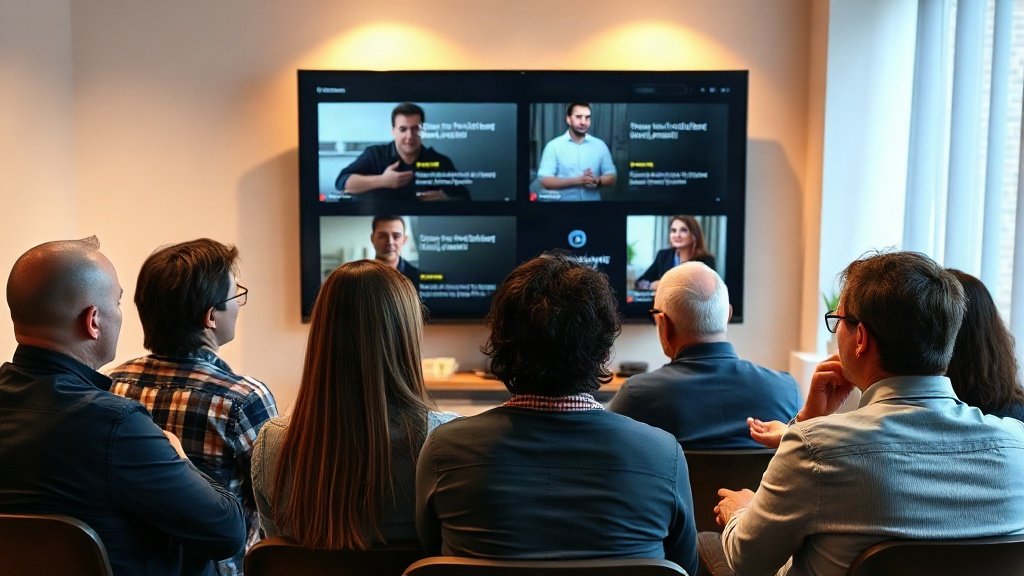
If you run a coaching business, you know the power of a compelling client testimonial. But chasing busy clients for video clips isn’t easy. What if you could transform written feedback into eye-catching video testimonials—automatically, using AI? This guide shows you exactly how to create automated testimonial videos, turning static praise into dynamic, shareable social proof that builds trust and grows your coaching brand.
Why Automated Testimonial Videos Matter for Coaches
Testimonial videos put real voices and faces behind your value. Compared to plain text, video testimonials can increase conversions by up to 80%, according to marketing studies. Yet, most coaches struggle to collect quality video clips; clients feel awkward on camera, or don’t have time to film themselves. That’s where AI-powered solutions step in—delivering professional videos from just a script or written testimonial, often in minutes.
Benefits Unique to Coaching Businesses
- More testimonials, less friction: Turn any written feedback into video instantly, no back-and-forth emails required.
- Consistent branding: Maintain your logo, colors, and voice, even if clients stay off-camera or anonymous.
- Enhanced privacy: Serve sensitive niches (executive, relationship, or wellness coaching) with avatar videos or voiceover-only formats.
- Easy updates & customization: Quickly refresh your testimonials as your roster and coaching focus evolves.

How AI Tools Create Automated Testimonial Videos
AI video creation platforms such as Synthesia, Pictory, and Descript have made automated testimonial videos remarkably accessible. Here’s how they work in practice:
- Start with a written testimonial or client review.
Pull a review from your intake forms, emails, or review sites. - Feed the text into your AI video platform.
Upload the script or paste it into the tool—most accept plain text, and some support script formatting for pacing or emphasis. - Choose your video style:
- Talking-head AI avatar (as in Synthesia: personalize skin tone, clothing, even accent)
- Faceless with branded visuals, captions, or stock b-roll (Pictory style for voice-only testimonials)
- Animated text with voiceover
- Customize branding: Add your logo, adjust color schemes, and insert intro/outro slides.
- Generate and edit: Let the AI render the video. Tools like Descript make edits as easy as text—just cut or move sentences in the transcript to change the video.
- Download or directly publish to your website, social feeds, or YouTube channel.
Automation in Action: Real Example
Example: A wellness coach receives this written testimonial—
“The clarity and support I got during our sessions changed my outlook. I finally built the habits I was struggling with for years!”
- Feed it into Synthesia, select a relatable AI avatar, choose a warm office background.
- Customize with your logo, select an uplifting music track, and generate subtitles for accessibility.
- Review and download the video, ready to post on Instagram, LinkedIn, or your website’s sales page.

Automated vs. Traditional Testimonial Videos: What’s the Difference?
While client-recorded videos offer authentic faces, they’re often hard to collect and may need pro-level editing to look polished. AI-generated testimonial videos, by contrast, offer instant, on-brand results without asking your clients to appear on camera. You can choose to use avatars or simply voiceover with striking visuals (reliable for clients who prefer privacy).
Pros and Cons to Consider
- Speed: AI testimonial videos can be made in under 10 minutes. Manual collection and editing can take days or weeks.
- Consistency: Every video matches your colors, style, and tone—no more worrying about background clutter or poor webcam lighting from clients.
- Human touch: While avatars can sound realistic, they may lack a client’s unique vocal inflections. For extra authenticity, consider asking for occasional audio snippets to mix with AI.
Step-by-Step: Creating Automated Testimonial Videos with AI
Ready to try it? Here’s a hands-on walkthrough using typical AI video platforms (Synthesia, Pictory, or similar):
- Collect strong client feedback. Use surveys or feedback forms to capture concise, impactful testimonials. (Tip: Ask clients to describe specific results—avoid vague praise.)
- Refine the script. Keep testimonials 20–45 seconds; edit for clarity while preserving the client’s voice. Example:
“Before working with [Coach Name], I felt stuck in my career. Her methods helped me land a new job within three months.”
- Paste into your chosen AI video platform. Select a relevant avatar or faceless video style, upload branding assets, and preview the result.
- Add captions and adjust visuals. Captioning boosts accessibility and social reach. Customize visuals to match your coaching niche (e.g., wellness imagery for health coaches).
- Review and make edits. Use tools like Descript if you want to precisely edit the transcript as you watch.
- Export and share. Use the finished video on your sales pages, social media, or in email outreach to new clients.
Best Practices for Automated Testimonial Videos
- Keep it real: Always base AI testimonials on real client feedback. Never invent reviews—authenticity is key to trust.
- Get client permission: If you use a client’s name or details (even in AI videos), ensure you have their consent—especially for sensitive topics.
- Highlight diversity: Choose avatars or backgrounds that resonate with your ideal audience and reflect your client base.
- Update regularly: Rotate testimonials to showcase a range of client journeys and coaching results.
- Include context: Briefly introduce the testimonial in text or narration so viewers understand the coaching problem solved.
How Vidquence Fits In
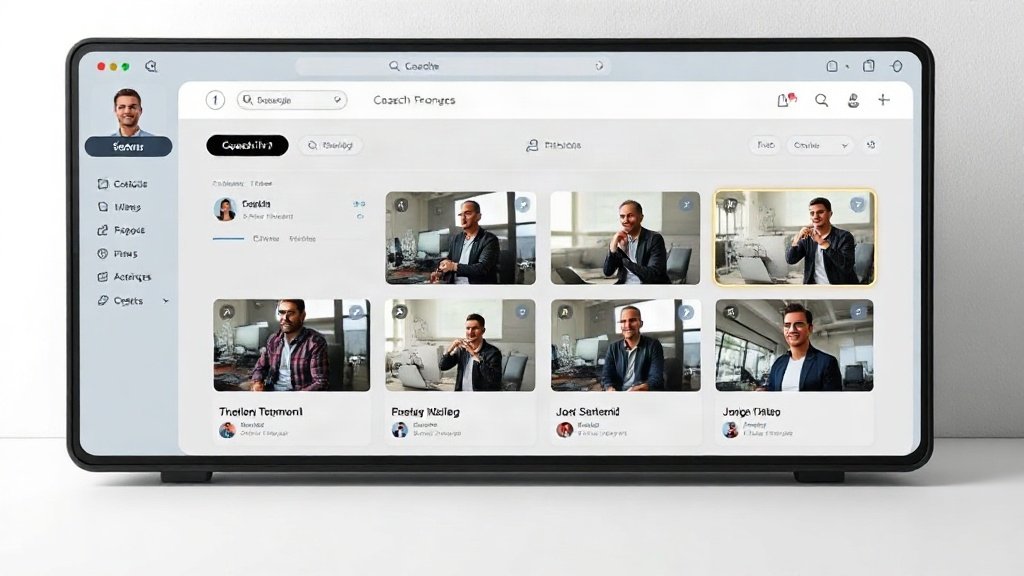
With platforms like Vidquence, you can streamline the process even further: drop in a client’s story or feedback, and Vidquence turns it into a polished testimonial video—complete with realistic voiceover, captions, your brand assets, and direct publishing to your YouTube or social channels. This helps you keep your testimonial library fresh and varied with minimum effort on your end.
FAQ: Automated Testimonial Videos for Coaches
- Do AI-generated testimonial videos seem less authentic?
They can feel less “raw” than real footage, but grounding them in true client stories and customizing avatars keeps things relatable for viewers. - Is there a risk of violating privacy?
AI tools let you anonymize testimonials (no name, photo, or specific details) while still conveying strong results, making them ideal for sensitive coaching niches. - How long should testimonial videos be?
The sweet spot is 20–45 seconds—long enough to deliver impact, short enough for attention spans on social media.
Conclusion: Unlock More Proof, Less Hassle
Automated testimonial videos let you spotlight your coaching impact without placing a burden on your clients—or your schedule. By leveraging AI tools like Synthesia, Pictory, Descript, and Vidquence, you can quickly transform written feedback into dynamic, branded video stories that amplify your authority, attract new clients, and keep your social proof pipeline full. Get started today to turn every satisfied client into a powerful (and effortless) sales asset.