
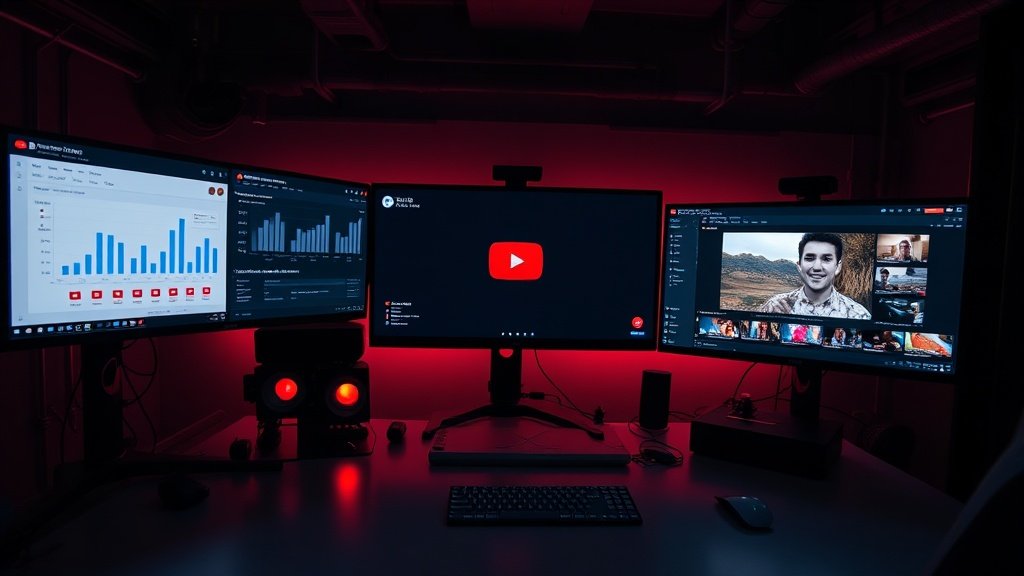
If you want to start a YouTube channel (or scale production) without ever appearing on camera, faceless YouTube videos powered by AI are the answer. In 2026, AI handles the heavy lifting: scripting, voiceover, visuals, captions, even editing. But to truly stand out, you still need a sharp workflow, solid taste, and attention to real people on the other side of the screen. Here’s a practical blueprint—including the exact steps, tools, and creative decisions you need—to launch high-quality faceless videos that get views and hold attention.
What Are Faceless YouTube Videos—and Why Do They Work?
Faceless YouTube channels replace the classic “talking head” with voiceover, animations, gameplay, stock footage, motion graphics, or AI-generated images and video. This lets you produce content quickly and anonymously, reach global audiences, and test multiple niches fast. Niches like finance, tech, true crime, news, and top-10s have spawned entire faceless empires—from the mysterious channel “Tea Spill” to data-driven shorts racking up millions of daily views.
But quantity isn’t enough. Viewers know when visuals are phoned-in or voiceovers sound synthetic. The strongest faceless channels balance AI’s speed with a human touch: tighter scripts, better pacing, great packaging, and relevant visuals that match what’s being said.
Complete Workflow: Making Faceless YouTube Videos With AI
Below is a proven workflow for creating faceless YouTube videos in 2026—even if you’re solo, busy, or don’t want to show your face at all.
1. Pick a Niche and Validate Demand
- Use YouTube search, trending, and Google Trends to scout for under-served evergreen or trending topics. Look for topics where even simple videos have decent views but competitor packaging is weak.
- Batch ideas in a spreadsheet or Notion board. Score each for search demand, RPM (revenue potential), and your own interest.
2. Script Efficiently With AI—But Edit for Humans
- Draft scripts using tools like ChatGPT or Google Gemini. Try prompts like “Write a 300-word summary for a YouTube video about X. Hook in the first sentence.”
- Read the output aloud. AI scripts often ramble and repeat—manually trim fluff, fix awkward transitions, and punch up with personal flair or better hooks.
- Keep segments tight. For Shorts, go for 110–140 word scripts (about 45–60 seconds with pauses). For longer videos, break into logical chapters to aid editing and retention.
Example: AI draft: “Did you know that credit card rewards can save you hundreds each year?”
Human edit: “Here are three reward hacks anyone can start today—plus the biggest mistake I see all the time.”
3. Generate Voiceover With Natural AI Narration
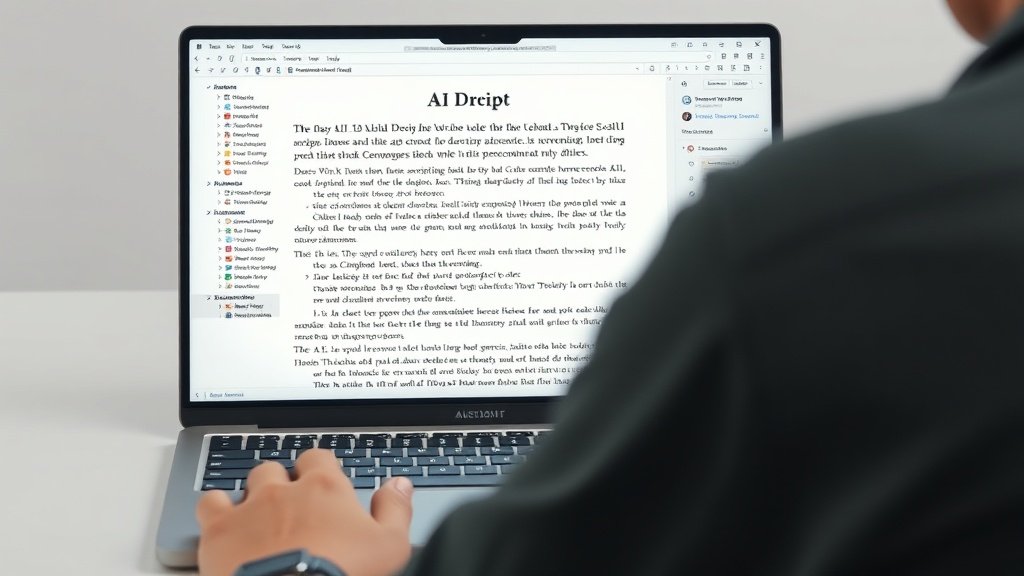
- Choose a text-to-speech provider (like ElevenLabs, Descript, or Play.ht). In 2026, these offer dozens of narrators, accents, and emotional tones.
- Always preview voices: select one that feels lively and human, not robotic. Play with speed, pauses, and emphasis for realism. Custom voices trained on your own samples are now common—but for many, an off-the-shelf AI voice sounds perfect and saves hours.
- Write the script specifically for spoken delivery (short sentences, contractions, cues for pauses).
Tip: Test multiple voices on friends or colleagues—what sounds natural to you may land flat to others.
4. Assemble Tight, Relatable Visuals—Don’t Just Paste Stock
- Mix sources: stock footage (from Pexels, Pixabay), gameplay, tutorial screen recordings, Midjourney or Stable Diffusion images, or AI-generated video cuts from Runway. Combine these with animated text or motion graphics for energy.
- Match visuals to script beats. If the narration mentions “searching for trends,” quickly flash a real Google Trends screenshot. If you mention a product, show it—don’t fill with generic B-roll.
- Keep clips short! Faceless videos lose retention when visuals meander or hold for too long. Aim for a fresh cut/motion every 4–8 seconds in Shorts; up to 10–15 seconds for slower-paced long-form.
5. Edit for Pacing, Caption Everything, and Add Subtle Music
- Edit in browser tools (CapCut, Runway, or a platform like Vidquence) for speed. Arrange your visuals to closely sync with voiceover cues.
- Add animated captions: YouTube’s 2026 audience expects on-screen text everywhere, including Shorts. This boosts both accessibility and engagement.
- Choose background music that’s low-key and not distracting. Many platforms now auto-suggest safe, royalty-free tracks.
Packaging tip: Don’t wait until upload—design your thumbnail and title variations early, testing them against real YouTube results or A/B boards.
6. Title, Thumbnail, and Publish—Packaging Makes or Breaks You
- Use AI (like ChatGPT or vidIQ tools) to brainstorm 5–10 click-worthy titles—aim for curiosity without clickbait. Example: “The $1,000 Mistake Most New Investors Make.”
- Design multiple thumbnail concepts. Try Midjourney for striking AI visuals that are bold and legible even on mobile. Thumbnail quality directly impacts your click-through rate.
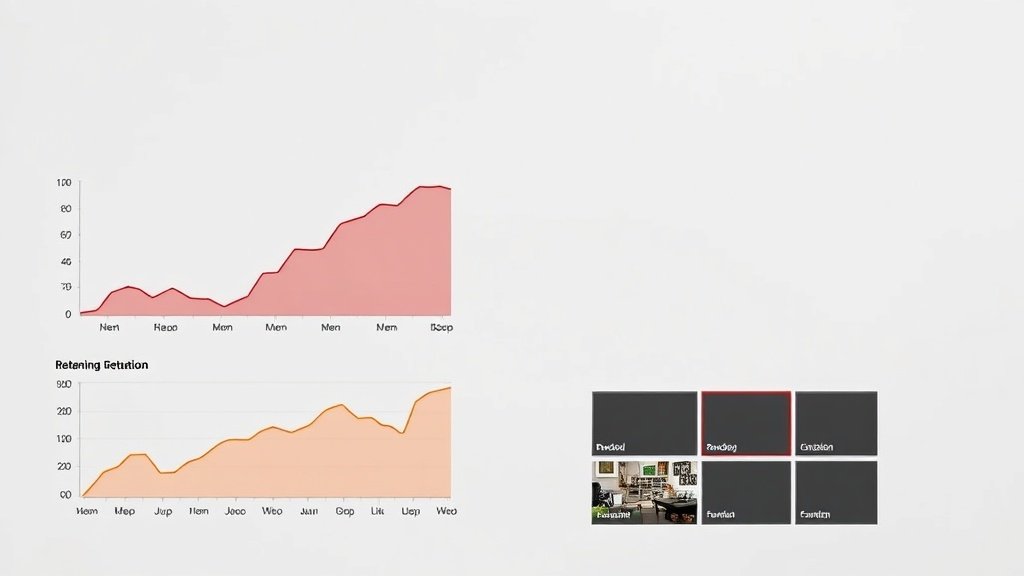
- Batch uploads and schedule in YouTube Studio. After launch, watch retention graphs: if a video drops 50% before the first 30 seconds, revisit your intro and pacing.
Automation vs. Human Touch: Where AI Saves Time and Where to Invest
AI tools like Vidquence let you automate the entire pipeline—from prompt to finished upload—saving hours per video. But the most successful faceless YouTube videos in 2026 still come from creators who:
- Vet script output for accuracy and engagement
- Choose relevant, timely visuals (not just stock filler)
- Iterate on packaging based on real audience data
View AI as your creative partner, not a magic replacement for taste. In evergreen niches (e.g., productivity, finance), take extra time to build quality. For trend-driven content (news, pop culture), embrace speed—but be ready for a higher churn rate.
Faceless YouTube Videos: Common Pitfalls (and How to Avoid Them)
- Robotic voiceover: Always preview with human listeners. Subtle monotony will tank your watch time.
- Visuals don’t match narration: Tie every shot back to what’s being said. Overlays, animation, and relevant icons help.
- Generic packaging: A perfect video with a dull title or thumbnail won’t get clicked. Test, tweak, repeat.
- No human review: AI sometimes invents facts or gets tone wrong. Always review before upload.
- Copyright risks: Use only royalty-free or licensed footage, music, and visuals—or generate your own.
Example Faceless Video in 2026: Step-by-Step Recap
- Use ChatGPT to research trending topics in your niche.
- AI-draft script, then human-edit for brevity and hooks.
- Generate voiceover with ElevenLabs—select an engaging, natural voice.
- Assemble visuals: blend Pexels stock, Midjourney graphics, and motion overlays, all matched to narration beats.
- Edit in Vidquence (or similar): automate captions, background music, and output formats for both Shorts and long-form.
- Upload, then monitor YouTube Studio analytics for retention drop-offs and packaging performance.
FAQ: Faceless YouTube in 2026
- Is making faceless YouTube videos harder than traditional channels?
Not necessarily—AI dramatically speeds up scripting, editing, and voiceover. The real work is picking the right topics and nailing retention just like any channel. - Can you monetize faceless channels?
Yes, but quality matters: YouTube sometimes flags low-effort, AI-spam content. Unique scripting, quality visuals, and relevant narration keep you eligible for AdSense and sponsors. - What’s the biggest difference in 2026?
Voice AI and synthetic visuals are now so good most viewers can’t tell they’re generated. But tight editing, on-brand thumbnails, and real packaging skill still separate winners from noise. - Which AI tool automates the most in one place?
Platforms like Vidquence handle script-to-upload workflows (faceless, talking-head, Shorts/long-form) including AI voice, captions, visuals, and direct upload—slashing manual labor.
Conclusion: Faceless Doesn’t Mean Forgettable
AI makes faceless YouTube creation faster, cheaper, and more accessible than ever. But the channels that last—and earn—combine technology with distinctly human judgment. Focus on matching visuals and narration, refining your scripts, and relentless packaging optimization. With smart use of tools like Vidquence, you can produce content that’s not only faceless, but also impossible to ignore.