
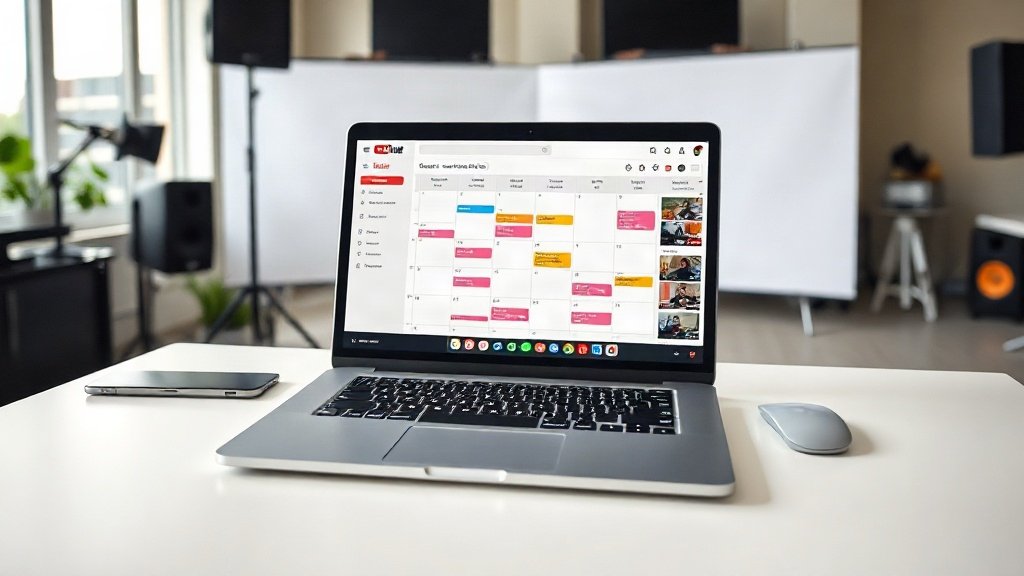
If you want consistent YouTube growth, the trick isn’t just in making great videos—it’s in reliably getting them live, week after week. The reality: missing uploads hurts your momentum, and manual posting can burn hours or get derailed during busy times. The solution? Automate YouTube channel updates with Vidquence’s built-in scheduling tools. Set your whole upload schedule in advance, stay visible even when you’re away, and gain true peace of mind.
Why Automate Your YouTube Uploads?
If you’ve ever had to scramble to upload before a deadline, you know how easy it is for things to slip—especially when managing a marketing calendar or growing multiple channels. Here’s what automation solves:
- Consistency: Algorithm rewards regular uploads (YouTube itself confirms that a predictable schedule fosters audience loyalty).
- Time Efficiency: Batching work means less context-switching and fewer rushed uploads.
- Flexibility: Content goes live while you’re on vacation or swamped with other projects.
- Multi-platform control: With Vidquence, one dashboard lets you plan not just YouTube releases but other channels, too.
This approach keeps your channel fresh and traffic flowing, all while freeing up your time to focus on strategy—not uploading logistics.
Manually Uploading vs. Automated Scheduling
Let’s quickly compare the two workflows for clarity:
- Manual Uploading: After producing each video, you manually sign in to YouTube, input the metadata, set the thumbnail, pick a time (if scheduling), and click “publish” or “schedule.” If you forget—or miss your planned time—your channel’s rhythm takes a hit.
- Vidquence Scheduling: Upload videos to Vidquence’s dashboard, assign dates/times in one interface, and the platform automates posting—no last-minute rush and no risk of missing your slot.
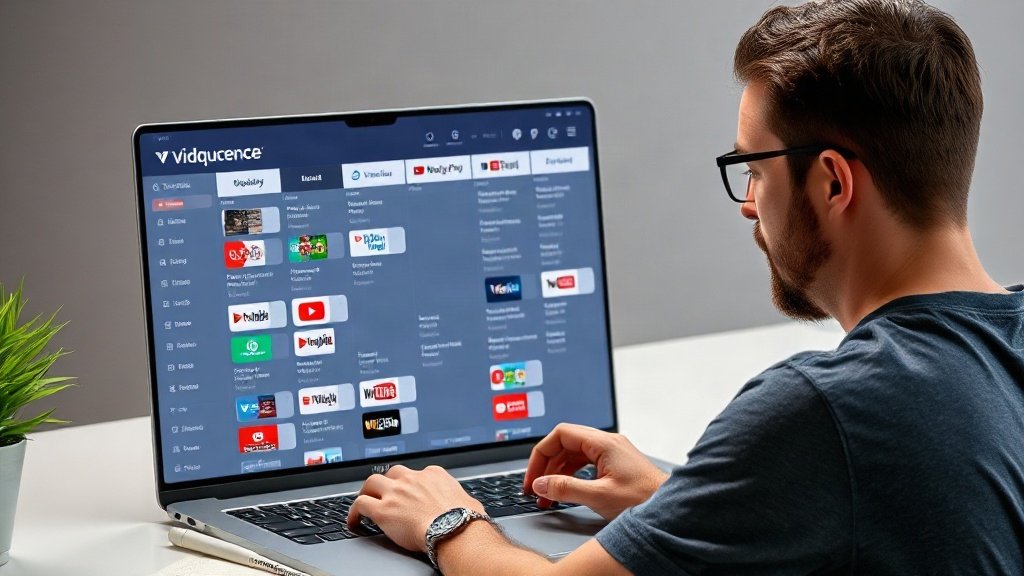
How to Automate YouTube Channel Updates With Vidquence
Here’s a step-by-step workflow to set up automated YouTube publishing with Vidquence—one that fits creators, marketers, and small teams alike.
1. Prep Your Videos
Before you schedule, you need your video files ready. Whether you’ve made them elsewhere or in Vidquence itself, export final versions and gather any resources (titles, descriptions, tags, thumbnails) you want pre-loaded to YouTube.
2. Batch Upload to Vidquence Dashboard
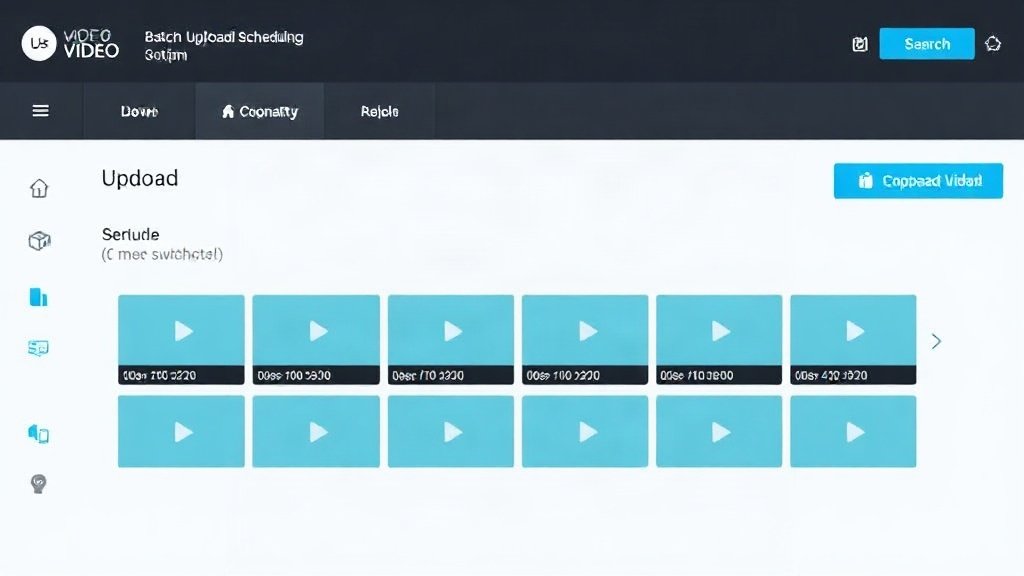
Vidquence allows you to upload multiple videos at once. Head to your Vidquence dashboard:
- Click “Upload” and select all the videos for your next schedule (some creators batch a week, others a month or quarter).
- Fill in video details: title, description, tags, and thumbnail if desired. This makes each batch upload seamless.
Types of updates you can automate: regular episodes, announcements, promotional shorts, and even talking-head explainers.
3. Assign Scheduled Times and Dates
With all content uploaded, assign each video its YouTube publish date and time. Vidquence’s calendar view gives you a birds-eye overview so you can:
- See your upcoming content plan at a glance
- Drag-and-drop videos to reschedule (great for timely responses to trends)
- Balance uploads throughout the week/month for best audience engagement
Pro tip: Study your YouTube analytics (or in Vidquence, post-release data) to pick optimal publishing windows. Research indicates audiences are often most active weekday afternoons or evenings—though your own channel data may reveal different peaks.
4. Review and Confirm Your Schedule
Scan your Vidquence calendar. Is everything spaced for a steady cadence? Are videos publishing on the right dates? You can tweak now—before it’s live—to ensure something like a holiday promo doesn’t drop late, or two similar videos don’t cannibalize attention.
5. Enable Hands-Off Auto-Publishing
Once you hit confirm, Vidquence takes over. Videos are auto-published to your selected YouTube channel(s) on the assigned dates and times, with all your custom metadata and branding in place.
You can repeat this for each upcoming batch, or slot new videos into the calendar as your content strategy evolves.
Tracking Results: Integrated Analytics
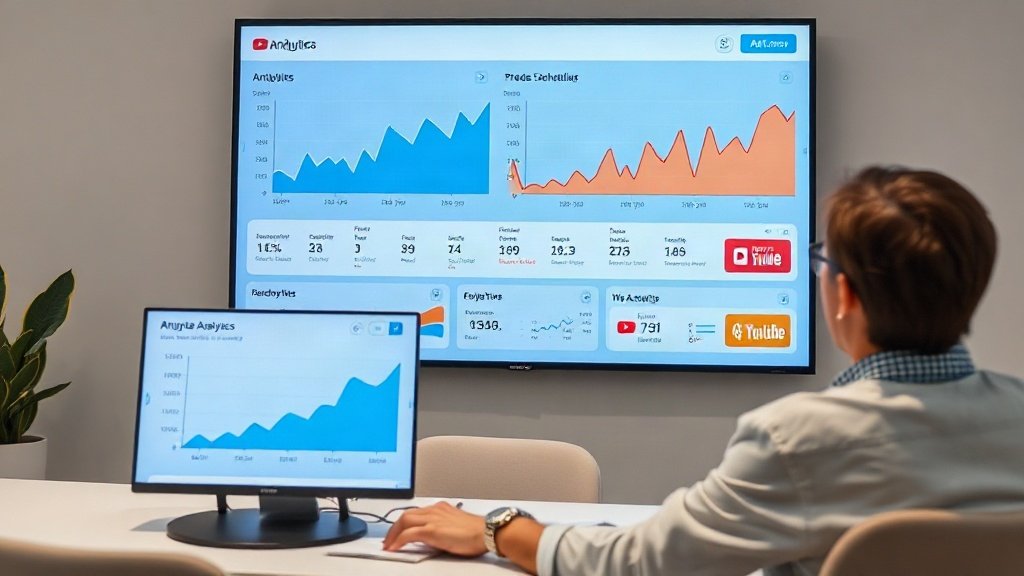
Automation doesn’t mean “set and forget”—it means spending less time on uploads and more time analyzing what works. Vidquence’s built-in analytics make this feedback loop simple. After your scheduled videos go live, you can:
- See views, watch time, and audience engagement (likes/comments)
- Identify high-performers and low-engagement posts
- Adjust future schedules based on what your audience responds to best
For example, if Tuesday uploads consistently outperform Fridays, you can shift your next month’s release times. Most successful YouTubers update their strategy based on real post-launch performance, not guesswork.
Best Practices for Automated YouTube Scheduling
- Batch produce and schedule: Create several finished videos before uploading so you’re never left scrambling.
- Use the calendar for balance: Avoid releasing videos too close together or allowing long gaps—steady uploads build anticipation and loyalty.
- Review upcoming releases monthly: Adjust for new trends, holidays, or last-minute ideas but trust your plan as your default.
- Monitor analytics, refine over time: The best schedule builds on your audience’s habits, not just general tips.
FAQ: Automating YouTube Uploads With Vidquence
Can Vidquence schedule content for multiple YouTube channels at once?
Yes, you can assign different videos to different linked channels in the same dashboard—great for brands or creators managing multiple projects.
Will scheduled videos post if my computer is off?
Absolutely. Once you’ve scheduled and confirmed videos in Vidquence, publishing happens cloud-side—no need to stay logged in or leave your device running.
Can I change the scheduled time or video details after they’re set?
Yes, simply return to the calendar view or dashboard and drag the video to a new slot, or edit details as needed, right up until posting time.
How does Vidquence compare to YouTube’s native scheduler?
Vidquence lets you manage multiple channels at once, batch-upload, and see a multi-platform release calendar—all features that go beyond YouTube’s single-video scheduler.
Start Automating, Grow Faster
Automation can supercharge your YouTube workflow: less busywork, fewer missed deadlines, and more control over your content plan. Vidquence’s scheduling tools give you an actionable calendar, effortless batch uploading, and post-release analytics—all focused on keeping your uploads regular and strategic.
If you want to automate YouTube channel updates without losing creative control, Vidquence has the toolkit to make it happen. Set your schedule, stick to it—and watch your channel’s consistency (and results) rise month after month.