

Want to stop spending hours editing marketing videos, or paying thousands for agencies? With the right AI video creation tools, small business marketers can turn blogs, scripts, or even quick prompts into finished, branded videos in minutes—not days. In this guide, you’ll find the best AI video creation tools for 2024, including real-world use cases and tips for choosing the tech that fits your business and budget.
Why AI Video Creation Tools Are Leveling the Field
AI video creation tools save you time, money, and headaches by automating tasks like editing, script-to-video conversion, and even voiceover. In 2024, platforms use generative AI to transform prompts into market-ready videos, so you can keep up with content demands even as a solo marketer or small team.
- Automated editing: No prior experience required
- Script-to-video workflows: Repurpose blogs or newsletters into social clips
- Libraries of stock footage, music, and templates: Look professional with minimal effort
- AI voiceovers and avatars: Create faceless videos or multilingual content without filming
Let’s break down today’s top AI video tools and where each excels.
1. Canva: All-in-One Simplicity for Social & Ads
Canva’s intuitive interface means you don’t need video, design, or technical chops. Its AI tools help script, animate, and edit fast—ideal for small businesses producing frequent social content, ads, or promos. You can pick a template, upload your logo, drop in AI-generated animations or transitions, and automatically resize for any platform. The drag-and-drop workflow shaves hours off production.
Best for: Quick, branded social ads, explainer videos, event promos, and product features
- AI video editing suggestions based on your brand colors/fonts
- Stock video and music included
2. Pictory: Turn Your Blog Posts into Short Videos
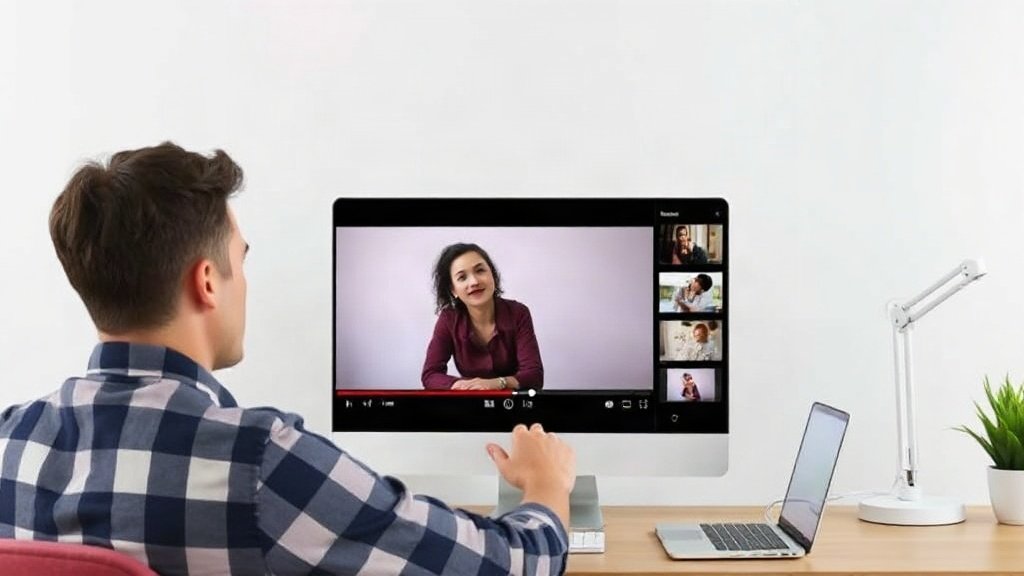
Pictory specializes in converting written content—blog posts, newsletters, or scripts—into bite-sized videos. Upload your text, and Pictory’s AI breaks it into scenes, matches stock footage, and generates captions. This workflow is a massive time-saver for content-heavy businesses, letting you repurpose existing articles into LinkedIn teasers, YouTube Shorts, or email videos in about 20 minutes.
Standout feature: Automatic summarization of long-form text for snappy video sequences.
Example: A fitness coach converts weekly blog tips into Instagram video carousels to double her audience engagement without hiring an editor.
3. Synthesia: AI Avatars for Faceless Video Presentations
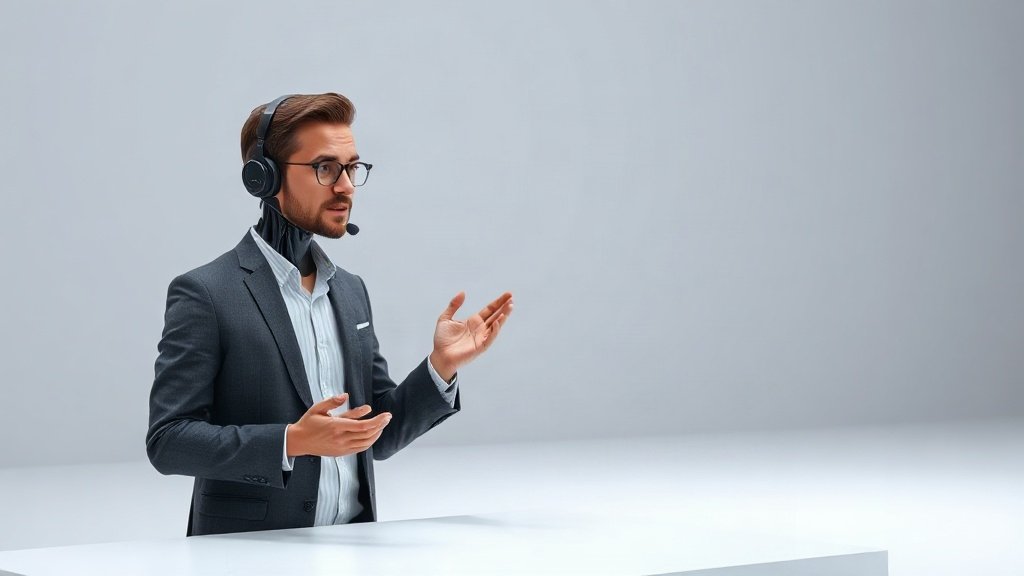
For training, explainer, or international marketing videos, Synthesia lets you create realistic AI avatars that voice your scripts in dozens of languages and accents. Just type in your script, choose an avatar style, and get a polished talking-head video—no need for a green screen, actors, or a recording space.
Best for: Product demos, onboarding, training modules, global marketing campaigns.
- 100+ avatar options, from formal to casual
- Supports 120+ languages and voice styles
- Seamless branding with custom backgrounds
4. InVideo: Powerful Online Editing, Even for Beginners
InVideo’s strength is its combination of AI-powered features and a user-friendly timeline editor. Whether you want to start with a prompt, convert a script to video, or remix existing footage, InVideo offers automated scene suggestions and smart cropping. The massive library of stock clips and prebuilt templates means small businesses can compete with bigger brands on production value—without advanced skills.
- AI script generator: Convert idea-to-video in one place
- Smart resize, social scheduling, and export
5. Lumen5: Visual Storytelling for Content Repurposing
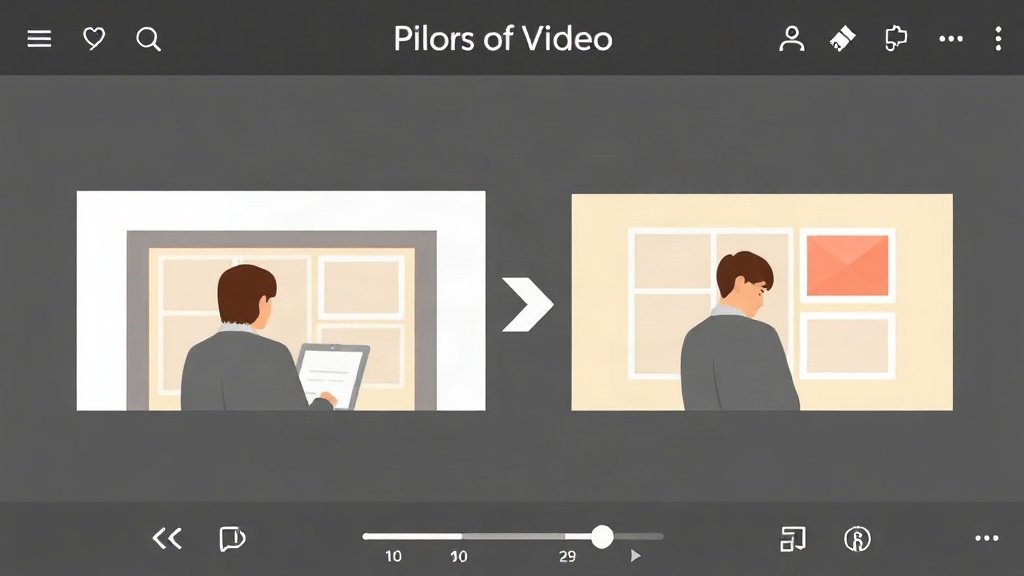
Lumen5 stands out for transforming articles or blog posts into animated video slides. Its flowchart interface lets you quickly re-sequence scenes, tweak captions, and drop in your logo or brand colors. This approach is perfect for repurposing thought leadership or educational content as LinkedIn videos or YouTube explainers, especially if your brand values a clean, polished look.
User example: A SaaS startup turns monthly newsletter highlights into animated explainer videos to drive traffic back to their site, reporting a 35% increase in engagement over plain posts.
Comparing Key Features and Use Cases
No two small businesses are alike—so here’s how to match the top AI video creation tools to your real needs:
- Need eye-catching social posts fast? Canva and InVideo offer ready-made templates for ads and brand storytelling.
- Want to maximize your blog/newsletter investment? Pictory and Lumen5 excel at text-to-video for repurposing content.
- Localizing or standardizing how-to and explainer videos? Synthesia’s avatars can deliver polished presentations in any language, no actors needed.
- Automate the full workflow—from prompt to YouTube upload? Consider tools like Vidquence, which let you turn a prompt, script, or URL into finished videos with voiceover, captions, and auto-publishing, ideal for scaling faceless YouTube or product video campaigns with minimal manual work.
What Makes AI Video Creation Different?
AI video creation tools offer:
- Speed: 70–90% faster workflows compared to manual editing, according to user case studies.
- Consistency: Branded templates and automated color/logo placement for every video.
- Lower costs: Typical subscription fees start at $20–$65/mo, far less than agency or freelance production rates.
How to Choose the Right Tool for Your Small Business
To find your best fit, start with three questions:
- What source material do you have? Blog-heavy? Go for text-to-video tools. Social-first? Pick a template library tool.
- Do you need voiceovers, captions, or avatars? If you want fully faceless or multilingual videos, make sure the tool you choose covers those features.
- Where will you publish? Select a platform that lets you export in the right formats, or even auto-publishes to YouTube or social platforms (as with Vidquence).
Most platforms have free trials. Run a test project—like turning your top blog post into a 60-second promo video—and judge the results, time saved, and effort required.
FAQ: AI Video Creation Tools for Small Business
Are AI video creation tools difficult to use?
Most are designed for non-technical users with drag-and-drop or prompt-based interfaces. If you’ve used Canva or PowerPoint, you’ll pick up these platforms quickly.
Can I really create videos without any filming?
Yes. Tools like Synthesia generate AI avatars; Pictory or Lumen5 combine stock footage and AI voiceovers with your text—no camera needed.
Will AI-generated videos look generic?
Not if you customize templates, add your logos, and tweak color schemes. Most tools let you fine-tune to match your brand. Subtle tweaks go a long way toward standing out, even when using AI-generated assets.
What if I want to scale YouTube channels or social content with minimal manual work?
Some platforms, such as Vidquence, are designed for end-to-end automation—turning a prompt, script, or article into ready-to-publish videos (including voiceover, captions, and scheduling) for faceless content and product videos at scale.
Conclusion: Start Creating Smarter, Not Harder
AI video creation tools let small businesses punch above their weight in marketing, social, and product storytelling. Whether you’re repurposing existing content or launching entire faceless YouTube channels, there’s a tool built for your goals and workflow. Try out a few—compare the speed, flexibility, and results first-hand. In 2024, successful marketers aren’t just making more videos; they’re using AI to make better videos, faster.