

If making business training videos still feels slow, manual, or expensive, there’s a payoff waiting: the latest AI video creation platforms let you produce engaging, professional training content faster than ever. But which tool should you trust for onboarding, compliance modules, sales playbooks, or global employee training? Below, you’ll find a concrete comparison of today’s leading AI video creation platforms for business training, including their enterprise features, localization capabilities, editing power, pricing, and more. Whether you’re a solo L&D manager or running training at scale, this guide will help you choose what works best for your organization.
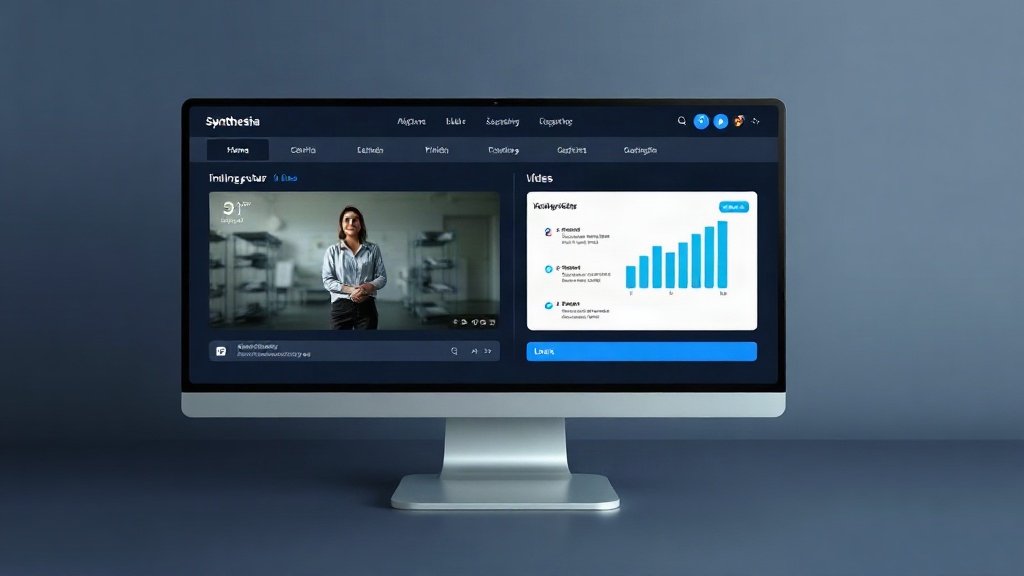
Synthesia: Multilingual, Photorealistic Training Videos for the Enterprise
Synthesia is widely recognized for its photorealistic AI avatars and robust enterprise features. If your business training involves global teams (or you need compliance videos across regions), Synthesia stands out for both realism and reach:
- AI presenters: Choose from a large library of humanlike avatars for talking-head videos — perfect for keeping learners engaged in onboarding, product walkthroughs, or soft-skills modules.
- Multilingual support: Covers 140+ languages, so your training is instantly scalable to worldwide teams without manual voiceover work.
- LMS integrations: Direct integration with Docebo, TalentLMS, and Coursera for Business streamlines how videos embed into your company’s learning hubs and reporting flows.
- Pricing: Plans start at $22/month (10 min video limit), with $67/month getting you 30 min and more flexibility; custom plans available for large deployments.
Example: Global electronics giant needed to update compliance modules in 12 languages, with consistent branding and tracking via Docebo — Synthesia’s workflow cut translation costs in half and reduced delivery time from three weeks per module to three days.
HeyGen: Personalized, Localized Video Training at Scale
HeyGen is another avatar-driven platform, with special strengths in video personalization and localization for distinct learner groups. It’s especially useful if you want to customize training for roles, regions, or business units — fast.
- Avatar-first video creation: Presenter avatars can be tailored to your brand or localized for different markets or teams.
- Template-driven automation: Speeds up batch creation of onboarding, HR, sales, or compliance content — easily generate dozens of personalized variants from one script.
- API and enterprise tools: Automate content generation directly from your learning management systems, portals, or onboarding workflows.
- Pricing: Starts at $25/month; popular with L&D and HR teams rolling out localized training at scale.
Example: A SaaS company created unique onboarding videos for every role and language in its global sales org — cutting ‘time to productivity’ by 30%, according to their L&D director.
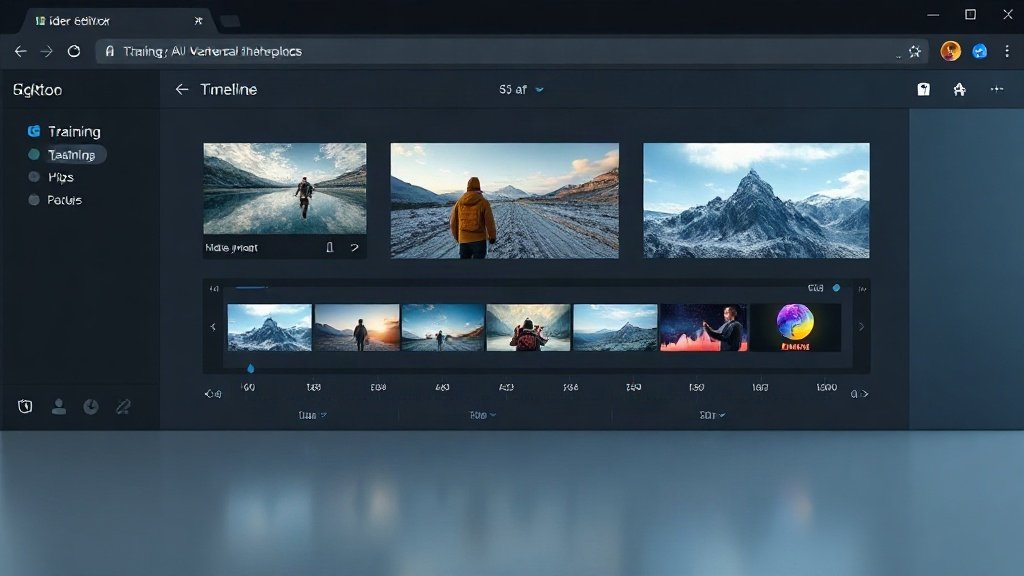
Veed: Full Video Editing for Training with AI Features
Veed integrates timeline-based editing (like traditional editors) with AI video generation, making it ideal if you want more manual control alongside AI speed. While its avatars aren’t as photoreal as Synthesia or HeyGen, Veed stands out for flexibility:
- Robust editor: Tweak every moment of your video—add annotations, shape learning paths, or rebrand for fresh training programs.
- AI tools: Text-to-video (script input), subtitle customization, audio cleanup, and AI avatars (Veo 3.1, PixVerse 4.5 models).
- Pricing: Creator plan at $12/month; Pro at $22/month adds 4K exports, unlimited AI image creation, and priority support — with a free trial tier available.
Best for training creators who want both rapid AI workflows and deep editing capabilities — for example, internal comms, instructional designers, or companies wanting heavy video branding.
Fliki: Prompt-to-Video Simplicity for Scripted Training Content
Fliki is designed for speed: just drop in a script or natural language prompt and generate a training video with minimal effort. Targeted more at solo creators, small businesses, or teams wanting quick how-to videos:
- Script-to-video: Fast, AI-driven process — input your lesson plan or training scenario, select a style, and publish.
- AI avatars and voices: Broad range of presentational voices; avatars are less realistic than Synthesia’s but suitable for explainer modules.
- Subtitle and voice cloning tools: Makes localization possible, though fewer customization options than larger platforms.
- Pricing: Free plans are capped at 1-minute 720p video/month; paid plans start at $14 (discounted) or $28 normally for up to 15-minute videos at 1080p;
Example: HR assistant creates a three-minute how-to on new benefits enrollment using Fliki’s prompt-based workflow — published in under 20 minutes, including subtitles for accessibility.
Other Flexible AI Video Solutions: InVideo and Kapwing
InVideo: Blends AI tools and a rich template library, oriented mostly toward marketing and brand content but entirely adaptable for training use. Its Agent One feature guides users through conversational creation, excellent for non-techy staff. Paid plans start at $15/month.
Kapwing: Not strictly a training video platform, but its online editor and “smart cut” AI make quick, branded edits for micro-learning or recap videos, plus built-in translation tools for global teams.
Key Differences: Which Priorities Matter Most in Business Training?
- Avatar Realism: Synthesia and HeyGen lead for photorealistic avatars — crucial for professionalism and engagement in sensitive or high-trust training scenarios.
- Localization: Synthesia stands out with 140+ languages and direct LMS integration; HeyGen brings personalized localization, good for role-specific variants.
- Editing Power: Veed (and to an extent, InVideo/Kapwing) excel if you demand frame-by-frame editing and branded visual control.
- Speed & Simplicity: Fliki or InVideo if “script in, video out” is your top need. Ideal for updates, FAQs, or product walkthroughs.
- Enterprise Integration: Synthesia and HeyGen’s APIs and plug-and-play LMS support are designed for companies with complex learner tracking and reporting requirements.
- Pricing: Veed wins for budget-conscious projects ($12-22/month); HeyGen and Synthesia have higher entry points, but their capabilities often warrant the spend in global or highly regulated contexts.

Where Does Vidquence Fit In?
If your training content includes explainer, talking-head, social, or product walkthroughs and you want simple, script-driven video output (with voiceovers and captions), Vidquence can help you quickly turn knowledge into shareable videos for your team. Vidquence auto-publishes to YouTube or other platforms, streamlining recurring or micro-learning training with minimal manual steps — useful for busy HR or L&D teams who need scale and speed without giving up polish.
FAQ: AI Video Training Platform Basics
- Which is best for large, multilingual teams?
Synthesia (140+ languages, enterprise LMS integration) and HeyGen (role/language personalizations) are top picks for global deployments. - Are AI avatars convincing enough for sensitive training?
Yes — especially on Synthesia and HeyGen, where avatars are highly photorealistic and suitable for complex topics like compliance or leadership communications. - Can you edit AI-generated videos after creation?
Veed, Kapwing, and InVideo all let you make deep manual changes. Avatar-driven platforms (Synthesia, HeyGen, Fliki) are more script/template-driven with light visual adjustments. - How important is LMS integration?
If your company already uses Docebo, TalentLMS, or similar, direct integration (like with Synthesia) saves huge time and prevents learner friction.
Conclusion: Choosing the Right AI Training Video Platform
The “best” AI video creation platform for business training depends on your core needs: choose Synthesia or HeyGen for scalable, realistic training with localization and LMS integration; Veed for granular, branded editing; Fliki or InVideo for speed and ease. Cost, content type, and desired reach will shape what works for your team. The right tool can shrink production timelines from weeks to hours, boost engagement, and keep your workplace skills sharp — all without busting your budget.