

Don’t want to step in front of a camera, but still eager to grow a YouTube channel or launch a content brand? You’re in good company. Faceless YouTube videos allow creators, businesses, and marketers to build entire video libraries—and sometimes six-figure channels—without ever revealing their face. In this guide, you’ll get a clear definition, real workflow steps, and a set of concrete ideas for launching your own faceless video strategy.
What Is a Faceless YouTube Video?
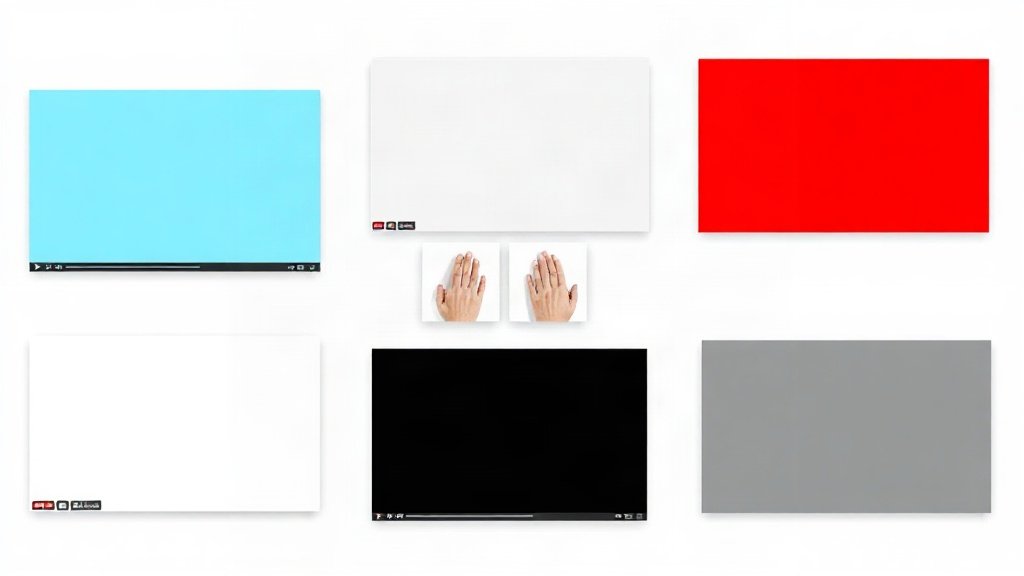
A faceless YouTube video is any video where the creator does not appear on camera. The format relies on visuals like stock footage, animation, screen recordings, text overlays, illustrations, or hands-only demonstrations—combined with narration or background music—to deliver its message.
This deliberate choice shifts attention away from personalities and toward information, entertainment, or instructions. It opens the door for people who value privacy, want to batch-produce content, or focus on a niche instead of personal branding.
Key Formats of Faceless Videos
- Screen recording tutorials: Great for software demos or step-by-step guides. Viewers watch the process directly on the screen, not a person’s face.
- Voiceover explainers: Scripted narration layered over visuals like charts, animations, screenshots, and b-roll.
- List videos: “Top 10” style content where each item is presented with visuals, text, and voiceover.
- Text-on-screen: Large captioned messages, often in vertical or short-form formats, so viewers can read at a glance.
- Hands-only demonstrations: Overhead or close-up shots of hands performing crafts, cooking, or technical setups—no faces.
Why Faceless Videos Work: Value Over Personality
On YouTube, there’s room for both personality-driven “talking head” content and faceless, value-driven formats. Faceless videos win when:
- You want to batch-produce videos quickly using scripts and templates.
- Your content is niche, data-rich, or tutorial-based.
- Your viewers care more about information, entertainment, or how-to than about who you are.
- You prefer privacy, or want your brand to outlive a single spokesperson.
Channels like Chillhop Music (animated loops), Infographics Show (animated explainers), Factnomenal (list videos), and countless “how-to” tech accounts have thriving, faceless presences—sometimes earning $10,000/month or more from ad revenue and sponsorships.
Faceless Video Production: Step-by-Step Workflow
If you’ve never made a faceless YouTube video before, the biggest hurdle is workflow. Below is a process you can adapt, whether you’re an indie creator, small business, or content marketer.
1. Choose Your Format First
Decide whether your video will be a screen recording, animated explainer, voiceover edit, text-led short, or a demonstration (e.g., just your hands). Each format dictates your toolset and editing approach.
2. Pick a Niche and Platform
Are you targeting software users, listicle lovers, recipe hunters, or quick tips on Shorts? Research where your audience already watches these formats. For example, text-on-screen styles soar on YouTube Shorts and TikTok, while longer screen tutorials thrive on YouTube itself.
3. Write a Tight Script or Outline
- List videos: Numbered intros (“#5: …”), concise facts, and impactful CTAs for each item.
- Screen demos: Step-by-step commands with timestamps.
- Explainers: Storyboard each segment to pair narration with the right supporting visuals.
Batching scripts (5-10 at a time) enables faster production and series-building.
4. Gather Visual Assets
- Stock footage: Use platforms like Pexels, Storyblocks, or Envato Elements for cinematic b-roll.
- Animations: Create simple motion graphics with tools like Canva or more advanced ones in After Effects.
- Screenshots & screen recordings: For tutorials, record your workflow using OBS Studio or Loom.
- Text and graphics: Lay out large, readable text for captioned videos in your editor or in Canva.
5. Record Voiceover or Create Captions
For info-driven faceless YouTube videos, narration matters. You can record your own voice for a personal touch, or use high-quality AI voiceover tools with clear, natural delivery. For text-on-screen or vertical Shorts, craft compelling hooks in big readable type, so viewers grasp the content even with the sound off.
6. Edit and Polish
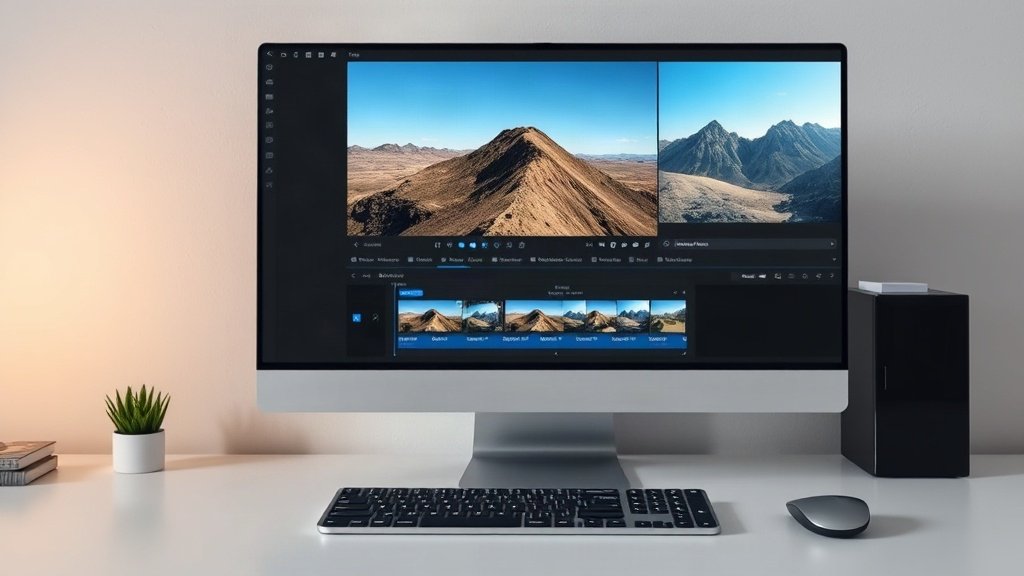
Combine your visual elements, audio, and text using a video editor. Pay attention to pacing—faceless videos can fail if the visual rhythm is monotonous. Quick cuts, overlays, and well-timed captions keep viewers watching. For batch production, develop a template (intro, visual style, CTA) that you can re-use and adjust for each script or episode.
7. Publish and Analyze
Upload your videos, optimize titles/thumbnails for your niche, and monitor retention graphs and audience comments. Tweak based on what viewers engage with—refining everything from video structure to voiceover pacing.
Faceless Video Content Ideas
- Top 10 product lists (gadgets, books, apps, destinations, techniques)
- How-to screen tutorials: Software, website builders, settings walkthroughs
- Animated explainers: Demystify science, history, finance, or tech trends
- Hands-in-frame DIY: Crafts, recipes, unboxing, fixing tech (only hands shown)
- Short, hooky text videos: Quote clips, trending statistics, quick facts
- Myth-busting or fact drops: Use energetic b-roll and captions
These repeatable formats are perfect for scaling up with batch production and rapid publishing.

Tool Stack: How Creators Make Faceless Videos Efficiently
Faceless video production is a collaborative workflow—rarely a one-tool job. Most creators use:
- Screen recorders (e.g., OBS Studio, Loom) for tutorials
- Stock footage/animation (e.g., Pexels, Envato) for b-roll and visuals
- Scriptwriting/storyboard templates for structuring repeatable episodes
- Video editors (e.g., DaVinci Resolve, Adobe Premiere, CapCut) for compiling and polishing
- AI video creation platforms such as Vidquence can streamline much of this, automating the journey from script or URL to a finished, voiced, and captioned faceless video—great for creators and marketers who want to rapidly scale production without hiring video staff.
FAQ: Faceless YouTube Videos
What types of faceless YouTube videos are easiest to start with?
Screen tutorials and list videos are often quickest, requiring only a script, screen recording, and simple editing. Text-on-screen Shorts are also popular with minimal barrier to entry.
Do faceless videos get fewer views than talking-head videos?
Not necessarily. Many sizeable channels (even in tech, finance, or entertainment) post only faceless content. Success depends more on storytelling, audience fit, and delivery than on showing your face.
Can I monetize a faceless YouTube channel?
Absolutely. As long as you own or license the footage, adhere to YouTube rules, and meet AdSense partner criteria, you can join the YouTube Partner Program, take sponsorships, and sell products—just as you would with on-camera channels.
Is it possible to batch-produce faceless videos and auto-publish?
Yes. Many teams use AI assistants and platforms like Vidquence to automate large parts of this workflow, going from script to ready-to-upload videos (with voiceover, captions, and scheduling) in minutes.
Conclusion
The faceless YouTube video format is a perfect fit for creators who want scale, privacy, or niche authority. Whether you’re making tutorials, listicles, explainers, or text-speed Shorts, you’ll find workflow strategies and content ideas that don’t require you to step on camera. With the right scripts, tools, and templates, you can consistently produce eye-catching, high-retention videos—and let your channel speak for itself.