
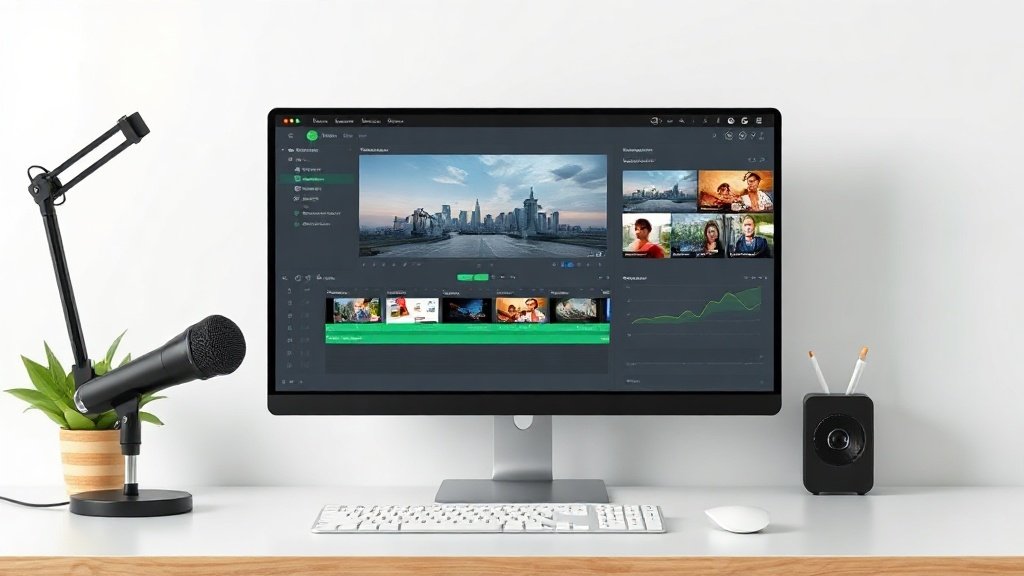
Faceless YouTube channels are everywhere—but what happens when you automate the entire workflow? With an automated faceless YouTube channel, you can build a video brand, upload at scale, and preserve your privacy, all without ever stepping in front of a camera. In this guide, you’ll see how these channels work, their practical strengths and pitfalls, and proven use cases where automation really pays off.
What Is an Automated Faceless YouTube Channel?
An automated faceless YouTube channel is a channel where the creator never appears on camera. All videos are made using formats like voiceover narration, stock footage, screen recordings, animations, or AI-generated visuals. Crucially, much of the creation process—from scriptwriting to video editing and scheduling—can be managed with automation tools to speed up output and reduce manual work.
Here’s what this looks like in practice:
- Scripts are written (by a person or with AI), then recorded as voiceover narration
- B-roll, stock clips, or animated scenes illustrate the narration
- Captions, soundtracks, and effects are added automatically via software
- Videos are edited, rendered, and scheduled for YouTube publishing—often with minimum hands-on time
This model isn’t just for one-person operations. Teams and businesses use automated faceless channels to dominate multiple niches, run creator networks, or supplement content marketing—without building a public-facing identity.
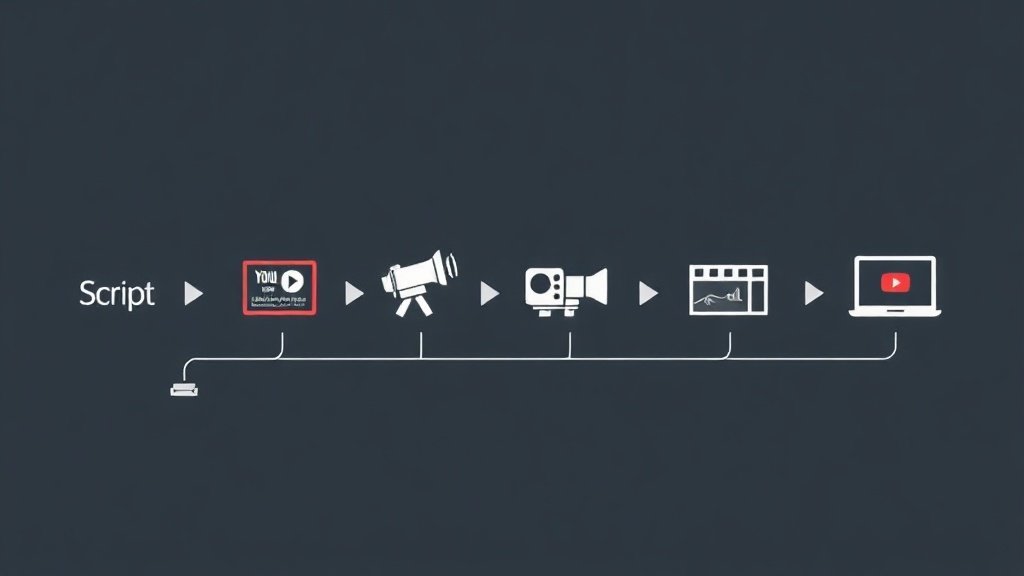
How Are These Channels Made? Core Formats
Automated faceless YouTube channels rely on a modular approach to content creation. Here are the most common building blocks:
- Voiceover Narration: Recorded by humans or generated with AI, narrating the script over visuals.
- Stock Footage: Professional B-roll, lifestyle scenes, and generic office/product clips stitched to match the voiceover.
- Screen Recordings: Captures of software walkthroughs, tutorials, or digital demonstrations—especially popular for tech, reviews, and how-to content.
- Animations: Motion graphics, kinetic text, and illustrated scenes that communicate concepts or add flair.
- AI-Generated Visuals: Custom artwork, avatars, or backgrounds created with AI to replace traditional video shoots or illustrations.
Advanced tools like Vidquence (an AI video platform) combine these elements: you start with a script, prompt, or URL, and the tool assembles the narration, scenes, captions, and timing into a ready-to-upload video—no studio or camera required.
The Real Pros of Automated Faceless YouTube Channels
Many creators are turning faceless and automated for good reason. Here’s what stands out:
1. Privacy and Anonymity
Your identity, appearance, and personal brand stay off the internet. This radically reduces the risk of harassment or privacy leaks and lets you compartmentalize creative work from your private life.
2. Lower Production Costs
Without the need for cameras, lighting, sets, or live hosts, production costs can drop sharply. Research estimates skipping on-camera production and set-up shaves about 58% off total expenses—money you can reinvest in editing, research, or marketing.
3. Scalability and Output
Automation is a force multiplier. One person (or a small team) can manage multiple channels, upload more frequently, or launch in new niches with minimal extra effort. Scheduling and batch production tools make it far easier to be consistent, which is key to YouTube growth.
4. Flexibility in Niche Testing
Since you’re not building everything around a single personality, you can test new topics and formats quickly. If one channel or idea doesn’t get traction, you’re not personally tied to its failure—just refocus your efforts.
Main Drawbacks (and How to Manage Them)
Automated faceless channels have clear upsides, but the tradeoffs are real. Here’s what to watch for:
1. Weaker Personal Connection with Viewers
Channels without a visible host typically see lower loyalty. Viewers like to connect with personalities, and faceless videos can feel distant. You’ll need to compensate with distinctive narration, music, and on-brand graphics to build recognition.
2. Quality Control Risks from Automation
Automated video creation (especially with AI) invites errors. Scripts can be flat or off-topic, visuals may not match the narration, or captions can go awry. Without human oversight, these slip-ups hurt credibility and viewer retention. Review every script and draft video before publishing.
3. Originality and Standing Out
With heavy reliance on stock clips, templates, and AI assets, videos can look generic—YouTube’s algorithm has gotten better at filtering for real engagement and originality. To stand out:
- Add custom intros/outros or branded animation
- Develop a unique voice (even if it’s AI-generated, train for your style)
- Continuously refresh your templates and visuals
4. Difficult to Build Brand Loyalty
No on-camera host means there’s no single “face” of the channel. Building fan bases that stick around for your content (not just the topic) takes persistent branding—through visuals, catchphrases, or a memorable voiceover persona.
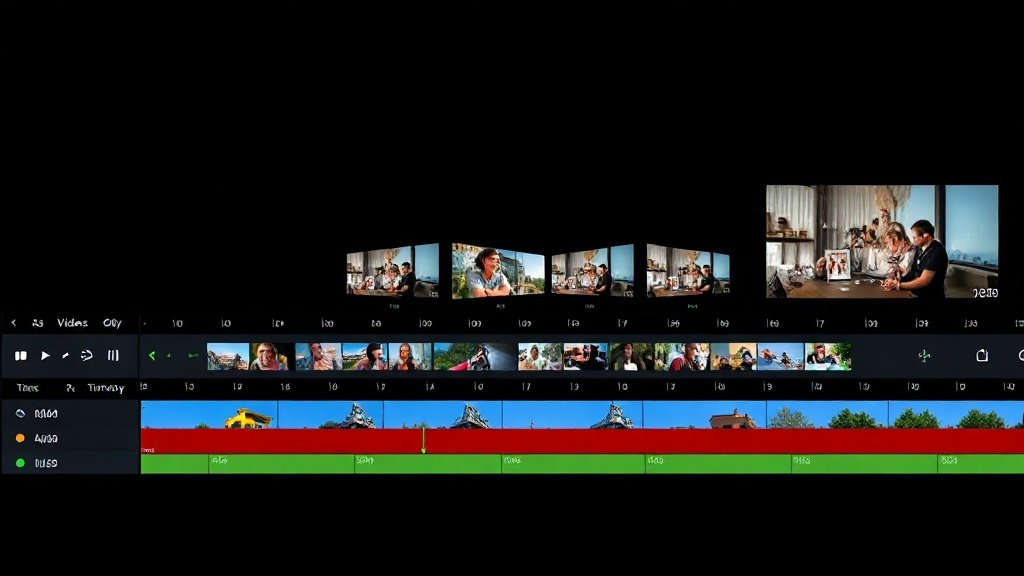
Top Use Cases for Automated Faceless Channels
Some video formats work especially well for faceless automation. Here are the most effective:
Educational and How-To Videos
- Screencast tutorials: Software, coding, Excel walkthroughs—all thrive with voiceover and on-screen actions.
- Animated explainers: Concepts, processes, and guides visualized with motion graphics (think “CrashCourse” or classic explainer cartoons).
- Fact-based listicles: “Top 10” topics, summaries, or Q&A formats narrated over graphics and B-roll.
Entertainment and Informational Content
- Compilation videos: Curated collections (e.g., “Best goals of the week” or meme roundups) need only editing, narration, and fair-use visuals.
- Mini-documentaries: Research- and script-driven videos about events, people, or stories—delivered via narration, illustrations, and archival footage.
- Product reviews/demos: Hands-only unboxings, overhead setups, or screen reviews for tech and gadgets.
Vidquence is especially useful for these use cases, letting you quickly turn scripts or outlines into finished videos with voiceover, captions, and scheduling—all while managing channel output from a single dashboard.
Automated Faceless Channel Workflow: A Quick Example
Suppose you want to build a channel teaching Excel tips. Instead of filming yourself each week, you can:
- Write or generate a script for “5 Excel Tricks for Faster Reporting.”
- Record quick screen captures showing each trick.
- Use text-to-speech or record your own narration over the video.
- Add text captions, arrows, or animated highlights for clarity.
- Upload and schedule the video on YouTube—fully faceless, highly scalable.
Over weeks, you can automate chunks of this: batch write scripts, automate captions, or even use a tool like Vidquence to assemble and publish videos with minimal manual input.
FAQ: Automated Faceless YouTube Channels
- Q: Can I monetize an automated faceless YouTube channel?
A: Yes. As long as your videos follow YouTube’s policies and offer original, valuable content, faceless channels are fully eligible for AdSense, sponsorships, and affiliate revenue. - Q: Will viewers trust a channel without a visible host?
A: Trust is built through quality information and consistent branding. For educational and tutorial channels, value usually outweighs the lack of on-camera presence. - Q: What tools help with automated faceless production?
A: Script editors, screen recording apps, stock video libraries, AI voiceover tools, and all-in-one video platforms like Vidquence for assembling and scheduling videos. - Q: Is there a risk of YouTube demonetizing AI-generated or automated content?
A: YouTube requires that your content is not “mass-produced” or low-quality. Automated faceless content can pass review as long as it’s original, well-edited, and provides genuine value—not just generic compilations.
The Bottom Line
Automated faceless YouTube channels offer a privacy-first, high-throughput path to YouTube growth without the need to appear on camera. Lower costs and scalable output are real advantages, while standing out demands careful curation and quality control. For educational, tutorial, review, and documentary content, this model delivers the best of automation—especially when you use purpose-built tools to streamline your workflow and stay focused on creativity, not tech headaches.