
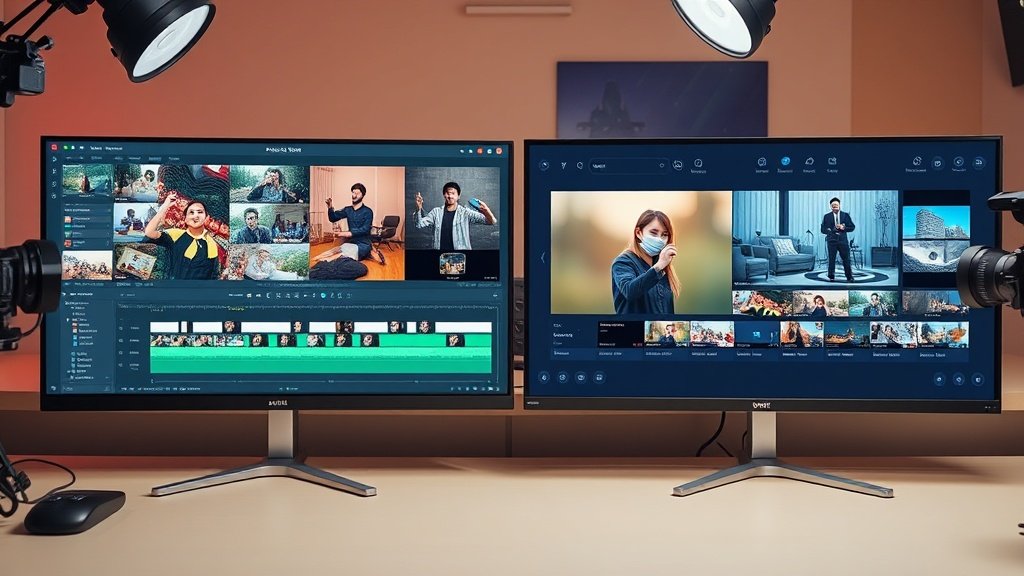
AI video editing isn’t just hype—it’s fundamentally transforming how creators, marketers, and small businesses produce engaging short videos, from YouTube Shorts to branded TikTok content. If you’re tired of tedious timelines or limited by skill and time, AI is fast becoming not just a nice-to-have but an essential lever for competitive content output, creativity, and speed.
AI Video Editing Moves Beyond the Timeline
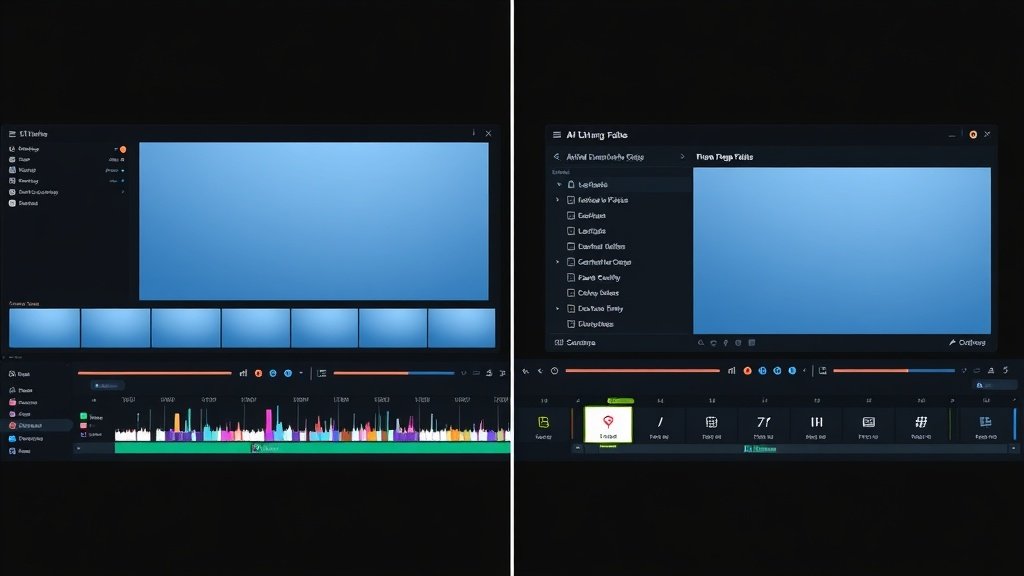
Old-school editing meant dragging clips, snipping audio, layering effects—often for hours—just to get a two-minute video. Today’s AI tools, shaped by companies like OpenAI, Google, and Anthropic, are shifting creators away from detailed timeline work to prompt-driven, automated workflows.
Instead of manually cutting every scene, you might now:
- Type a script or simple description into a tool powered by a text-to-video model
- Generate a rough cut with suggested visuals, voiceover, and captions in minutes
- Edit the result by revising your prompt or highlighting the transcript—not hunting through layers
This prompt-based paradigm often slices hours from editing sessions, especially important for creators chasing trends or capitalizing on tight publishing schedules.
From Prompts to Rough Cuts: How AI Levels the Playing Field
The rise of video diffusion models—AI systems trained to generate video by progressively refining random noise into coherent scenes—has made it possible for creators to go from text to video almost as easily as generating an image. Need a shot of “a mountain biker at sunrise” but didn’t film it? Describe it, click Generate, and an AI video tool produces it (sometimes with surprisingly usable results).
This unlocks several new capabilities:
- Faster prototyping and ideation: Test visual ideas instantly without shooting or scouring stock sites.
- Automated captions and subtitles: Rather than laboriously transcribing speech, AI generates captions in your style—crucial for Shorts and social video.
- Rough cut assistance: Upload your script (or URL) and get a draft video, complete with auto-selected stock, AI voiceover, and relevant B-roll sequences.
This is driving a massive democratization: former barriers—expensive gear, pro editing chops, teams—are steadily eroding. Solo creators can deploy effects and formats once accessible only to big studios.
Real-World Example: YouTube Shorts Production
YouTube Shorts epitomizes this new speed. With an algorithm favoring relentless output, top Shorts channels often post daily—or even more. Creators using AI editing tools report up to a 70% reduction in production time, with auto-captioning and clip suggestion features among the biggest time-savers.
Example workflow for a one-minute Short:
- Prompt your core idea into a tool (“motivation tips for students”)
- AI drafts a script and selects stock visuals or generates new video based on the prompt
- Voiceover and captions are created automatically, using your preferred style
- Export and schedule for publishing—often in under 30 minutes
This approach was nearly impossible just two years ago.
Short-Form Pressure: Why Faster AI Editing Matters
Short-form platforms—YouTube Shorts, TikTok, Instagram Reels—reward creators who can hook viewers fast and publish often. With human attention measured in seconds, delays caused by manual editing can mean missing key trends or losing out to faster competitors.
AI video editing reduces the burnout risk of high-output platforms. By handling repetitive tasks (captions, visual selection, even scripting), these tools give creators more bandwidth for ideation and strategic thinking—crucial for building repeatable success rather than chasing overnight virality.
Concrete Ways AI Changes the Editing Workflow
- Script generation and revision: Using tools like ChatGPT to draft or refine video scripts, descriptions, or hooks.
- Text-to-video assets: Generating footage directly from natural-language prompts for overlays, transitions, or entire segments.
- Auto-captioning and subtitles: Ensuring accessibility and engagement without extra labor, with options to stylize captions for each platform.
- AI voiceover: Adding professional-grade narration in dozens of styles and accents, no recording studio required.
- Instant rough cuts: Having AI assemble a first draft so you start from 70% done rather than a blank screen.
Platforms like Vidquence integrate these AI-driven features—turning a prompt, script, or even a URL into a ready-to-publish video, including faceless formats and Shorts, with publishing automation built-in.

Which Part of Video Editing Changes Most?
The most profound shift? The labor-intensive middle of editing—rough cuts, sorting footage, transcribing, and syncing content—moves from manual grunt work to largely automated assistance. Ideation and revision speed also accelerate: experimenting with formats, testing different captions, and reiterating scripts now takes minutes, not hours.
But the ‘AI video editing’ transformation isn’t just about saving time or money. It also changes creative direction—allowing you to try bolder ideas, work across new genres, or iterate rapidly based on audience feedback. Whether you rely entirely on generated footage or blend it with your own, AI is expanding the scope of what’s possible on any budget.
FAQ: AI Video Editing for Creators
- Is AI video editing only for short-form content?
While Shorts and Reels benefit most from speed, AI editing is also revolutionizing long-form, YouTube videos, podcasts, and even branded explainer content by automating repetitive editing tasks. - How polished is AI-generated video footage?
Prompt-based footage is improving rapidly thanks to video diffusion models, but still excels most as B-roll, abstract visuals, or creative transitions. For mission-critical shots, blending real and AI content works best. - Can beginners use AI video tools?
Absolutely. Most AI video editing platforms (including Vidquence) are designed for non-experts, with drag-and-drop or prompt-driven interfaces for minimal learning curves. - Will using AI make my content less original?
AI speeds up production and expands creative possibilities, but your voice, prompts, and editorial choices remain essential for originality—AI is a tool, not a replacement for vision.
Conclusion: What Comes Next for AI Video Editing?
AI video editing is more than a technical upgrade—it’s a fundamental workflow shift that lets creators of any size or skill level compete in formats like YouTube Shorts, faster and with more creative flexibility. Between prompt-driven rough cuts, automated captions, and new generative video models, the essentials of editing are getting faster, more accessible, and surprisingly fun.
If you haven’t explored AI-powered video tools yet, the best time is now: whether you’re experimenting with text-to-video or aiming to automate your weekly Short, platforms like Vidquence are making what was impossible in 2020 just a few clicks away.