
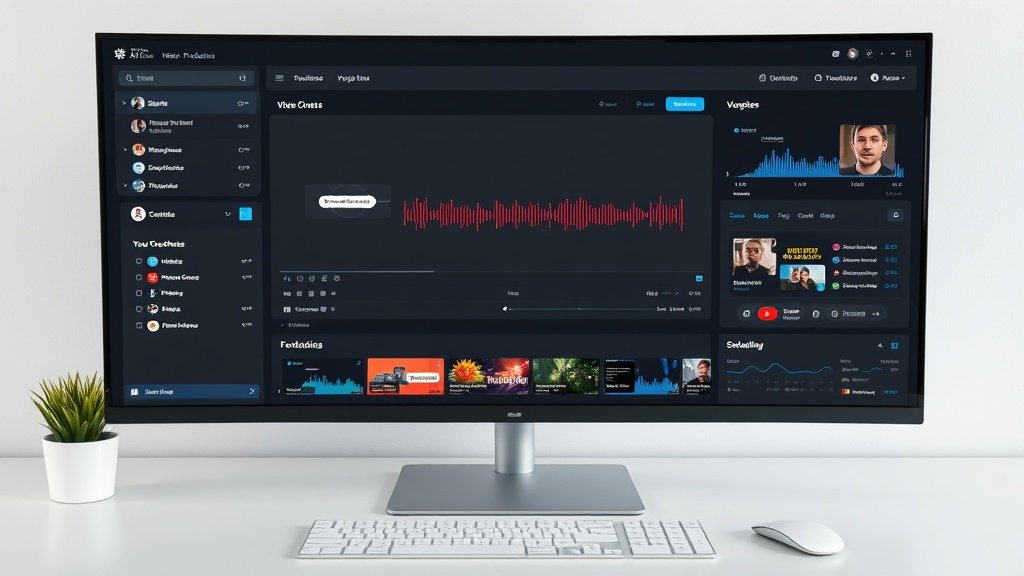
What if you could post high-quality YouTube videos—without ever picking up a camera or microphone? Faceless YouTube automation lets you script, produce, and schedule videos using AI at every step. Whether you’re building an info channel, product highlights, or engaging shorts, here’s a proven walkthrough—from first draft to scheduled upload—using tools creators and small teams rely on (with real examples for each!).
Why Go Faceless With YouTube Automation—And What Actually Works
Faceless channels are booming, especially for tutorials, commentary, explainer, and entertainment formats. These channels build loyal audiences without ever showing the creator’s face—or even their real voice. AI workflows have supercharged this trend by making production significantly faster and more affordable.
- No-camera advantage: Skip expensive equipment, complex filming, and on-screen anxiety.
- Hands-off narration: AI voices let you script videos even if you’re not comfortable speaking or can’t record clean audio.
- Scalable publishing: With automated tools, a single creator can release weekly—or even daily—videos.
Research shows that, as of July 2026, faceless channels using AI now account for a notable share of YouTube’s trending and recommendation pages. You don’t need a full studio—just a smart process.
Step 1: Ideation and Scripting With ChatGPT-4o and Claude 3.5
The workflow starts with a reliable script. Tools like ChatGPT-4o and Claude 3.5 (from Anthropic) are at the forefront for brainstorming, outlining, and drafting YouTube scripts.
- ChatGPT-4o: Give it your topic (“why electric cars don’t have gears”), audience input, and style (educational but witty). Watch as it suggests titles, outlines, and 800–1,200 word scripts.
- Claude 3.5: Useful for longer videos (12–20 minutes), data-driven explainers, and batch-script outputs for series or playlists.
Pro tip: AI drafts are just a start. Tighten your script for clarity, pacing, and authenticity—tools rarely get tone and call-to-action right without tweaks.
Example output for a 7-minute video using ChatGPT-4o:
“Welcome back! Today, we’re unpacking why electric cars don’t need traditional gearboxes. First up—how gas engines actually use gears, and why electric motors just don’t have the same needs…”
Step 2: High-Quality Voiceover—No Studio Needed
For faceless YouTube automation, you need narration. ElevenLabs is the market leader for realistic AI voices, with over 1,000 choices (including 29 languages) and the option to fine-tune emotion, tone, and even generate synthetic dialogue.
How it works:
- Paste your script into ElevenLabs.
- Select a voice style (e.g., friendly US male, calming British female).
- Preview, tweak speed or pitch, and download the final narration as MP3/WAV.
Many creators mix and match voices for different videos (or even segments within longer explainers). Voice cloning is possible for brand consistency, but switch voices for variety if running multiple channels.
Step 3: Generate or Assemble Video—AI to the Rescue
You no longer need footage or a stockpile of assets to make compelling visuals. Here’s how creators automate this step:
AI Video Generators
- Seedance: Specializes in 16:9 YouTube video generation. Paste your script (or segments), pick text-to-video (for educational, newsy, or trend videos) or image-to-video (turn album art/product photos into dynamic footage). Output matches YouTube’s preferred specs.
- Morphed: Lets you choose between several video generation models (for stylized, realistic, or cinematic looks), adjust cinematic controls (camera moves, color grading), and generate a thumbnail for YouTube. Shortcut: Write a brief scene description for each chunk of your script.
It’s not just about pressing “generate.” Even with the best AI, savvy channels iterate—regenerate scenes that look off, and combine short AI clips in an editor for polish.

AI-Enhanced Video Editors
For more control, import your AI clips and narration into a timeline editor like Wondershare Filmora. Filmora now integrates:
- AI Video Extender: Expand or shorten scenes to adjust pacing automatically.
- Prompt Video Editing: Type what you want changed (“make this segment slower,” “add b-roll of NYC at night”) and the editor applies it.
- Advanced stabilization: AI smooths out shaky AI-generated or stock clips for a more professional look.
Alternative editors are plentiful (see recent TechRadar reviews of Fliki, Filmora, and Veed), but look for robust AI-prompt support and timeline speed.
Step 4: Scheduling YouTube Videos—the Smart Way
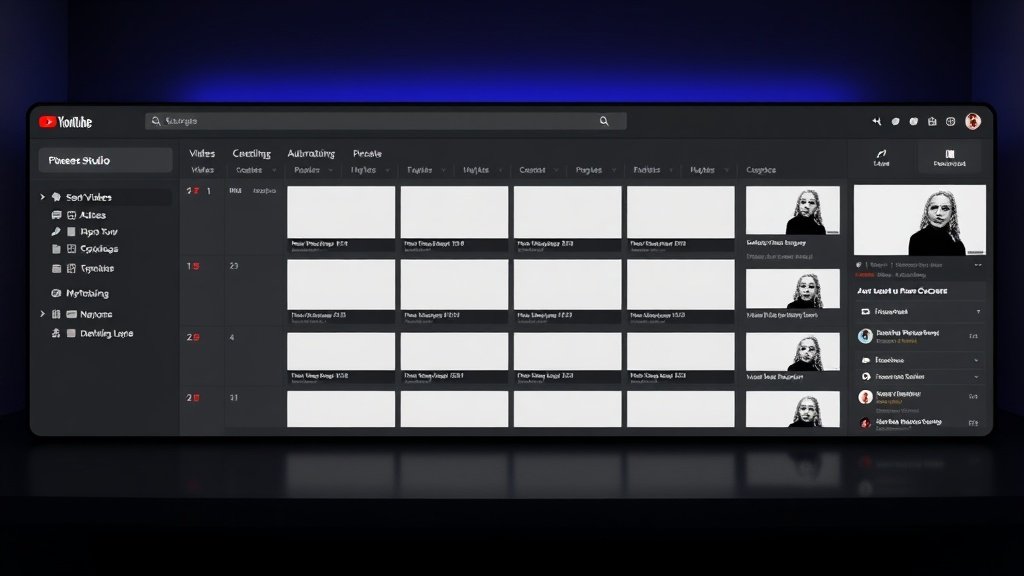
AI workflows don’t stop at editing. Batch your finished videos, then schedule weeks in advance in YouTube Studio. Best practice:
- Upload finished exports directly to YouTube (16:9, MP4, 1080p+ recommended).
- Fill in optimized SEO title/descriptions—drafted alongside your scripts.
- Add AI-generated (or custom) thumbnails and relevant tags.
- Set a publish date/time for each video from the Calendar view; stagger release for consistency.
Power users can connect their workflow to automation platforms like EchoFlow, which tracks your full production pipeline (script writing ➔ voiceover ➔ video generation ➔ scheduling) from a single dashboard. Track progress, automate handoffs, and centralize revisions—especially powerful for teams.
Putting It All Together With Vidquence
Looking to streamline the process even further? Vidquence lets you start with a prompt, script, or URL and generate a full faceless video—complete with professional-quality voiceover, captions, and one-click auto-publishing to YouTube. This means less time managing files and switching tools, and more time scaling your channel’s output or refining your message.
Best Practices: Polished, Fast, and Repeatable
- Draft for attention: Open with a hook in every script—watch time is king.
- Choose voice and pace carefully: Retention drops with monotone or overly robotic AIs; experiment and adapt.
- Batch and schedule: AI favors consistency—set aside one day a month to script, narrate, and schedule.
- Iterate on feedback: Analyze Analytics for audience drop-offs, then A/B script tweaks.
Used well, AI workflows can cut your production time per video from several hours (or days!) to well under one hour—sometimes under 20 minutes for shorts and simple explainers.
FAQ: Faceless YouTube Automation
Can I run a successful YouTube channel without ever showing my face?
Absolutely! Many faceless channels have reached hundreds of thousands of subscribers using stock or AI-generated visuals, synthetic voiceovers, and smart scripting. Consistent, valuable content wins—faceless or not.
How real do AI voices sound now?
Today’s top AI voice tools (like ElevenLabs) are impressively lifelike, letting you match tone and pacing to your brand. Regular viewers may notice slight differences from human narration, but quality is high enough for most niches.
What are Vidquence’s strengths for faceless automation?
Vidquence enables full prompt-to-video workflow with integrated voiceover, captions, and auto-upload, letting you make consistent, faceless videos with minimal manual steps—and schedule them for YouTube directly.
Are there risks with relying too much on AI for YouTube?
Automate the boring parts, but always review for accuracy, pacing, and platform guidelines. Look out for copyright, content policy, and, above all, keep a human eye on final output for quality and originality.
Conclusion: Faceless Automation Is Here—And Makes YouTube Efficient
With faceless YouTube automation, anyone can design a repeatable path from script to scheduled video—no camera confidence or pro editing background required. Use AI to handle the heavy lifting, refine for your audience, and build a genuine YouTube presence in less time (and with less overwhelm) than ever before.