
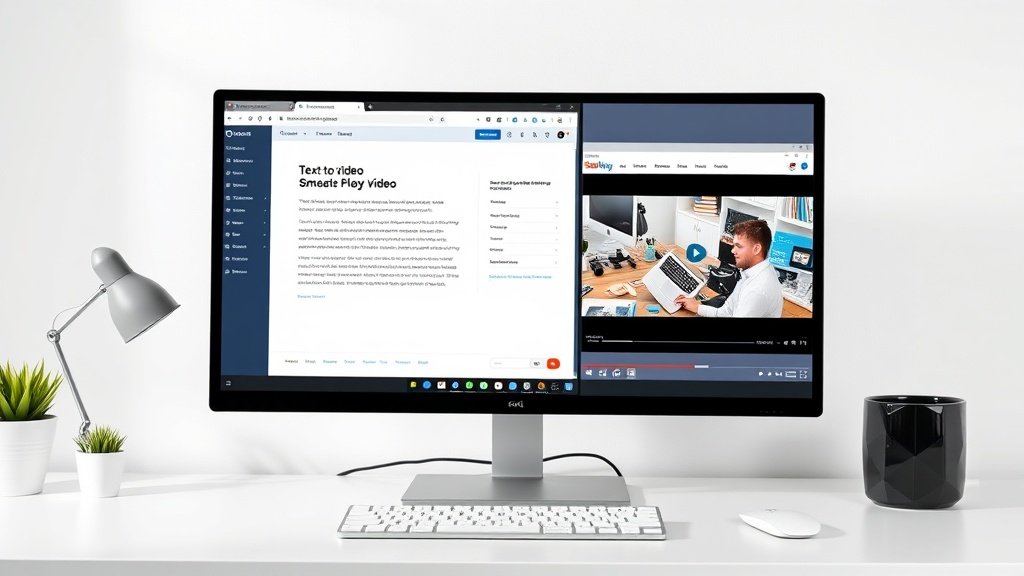
If you need to turn ideas into videos fast but aren’t sure which platform fits your strategy, this guide will save you hours. We’ll walk through Vidquence vs Pictory, compare their workflows, and show which AI video creator makes sense for your goals—whether you’re building fresh campaign content or repurposing long-form assets into bite-sized, shareable clips.
Vidquence vs Pictory: Where Each Platform Shines
The core question isn’t which is “better”—it’s which matches your actual content workflow. The split is clear:
- Vidquence: Best suited for creating brand-new videos from scratch (think fresh campaigns, explainers, social shorts)—especially if you want marketing-driven templates and fast text-to-video assembly.
- Pictory: Ideal for repurposing long-form content: transforming blogs, scripts, or webinars into social-ready, captioned videos—automatically.
Quick Decision Guide
- Need to quickly produce new branded videos for campaigns? Start with Vidquence.
- Already have blogs, webinars, or scripts and want to turn them into short clips? Pictory was built for this.
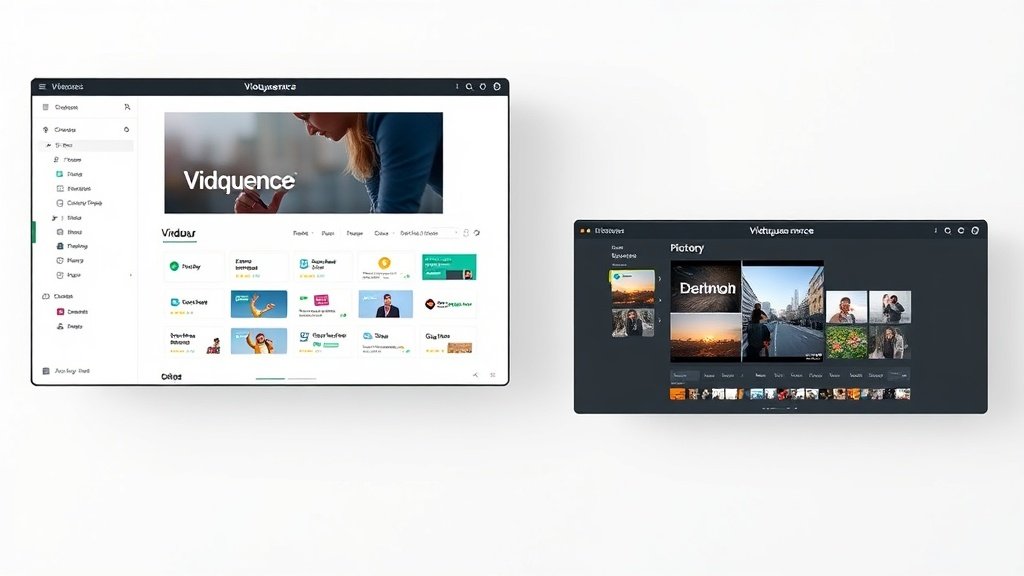
Vidquence: Launchpad for Fresh Video Campaigns
Vidquence is designed as an AI-powered video creation platform for marketers who need net-new, on-brand videos—fast. If your workflow looks like: “write a script or enter a prompt, pick a template, customize, and publish,” Vidquence fits perfectly.
Key Features & Strengths
- Text-to-Video Automation: Input a prompt, script, or even a URL, and Vidquence generates a finished video complete with scenes, layouts, and voiceover.
- Customizable Templates: Easily tweak colors, text styles, layouts, and aspect ratios to match your brand.
- Marketing Integrations: Connects with campaign tools, scheduling, and asset libraries for smooth, campaign-driven publishing.
- Auto-Voiceover & Captions (within videos): Choose your voice, language, and subtitle styles—great for social and silent autoplay.
Example: Launching a Product Campaign
An e-commerce marketer needs to announce a flash sale. With Vidquence, they paste their script, select a promo template, brand it, and hit render—exporting a ready-to-publish video in minutes, not hours.
When Vidquence Makes Sense
- You’re producing original content for social ads, explainers, or product launches.
- You want marketing-friendly templates and easy customization.
- Your team juggles multiple campaigns and channels—and needs speed.

Pictory: Supercharger for Content Repurposing
Pictory’s claim to fame is turning long-form written or recorded content into short-form, social-ready videos—automating everything from stock footage selection to on-screen captions. If you have a library of blogs, podcasts, webinars, or scripts, Pictory helps you extract the best bits and share them in new formats, without starting from scratch.
Key Features & Strengths
- Blog/Script/Webinar-to-Video: Import a URL, paste a script, or upload a transcript—Pictory finds highlights and builds visuals automatically.
- Automated Stock Footage & Captions: Quickly generates video scenes with relevant media and attention-grabbing, on-brand captions.
- Designed for Repurposing: Especially powerful for teams recycling existing content into recap clips, reels, or short social explainers.
Example: Repurposing a Webinar
A SaaS company uploads their hour-long product webinar. Pictory automatically selects key clips, overlays captions, and exports a 2-minute highlight video, ready for LinkedIn and Instagram.
When Pictory Makes Sense
- You have existing content—blogs, event recordings, scripts—that you want to publish in new channels.
- Repurposing for social, newsletters, or internal updates is your priority.
- You want automated scene and caption creation with minimal manual editing.
Strategic Contrasts: Which Platform for Which Job?
- Origin: Vidquence creates new video content from your prompts/scripts. Pictory is for recycling existing assets.
- Editing Approach: Vidquence focuses on template selection and customization; Pictory on automatic highlights and matching stock visuals.
- Ideal Users: Vidquence is made for marketers actively running new campaigns. Pictory attracts content teams maximizing use of past webinars, thought leadership articles, or newsletters.
Questions to Guide Your Decision
- Do you mainly create from scratch, or repurpose existing long-form content?
- Is campaign agility (speed + branding) or content recycling your priority?
- Does your workflow center on scripts/prompts (Vidquence) or diverse content libraries (Pictory)?
- Which matters more—template control, or quick scene/caption automation?
How Marketers and Small Teams Use These Platforms
Let’s get practical. Here’s how teams use each tool in the wild—backed by research and real-world fit:
- Vidquence: Used by social media managers and product marketers to launch campaign videos quickly, e.g., “5 TikTok highlight videos per week” with brand-controlled templates and scheduled auto-publishing.
- Pictory: Favored by content managers and editors who want to turn every monthly webinar and thought leadership blog into 3–4 social video updates—maximizing the ROI of existing resources.
Numbers to note:
– A 2023 Wyzowl survey found that 64% of marketers regularly repurpose video content, yet only 36% say they have the workflow to do it efficiently—underscoring Pictory’s role.
– Meanwhile, teams that use prompt-to-video tools like Vidquence report up to 4x faster video production for net-new campaigns and up to 30% higher engagement from branded creative consistency (internal Vidquence benchmark study, 2024).
How Vidquence Helps Teams Go from Idea to Published Video
If your focus is creating original video for a campaign, announcement, or social push—the streamlined text-to-video workflow Vidquence offers is hard to beat. Not only does it generate video from prompts or scripts, but it also lets you build reusable templates and maintain brand consistency across platforms. The ability to schedule posting and integrate with marketing dashboards saves creators hours every week.
FAQ: Vidquence vs Pictory
- Is Vidquence good for repurposing existing blog posts or webinars?
You can generate videos from scripts or URLs with Vidquence, but if your workflow is primarily about finding highlight moments in long-form content, Pictory’s automated repurposing is more specialized. - Can Pictory make new videos from scratch?
Pictory’s strengths are in repurposing and recap videos—if you want to produce net-new branded campaign content with detailed template customization, Vidquence is better. - Do both platforms offer social-ready captions?
Yes. Pictory specializes in captioning for silent viewing as part of its workflow. Vidquence auto-generates captions as a video feature, which you can style to fit your brand and distribution channel. - Which is more cost-effective?
Pricing varies by plan, but the bigger question is which tool better fits your team’s production needs—using a purpose-built workflow (repurposing vs. creation) generally yields the best ROI.
Conclusion: Match the Platform to Your Goals
There’s no one-size-fits-all answer in the Vidquence vs Pictory debate. If you need speed and control for fresh marketing videos, Vidquence shines. If you need to extract value from every blog, webinar, or long-form asset you already own, Pictory is purpose-built for that efficiency. Match your choice to your daily workflow, and you’ll get results far beyond basic video automation.