
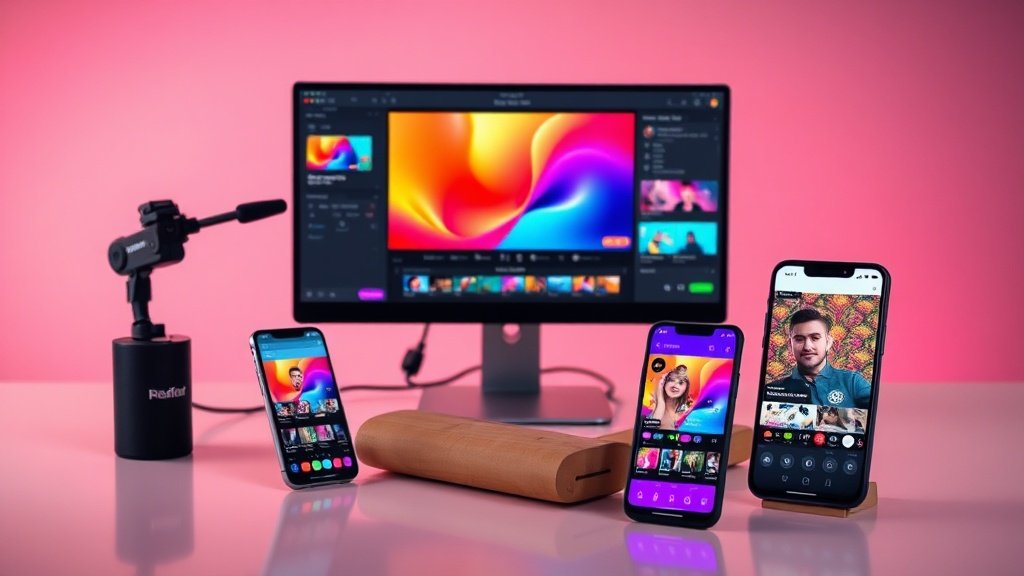
Want your Facebook and Instagram Reels to actually stop the scroll and get results? You can produce high-impact Reels—without hours of filming or editing—using Vidquence’s AI video platform. Whether you’re a marketer keen to boost reach, a business owner showing off products, or a creator repurposing your top posts, here’s exactly how to build engaging, algorithm-ready Reels (even if you’re not a video pro).
Understanding What Makes Facebook and Instagram Reels Work
Facebook and Instagram Reels are short, vertical videos that surface in feeds, Explore, and the Reels tab. Success comes down to grabbing attention fast, delivering clear value, and making your message work with or without sound. The ideal Reel is:
- Optimized for 9:16 vertical, full-screen viewing
- 15–30 seconds long for maximum retention
- Hooks the viewer in the first 2–3 seconds
- Easy to follow with on-screen captions and text
- Visually simple, with clear branding and minimal clutter
Vidquence is purpose-built for these needs: you can go from a prompt or a social post to a polished Reel in minutes, adding AI-powered voiceover, auto-captions, and pro layouts automatically.
Step 1: Nail the Hook in the First Few Seconds
You have barely three seconds to convince someone to watch your Reel. Start with a bold statement, surprising fact, or intriguing question—anything that makes viewers want to see what’s next. For example:
- Boring: “In this video, I’ll show you…”
- Better: “Most people are making this mistake on Facebook—are you?”
- Super-quick hook: “Double your leads in 20 seconds (here’s how).”
In Vidquence, you can use Prompt to Video to input your hook directly, letting the AI build your opening seconds around it. Or, when repurposing a post with Social Post to Video, simply designate your attention-grabbing line as the first caption card.

Step 2: Keep It Tight—Content That Gets Watched to the End
The best-performing Reels almost never drag on. Research from Instagram suggests that videos around 15 to 30 seconds maximize completion rates—meaning people actually watch your entire message. Here’s how to avoid the overlong “meh” trap:
- Edit for one idea: focus each Reel on a single tip, transformation, answer, or story.
- Script or outline your main points before recording or generating with Vidquence.
- If using Vidquence’s Prompt to Video, specify your key message and ask for a concise, energetic delivery.
- Use punchy transitions to keep pace brisk (Vidquence auto-edits with smooth cuts and timing by default).
Step 3: Film (or Generate) in True 9:16 Vertical Format
Avoid horizontal or square layouts—they look awkward in Reels feeds and hurt your reach. If you’re shooting your own footage, always film vertically, full frame. When making AI videos with Vidquence, just choose the 9:16 vertical output before generating—no manual cropping or resizing needed.
Good lighting and stable visuals also matter. Even for faceless videos, clear stock visuals or animated graphics are essential. Steer clear of clutter, overdone effects, or unreadable text: clarity wins.

Step 4: Make Every Reel Accessible—Always Use Captions
Up to 80% of Reels are watched with sound off. If your message only works with audio, you’re missing most of your audience. Every Reel should feature on-screen captions, both for accessibility and to reinforce your key points.
Vidquence’s Auto Captions generates accurate, readable captions in your brand colors or fonts directly on the video. You can edit phrasing or highlight key words for emphasis. For a pro touch:
- Place captions low enough to avoid face-blocking, but high enough to prevent overlap with app UI
- Keep sentences short and easy to scan
- Highlight important hooks or CTAs in bold or accent color

Step 5: Use Trending Audio or Music (When It Matches Your Brand)
Reels featuring trending music or sounds often get a discoverability boost. On Instagram and Facebook, the audio library is accessible during upload—pick sounds that:
- Match your message and brand vibe (don’t force unrelated trends)
- Don’t overshadow your main visual narrative or voiceover
- Are licensed and available for your account type
If you’re generating a video with Vidquence, export the mute or voiceover version, then add on-trend audio in your chosen platform’s app before posting.
Step 6: Tell a Story or Deliver Quick Value
Strong Reels solve a problem, share a quick how-to, or show a compelling before/after. For example:
- Transformation: Before/after product, workspace, or social proof
- How-to: “Do this in 15 seconds—here’s how” quick guides
- Tip/reveal: “The trick every small business needs to know…”
With Vidquence, use the Product Video Ads feature to highlight products, promos, or brand stories in a format that’s built for mobile-first feeds.
Step 7: End with a Single, Clear CTA
Don’t leave viewers guessing what to do next. The last few seconds should feature a concise call to action (CTA) that fits your goal. Examples include:
- Follow for more quick tips
- Tap the link for details
- Share if this helped!
Vidquence makes it easy to add on-brand CTA end cards—just choose your wording and brand elements at export.
Step 8: Optimize Your Reel for Posting
Before you upload, check these essentials:
- Title/description: Use a short, benefit-focused summary
- Hashtags: Pick 3–5 relevant tags (not more), e.g., #reelsmarketing, #smallbusinesstips
- Thumbnail: Choose a clear, interesting freeze-frame
Use your platform’s built-in scheduling or publishing tools, or auto-publish directly from Vidquence if you want to keep your workflow unified.
Facebook and Instagram Reels with Vidquence: FAQ
How long should my Reel be for best results?
Aim for 15–30 seconds. Short Reels keep attention and boost completion rates, which can help your Reel surface to more viewers.
Can I repurpose old posts into video Reels?
Absolutely. Vidquence’s Social Post to Video feature makes it easy to convert your favorite posts into dynamic vertical videos, complete with voiceover, captions, and CTAs.
Will captions really help if I use voiceover?
Yes—many people scroll with sound off, so captions ensure your message gets through. Captions in Vidquence are customizable for clarity and brand consistency.
What format should I export my Reel in?
Always use 9:16 vertical video (MP4), which is optimized for both Facebook and Instagram Reels feeds.
Conclusion: Start Making Better Reels in Minutes
Engaging Facebook and Instagram Reels demand more than flashy visuals—they need a sharp hook, concise message, clear captions, and a strong CTA, all in a vertical mobile-native format. Vidquence gives you the right tools to produce scroll-stopping Reels fast—whether you start from a blank prompt, a top-performing post, or a product launch idea. With the right strategies and AI-powered features, creating high-performing Reels is now accessible to every business and creator. Ready to get more from your Reels? Try out these steps, and let your next post do the talking.