

Imagine recording an on-screen presenter video without ever stepping in front of a camera. With automated talking-head videos using AI avatars, you can generate professional presenter footage in minutes—from a written script, a laptop, and zero filming experience.
This guide walks you step-by-step through the workflow: picking the right platform (like Synthesia, HeyGen, or Puppetry), choosing and customizing your AI avatar, prepping your script, and generating your very first talking-head video. Whether you’re a marketer, YouTuber, or small business owner, you’ll get practical tips and examples (with beginner mistakes flagged) so you get crisp, audience-ready results from day one.
What Are Automated Talking-Head Videos with AI Avatars?
AI-powered talking-head videos work like this: an artificial intelligence model trained on mountains of presenter footage creates a synthetic video showing a digital face speaking your words directly to the camera—lips, eyes, and subtle expressions synced to your script. No lighting rigs or green screens. No need to be on camera yourself.
The main ingredient is the AI avatar: either a stock virtual presenter or a custom-created face—and every blink, head tilt, and lip movement is mapped from text to lifelike animation using deep learning.
- Instant video production: Feed a script into the system, pick an avatar and a voice, and click “generate.” The platform creates your HD presenter clip in minutes.
- Flexible avatars: Use a library of built-in presenters or upload your own photo/video to make a custom avatar in your likeness.
- Voiceover options: Select from dozens or hundreds of natural-sounding AI voices, often in multiple languages, or use voice cloning for deeper customization.

Choosing Your Platform: Synthesia, HeyGen, or Puppetry?
The AI avatar market is crowded. For first-timers, three platforms stand out for different reasons:
- Synthesia: Well-established, best for business video at scale (training, explainers, onboarding). Offers over 230 avatars and supports 140+ languages. Business templates, polished studio look, premium pricing.
- HeyGen: User-friendly, wider range of avatar styles (500+ options), quick-start free trial, supports custom avatar creation from short selfie videos. Best for creators and marketers who want variety and speed.
- Puppetry: Simpler, portrait-upload-driven (upload a face, enter your script, pick a voice, hit generate). Offers voice cloning and 500+ voices across 65+ languages. Efficient for one-off digital presenters or “personification” of still images.
What really matters as a beginner?
- Avatar library size & style: Do you need business-formal, influencer-casual, diverse ages, or characters matching your brand?
- Custom avatar workflows: Is a personalized presenter necessary, or is a stock face fine?
- Voice & language support: Multilingual audience? Need a highly specific accent or voice clone?
- Ease of use: Does the dashboard let you preview, edit, and experiment without training?
- Output quality & limits: Are there watermarks or video length caps on a free plan?
For most beginners, HeyGen offers the fastest, least restrictive jumpstart, but Synthesia’s template polish and Puppetry’s voice cloning also win depending on your project goals.
Workflow: Your First Automated Talking-Head Video
Here’s what actually happens when you create your first AI avatar video (the process is nearly identical across platforms):
- Sign up for a free trial or entry-level plan on your chosen platform.
- Pick an AI avatar: Browse the avatar library (stock avatars) or follow prompts to create a custom avatar (via photo or video upload). Custom avatars may take an hour or more to process; stock avatars are instant.
- Enter your script: Paste in the copy you want spoken. Some platforms offer built-in AI script generators to help you brainstorm or structure the text.
- Select a voice and language: Choose from the platform’s menu of AI voices. Test a few with previews—some match avatars better than others, and clarity varies.
- Adjust settings: Configure video background (office, studio, branded color) and any captions or overlays. Some platforms let you tweak avatar expressions or gestures; most stick to direct-to-camera, neutral moods for simplicity.
- Generate the video: Click “create” or “render.” Wait 1–10 minutes (depends on length/platform servers).
- Review and revise: Watch your video in full. Fix pronunciation issues, pacing, mispronounced brand names, or unnatural pauses. Resubmit changes if needed.
Tip: Keep your script tight—shorter sentences, neutral language, and clear directions (avoid wordplay or strong emotion). AI avatars aren’t Oscar-winning actors, but for crisp, direct explainer content, their clarity is a feature, not a flaw.
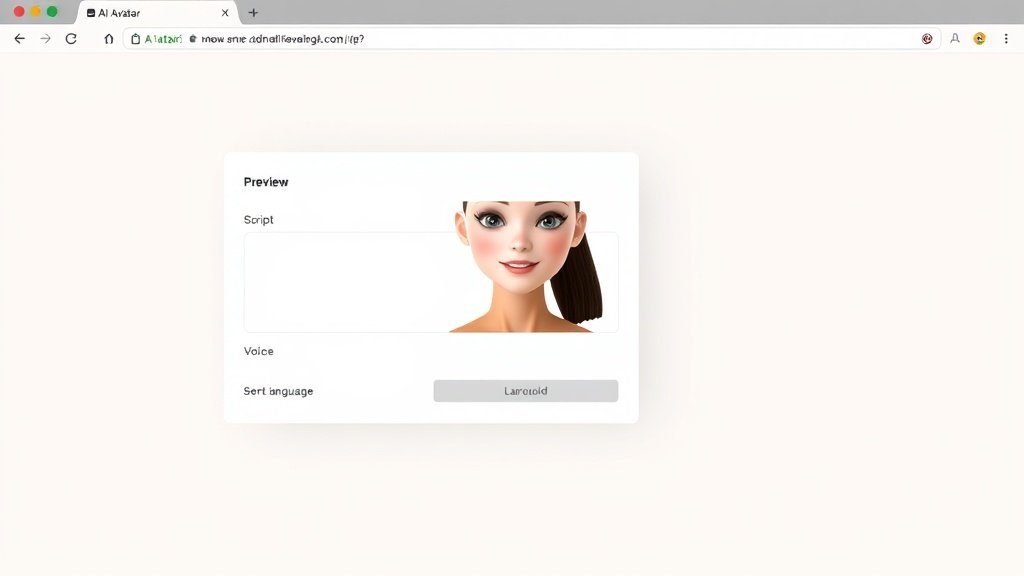
Custom Avatar or Stock Avatar? Key Differences
Stock avatars are ready-made presenters—great for generic explainer videos, staff training, and YouTube content where “who” delivers the script isn’t tied to your personal brand. Pick one from dozens (or hundreds), consider the look/audience match, and start generating in seconds.
Custom avatars (available on HeyGen, Puppetry, and high-end platforms like DeepBrain) let you upload a short video or still photo of yourself. The platform builds a detailed model of your appearance, so you can “star” in videos you never recorded. It takes more setup, but is powerful for trainers, brand founders, or corporate comms who want a personal touch at scale.
- Best for: Custom avatars suit personal brands; stock avatars fit most general business messaging.
- Downside: Customization can cost more and may take an hour or so for setup/training uploads.
Common Beginner Mistakes (and Fixes)
- Unnatural or robotic delivery: Fix by simplifying your script, using clear punctuation, and testing several voices before finalizing.
- Brand mishaps: AI sometimes mispronounces names—add phonetic spellings or request manual adjustments if available.
- Overlong videos: Keep clips under 2–3 minutes for engagement. Split longer scripts into chapters.
- Distracting avatars: Not all stock avatars fit every audience; preview a handful before choosing the final one for your message.
Use Cases: When Do Talking-Head AI Avatars Shine?
- Corporate training and onboarding: Fast, scalable delivery of best practices with a neutral, always-on presenter.
- FAQ and support videos: Quick updates to address customer feedback—no need to reshoot whenever policy changes.
- Product explainers for social media: Punchy, face-to-camera summaries with consistent branding (especially with custom avatars).
- YouTube faceless channels: Build authority and consistency—great for camera-shy creators or business owners.
Example numbers: Synthesia claims users create over 12 million minutes of AI avatar videos yearly, while HeyGen’s free plan lets you create up to 1 minute of video per month—plenty to test your script, style, and avatar preferences before committing.
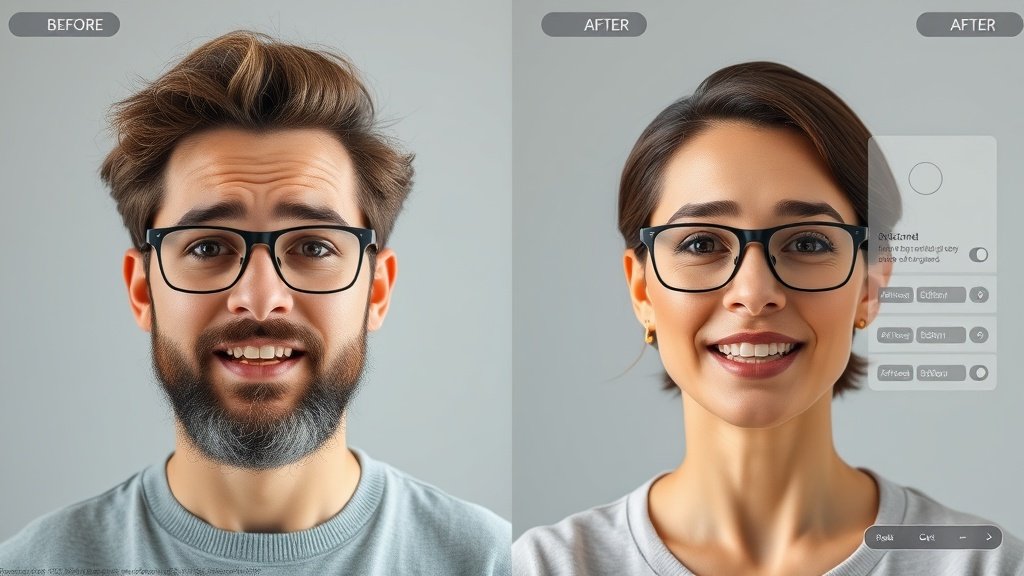
How Vidquence Fits In
If you want to automate more than just head-and-shoulders videos, Vidquence lets you generate talking-head, faceless, product, and social-ready clips from a prompt or script, picking from AI avatars or going full voiceless. Vidquence centralizes everything—script, voice, captions, auto-publishing—to streamline content from idea to upload. Especially if your goal is to scale content across platforms, this kind of workflow goes far beyond a single talking-head clip.
FAQ: AI Talking-Head Videos and Avatars
- Q: Can anyone tell if it’s an AI avatar?
A: To a trained eye, yes—though the best systems look impressively lifelike, slightly limited facial nuance, micro-delays, and neutral gestures can tip off some viewers. - Q: What does it cost?
A: Free tiers let you generate 1–2 sample minutes on most platforms; paid plans start at $30–$60/month for personal/creator licenses. Custom avatars often cost extra ($100+ for setup or higher tiers). - Q: Is it legal to use AI avatars for business/YouTube?
A: Generally yes, but check each platform’s use rights and don’t create avatars of others without permission. Platform ToS and local laws apply. - Q: Which platform is easiest for absolute beginners?
A: HeyGen’s onboarding and dashboard are the most intuitive based on user feedback. Puppetry is simple for photo-to-video, Synthesia is better for business scripting but a bit pricier for solo creators.
Conclusion: Start Small, Scale Fast
Automated talking-head videos with AI avatars are no longer just a novelty—they’re a scalable staple for trainers, marketers, creators, and businesses who need consistent, on-brand, human-presenter videos without the obstacles of live filming. Choose a platform, test a few avatars, and focus your script for clarity. With a smart workflow (and the right platform), anyone can produce professional presenter videos in minutes.