
Leveling up your YouTube content with professional narration used to mean hiring expensive voice actors or spending hours recording takes. Today, AI voiceover tools for YouTube let you create high-quality narration from text in minutes. But with options like ElevenLabs, Murf AI, Play.ht, Fliki, and Descript, picking the right tool can be overwhelming. This guide breaks down what matters—realism, control, voice variety, workflow, and pricing—so you can choose the best platform for your channel.
1. ElevenLabs: The Gold Standard for Voice Realism and Consistency
If your priority is lifelike voices that don’t sound robotic or “off,” ElevenLabs is tough to beat. It’s widely praised for its nuanced, emotionally expressive voices and accurate technical pronunciation. This makes it a strong choice for creators in education, explainer, documentary, or any genre where authenticity matters.
- Voice Cloning: Create a custom AI voice to maintain branding or a consistent channel persona. Record a few minutes of your own voice (or an actor’s, with consent) and let ElevenLabs train a model.
- Emotional Range: Voices handle excitement, calmness, or seriousness without awkward gaps or mechanical tones.
- Workflow: Enter your script, choose a voice (or custom model), adjust settings, then export studio-quality audio.
Pricing: Creator plan at $22/month; Pro at $99/month. Premium quality comes with a premium cost, making ElevenLabs best for creators focused on high production value.
2. Murf AI: Hands-On Studio Controls for Polished Narration
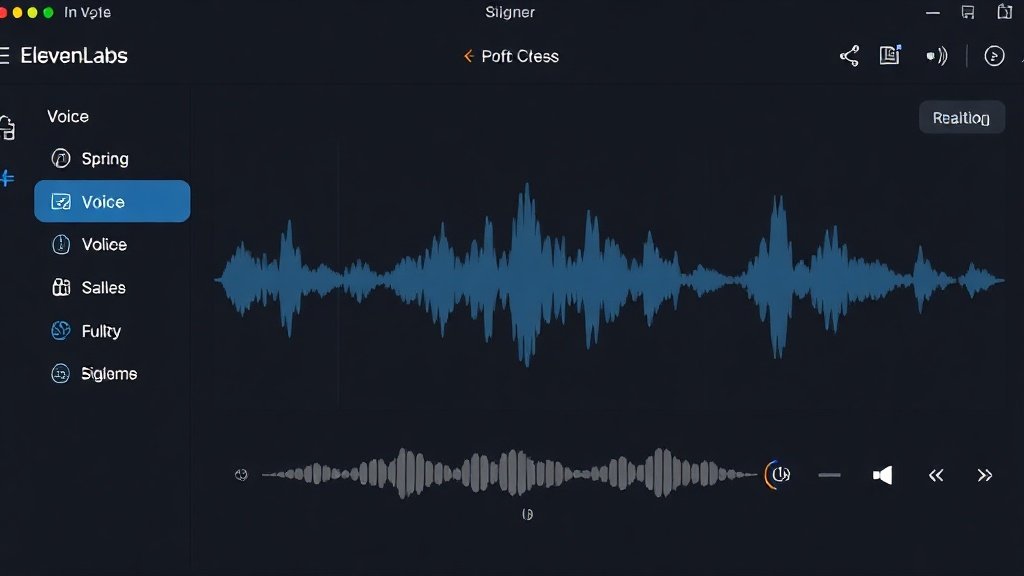
Murf AI is a favorite for business, finance, legal, and tech creators who want granular control over the finished narration. Its timeline-based studio lets you not just generate voices, but also tweak them—a big plus if you want to fine-tune delivery for authority, energy, or pacing.
- Studio Interface: Add and edit scripts, adjust voice pace/pitch/emphasis, and visually align narration with content.
- Language Coverage: Over 120 AI voices in 20+ languages—great for multilingual channels or international audiences.
- Strength: Polished, “corporate” sound with tight control. Less expressive nuance than ElevenLabs, but excellent clarity and professionalism.
Pricing: Starts at $29/month for Basic, $59/month Pro. Invest if you want more editability than most voice generators offer.
3. Play.ht: Voice Variety and Speed for Flexible Creators
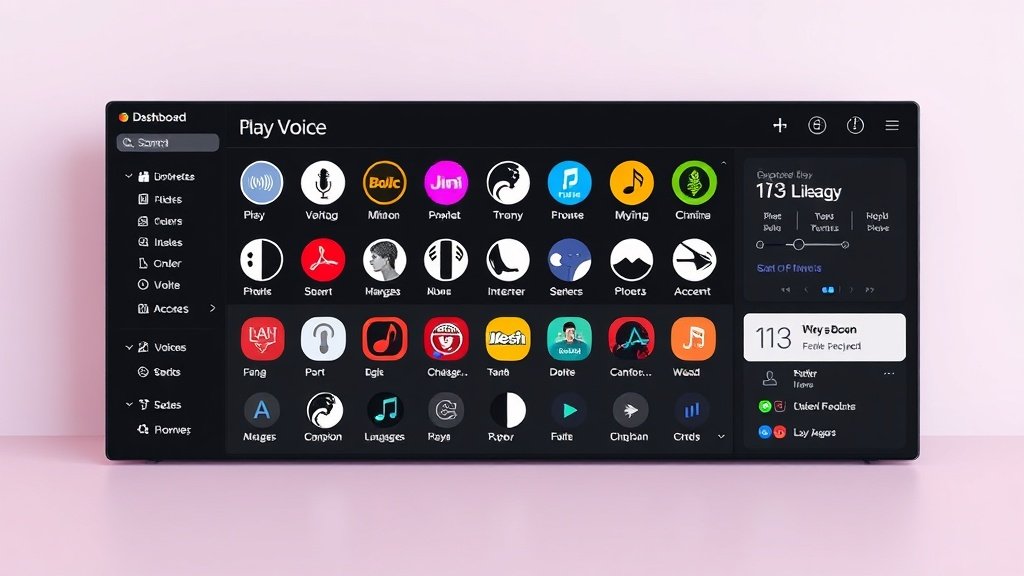
Need lots of different styles, accents, or languages—fast? Play.ht offers one of the largest voice libraries available, making it a go-to for channels with varying formats, characters, or global reach.
- Library Size: Hundreds of voices, covering dozens of accents and tones—you can preview options to pick the perfect fit.
- Easy Workflow: Simple dashboard for pasting scripts, picking voices, and bulk-generating audio for batch production.
- Strength: Variety and reliability. Not quite as natural as ElevenLabs, but great for getting the right “sound” across projects.
Pricing: Free plan available. Paid plans start at $14/month, making Play.ht budget-friendly for side projects or testing formats.
4. Fliki: Script-to-Video Narrated Workflow in One Place
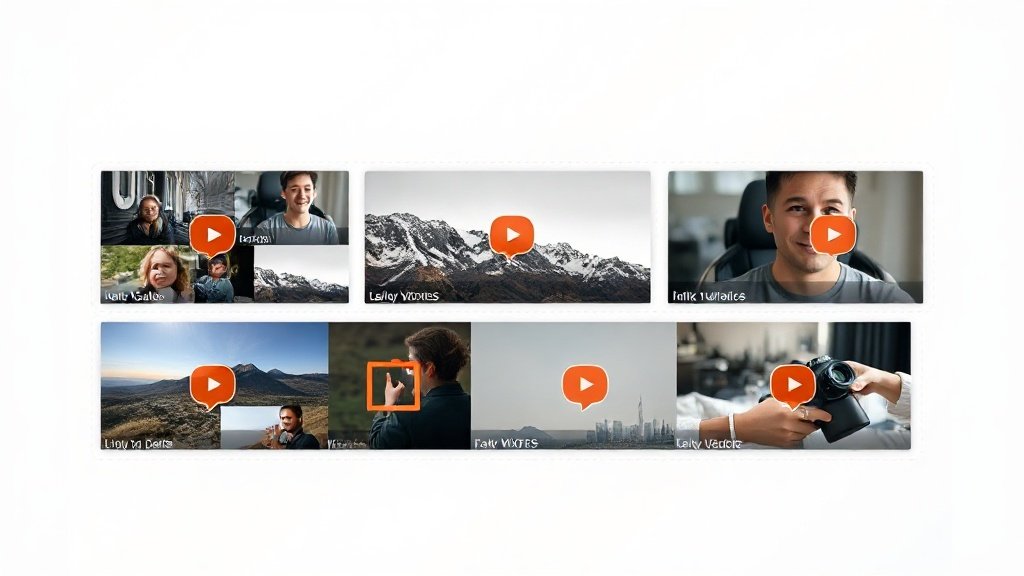
For YouTubers who want AI voiceovers and visuals but don’t want to hop between tools, Fliki streamlines the process. Input your script, pick a voice, and Fliki auto-generates narrated videos with matching stock visuals—ideal for listicles, quote videos, and short-form explainers.
- All-in-One Simplicity: Skip the editing back-and-forth. Videos are built scene-by-scene with synced narration.
- Voice Quality: Comparable to Play.ht, but fewer choices than Play.ht or Murf AI. Suitable for channels that value workflow speed over premium audio nuance.
- Best for: Social posts, shorts, and faceless YouTube videos with fast turnaround needs.
Pricing: Free plan for basic use; paid plans for higher output. Efficient for solo creators who want rapid content with little friction.
5. Descript: Flexible Editing with Built-in Overdub Voice
Descript offers a unique approach: it’s a multitrack audio and video editor that lets you edit narration by editing the transcript text itself. The signature Overdub feature builds a custom voice model (given a training sample), so you can make script tweaks or corrections without re-recording. This is a game-changer for workflow efficiency, especially in post-production-heavy channels.
- Editing-First: Easily cut, rearrange, or correct both audio and video within the same workspace—no need to re-export across tools.
- Voice Model: Create and use your own AI voice (with permission), or use built-in stock voices with natural inflection.
- Good for: Podcasters, explainer channels, or creators who edit heavily after recording and want seamless last-minute changes.
Pricing: Free plan available; paid plans for more features or longer projects. Especially useful for channels with frequent script changes or collaborative editing needs.
At-a-Glance Comparison Table
| Tool | Best For | Strength | Pricing |
|---|---|---|---|
| ElevenLabs | High realism & brand consistency | Lifelike voices, voice cloning | From $22/month |
| Murf AI | Professional, controlled narration | Pace/pitch/emphasis controls | From $29/month |
| Play.ht | Voice choice & multilingual | Large voice library, speed | Free & from $14/month |
| Fliki | Faceless/scripted video workflow | Script-to-video, auto visuals | Free & paid plans |
| Descript | Editing-heavy channels | Edit narration via text; Overdub | Free & paid plans |
Choosing the Right Tool: Workflow Fit & Budget
Decide what matters for your channel: is it premium realism and voice branding (ElevenLabs), precise delivery (Murf AI), dozens of characters (Play.ht), integrated visuals (Fliki), or maximum post-production flexibility (Descript)?
For channels that want to integrate voiceover, video, captions, and auto-publishing in one AI workflow, platforms like Vidquence (which can connect you to the voiceover tools above) offer a streamlined route—especially for bulk YouTube or Shorts production.
FAQ: AI Voiceover Tools for YouTube
- Q: Which AI voiceover tool sounds the most human?
A: For emotional realism and subtle nuance, ElevenLabs leads the pack. Murf AI and Descript also offer high-quality, professional-sounding narration. - Q: Can I use these voiceovers for monetized YouTube channels?
A: Yes, all tools discussed here offer commercial licenses suitable for YouTube monetization, but review each platform’s terms for specifics on usage rights, especially for voice cloning. - Q: Which platform is best for quick, faceless YouTube videos?
A: Fliki speeds up script-to-video with built-in narration and visuals, while Play.ht is ideal if your priority is fast, diverse audio generation only. - Q: How do these tools integrate with larger AI video workflows?
A: Platforms like Vidquence let you combine AI voiceover, video creation, and auto-publishing for a seamless, all-in-one workflow to scale your YouTube content output.
Conclusion: Find Your Voice—Then Scale Your Channel
The right AI voiceover tool for YouTube isn’t just about voice quality—it’s about aligning with your workflow, style, and goals. Whether your channel is about sharp, information-dense explainers or storytelling that connects, one of these five options will fit your budget and process. Audit your needs, try the free versions, and remember: your channel’s voice can be as unique as your vision.